




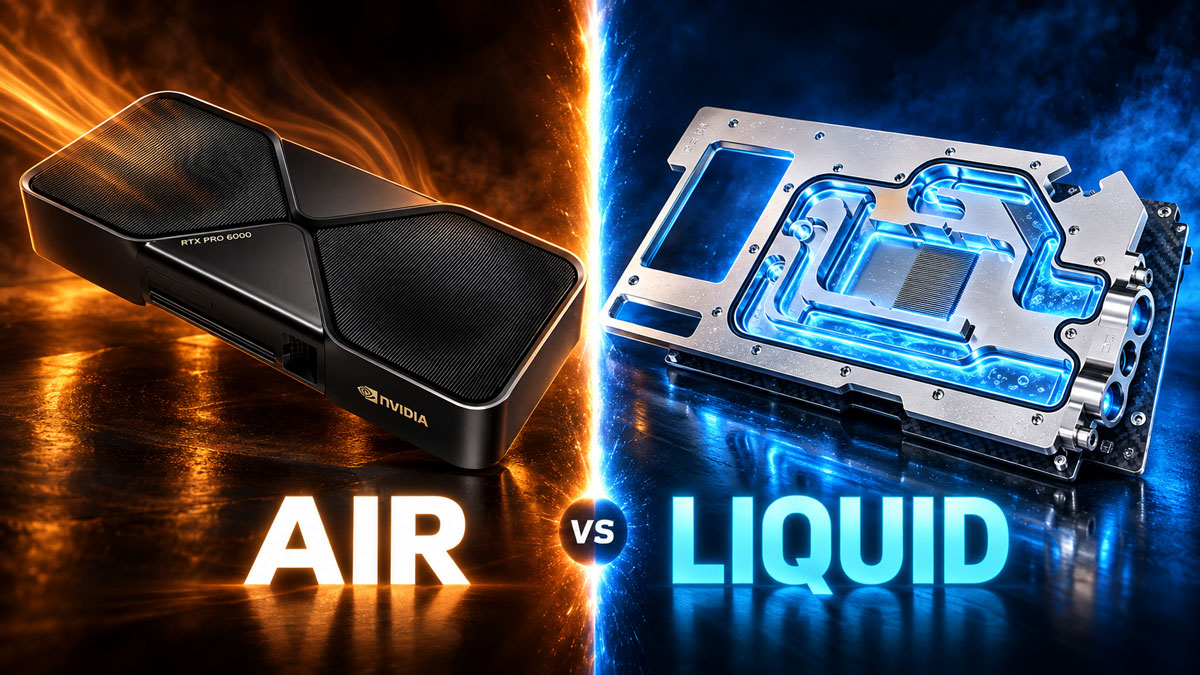
Air vs Liquid Cooling, Radiator Capacity and Serviceability
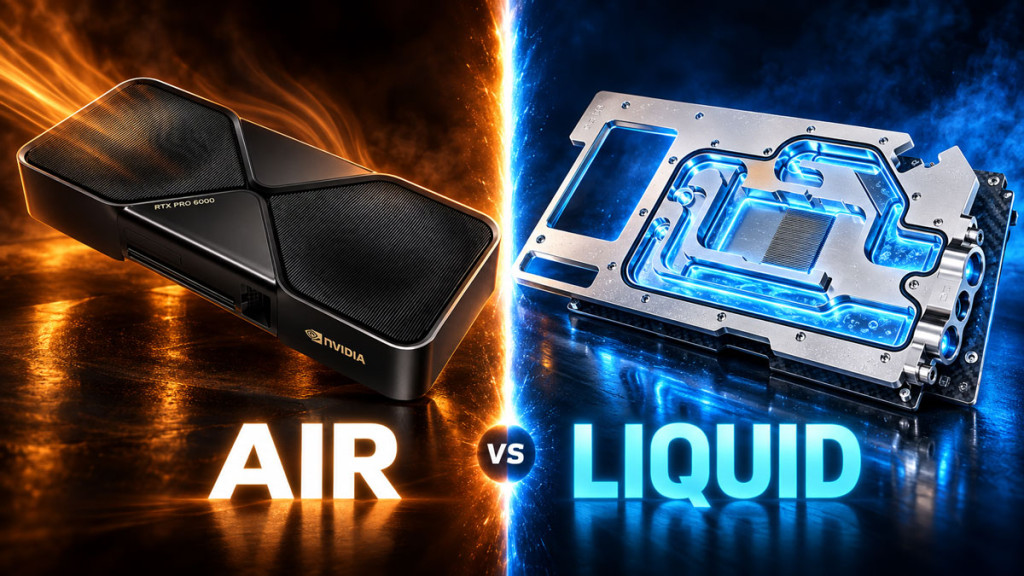
A multi-GPU AI workstation sits in a different thermal class from a gaming PC, and the cooling has to reflect that from the outset. Modern workstation GPUs can draw anywhere from 300W to 600W each, and a high end workstation CPU can add around 350W before memory, storage, VRMs and power supply conversion losses even enter the picture. Air cooling can absolutely work when the GPUs in question are specifically designed for dense multi card deployment and the chassis provides directed airflow. Liquid cooling becomes the more attractive route when acoustics, heat density, GPU spacing or external heat rejection make air impractical. The correct answer here is an engineering decision, not a default assumption carried over from a gaming build.
This guide is about the thermal engineering behind a high density workstation: how much heat you are really planning for, when air is enough, when liquid earns its place, how to size radiators properly, and how to make the system serviceable and monitored over the long term. It assumes a professional workload where uptime and repeatable temperatures matter more than aesthetics.
| Component | Rated power | Notes |
|---|---|---|
| RTX PRO 6000 Blackwell Max-Q | 300W | Dual-slot, designed for up to four-GPU density |
| RTX PRO 6000 Blackwell Workstation | 600W | Dual-slot, high single-GPU performance |
| Radeon AI PRO R9700 | 300W (TBP) | Dual-slot, 12V-2×6, PCIe Gen5 |
| Threadripper PRO 9995WX | 350W (default TDP) | 96 cores; needs robust cooling |
| Example subtotal: 4x 300W GPU + 350W CPU | ~1,550W | Before memory, VRMs, storage, NIC, fans and PSU losses |
Why AI workstations are thermally different
A gaming PC sees bursty, variable load. An AI or rendering workstation, by contrast, can sustain heavy GPU load, and workload-dependent CPU load, for hours or days at a time, so the cooling system has to handle a sustained heat load rather than a brief peak. On top of that, you are dealing with several high power cards in close proximity, high memory capacity, fast networking and storage, and a requirement to keep temperatures repeatable while the machine remains serviceable. Those priorities (uptime, sustained load, density and fast component replacement) are what should drive every cooling decision from the start.
How much heat can a modern multi-GPU workstation produce?
The scale of the cooling problem is clearest from the published power figures of the components you are likely to be designing around.
NVIDIA RTX PRO 6000 Blackwell Max-Q
The Max-Q version of the RTX PRO 6000 Blackwell is the variant designed for density: 96 GB of GDDR7 ECC memory, a 300W maximum power draw, dual slot active cooling, and explicit support for scaling up to four GPUs for up to 384 GB of combined GPU memory. This is the card NVIDIA intends you to put four of in a workstation, precisely because its power envelope and cooling solution are set up for it.
NVIDIA RTX PRO 6000 Blackwell Workstation Edition
The full Workstation Edition shares the 96 GB GDDR7 ECC memory and 1792 GB/s bandwidth but raises the maximum power to 600W, in a dual slot card with a Double Flow Through thermal design aimed at strong single-GPU performance. One of these represents up to 600W of board power on its own, comparable to the entire peak load of many gaming PCs. That is exactly why you do not simply stack four of them. NVIDIA offers the 300W Max-Q for the four-GPU topology instead. As such, the guidance is straightforward: use the product designed for the density you want.
AMD Radeon AI PRO R9700
On the AMD side, the Radeon AI PRO R9700 offers 32 GB of GDDR6, a 300W total board power, a 12V-2×6 power connector and PCIe Gen5, as an active, dual slot, full height full length card. It sits in the same 300W class as the Max-Q, which is a sensible power point for multi card workstation use.
AMD Threadripper PRO 9995WX
The CPU is not a rounding error here. The Threadripper PRO 9995WX is a 96-core, 192-thread part with up to a 5.4GHz boost, a 350W default TDP and 128 PCIe 5.0 lanes. AMD’s own cooling guidance states that Threadripper and Threadripper PRO CPUs up to 350W require robust cooling, and specifically recommends larger coldplate coverage for parts above 64 cores such as this one. A 350W CPU is a serious cooling load in its own right, not a small addition to the GPU plan.
A thermal planning illustration
It helps to add up the published component power to see the scale, as long as you are clear about what the number is and is not. Four 300W Max-Q GPUs come to 1200W, and with a 350W CPU that is a 1550W subtotal, before you count memory, the motherboard and VRMs, NVMe drives, the NIC, fans and pumps, and power supply conversion losses. Two 600W Workstation Edition cards plus the same CPU reaches the same 1550W subtotal. So a plausible high end CPU and GPU component power budget reaches roughly 1.55 kW before the rest of the workstation is counted.
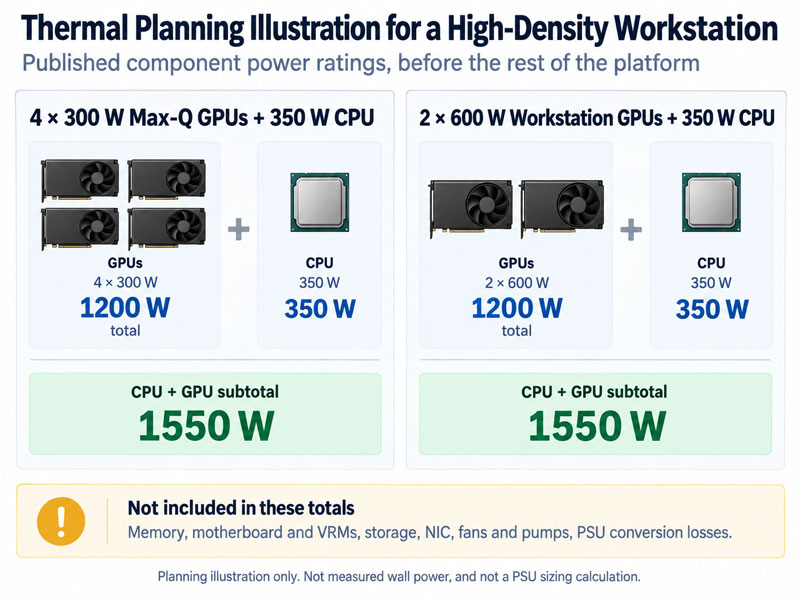
Be precise about what that figure is. It is a thermal planning illustration built from published maximum and default power ratings. It is not measured wall power, it is not the exact heat produced at every instant, it does not mean every component peaks at once, and it is emphatically not a PSU sizing calculation. Treat it as a sense of scale for the cooling problem, nothing more.
Can you air cool four GPUs?
Yes, in the right hardware. Air cooling is the correct answer when the GPUs are designed for dense multi card placement, the chassis supplies directed, high volume airflow, the inlet air temperature is controlled, the card spacing matches the vendor’s requirements, and the resulting noise and exhaust heat are acceptable. NVIDIA’s 300W Max-Q workstation GPU is direct evidence that dual slot active cards are intentionally engineered for up to four-GPU workstation density on air.
What does not work well is dropping several open air consumer gaming GPUs into a glass gaming pc case, where each card ingests the exhaust of the card below it. Each cooler might be excellent in a single card evaluation and still cook when starved of fresh air and fed its neighbour’s heat. Dense air cooling is about the whole system: purpose built cards plus directed chassis airflow, not just a capable cooler strapped to each GPU.
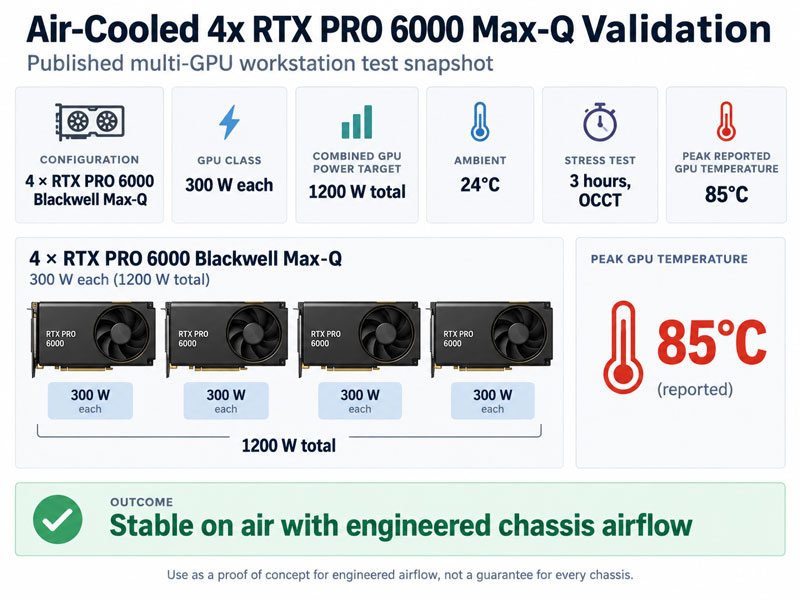
We do now have useful independent validation for the general principle. A four-GPU workstation using 4x RTX PRO 6000 Blackwell Max-Q cards has been stress tested at a fixed 24°C ambient for three hours, with the GPUs peaking at 85°C while holding the full 300W board power target per card. That does not prove any random four-GPU tower will behave the same way, because the result depended on chassis choice, airflow tuning and thermal monitoring, but it does prove the concept. As such, four 300W class workstation GPUs can be air cooled when the whole platform is designed around them.
| Architecture | When it works | Advantages | Main risks |
|---|---|---|---|
| Dense purpose-built air | Vendor-designed multi-GPU cards plus directed chassis airflow | Simple, serviceable | Noise, exhaust heat, high inlet-air demand |
| Internal liquid | Large chassis with substantial radiators | Compact GPU blocks, integrated | Radiator and case capacity limit |
| External liquid | Very high load, low noise or serviceability priority | Huge heat exchanger, service modularity | Hose, QDC and power footprint |
| Manifold / parallel liquid | Multi-block professional designs | Can reduce aggregate restriction | Flow balance must be validated |
When liquid cooling makes sense
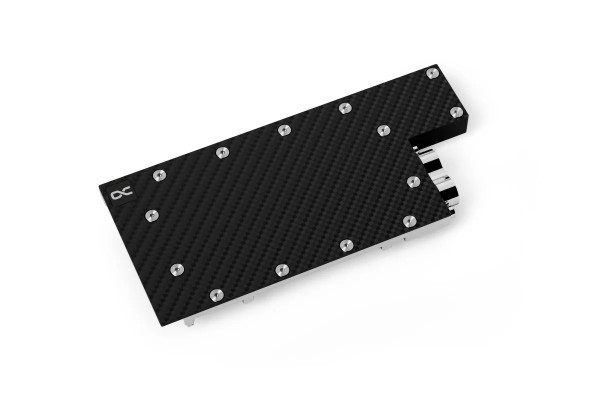
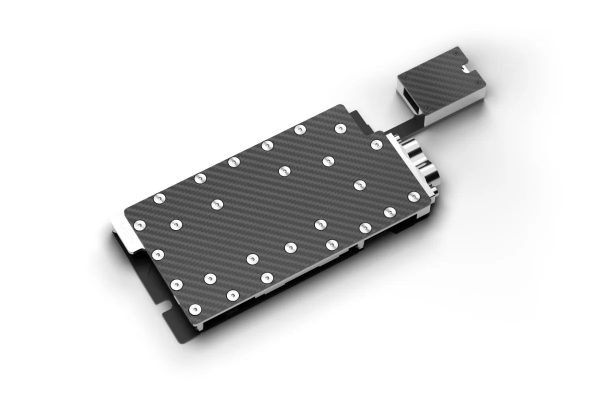
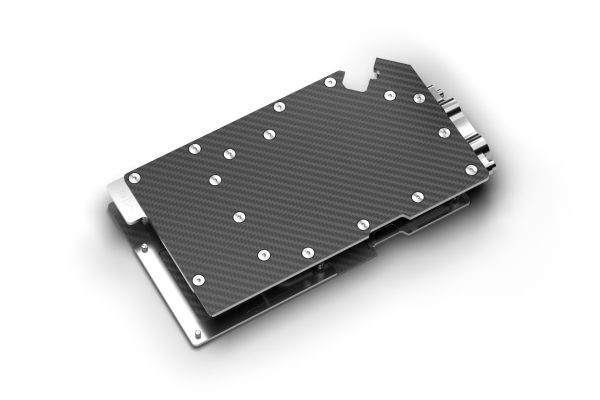
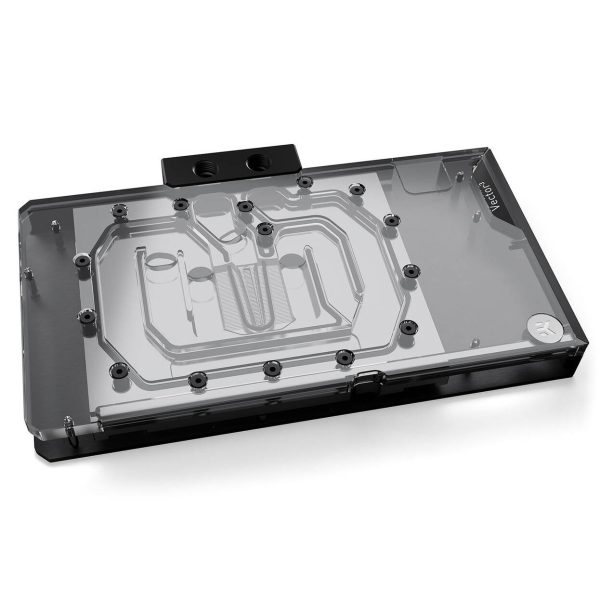
Liquid cooling becomes attractive when it solves a problem air cannot. It lets you remove the bulky air cooler from each GPU, which can improve slot and board clearance depending on the blocks, collect the CPU and GPU heat into one controlled coolant loop, move that heat to large internal or external radiators, and reduce the local airflow you need around each gpu block. For a quiet, high density workstation those are real advantages.
- SKU: 1023900
- MPN: 10671
- EAN: 4250197106719
- SKU: 1027359
- MPN: 19450
- EAN: 4250197194501
- SKU: 1028052
- MPN: 5100182
- EAN: 4070201001829
- Available for Collection
- SKU: WAEK-2812
- MPN: 3831129901148
- EAN: 3831129901148
The important caveat is that a liquid cooled workstation still needs chassis airflow. The VRMs, memory, NIC, storage, motherboard, PSU and anything else you have not put a block on all still rely on moving air. Watercooling the CPU and GPUs does not eliminate the need for case airflow. It changes where the biggest heat loads are handled.
There is also a density threshold where liquid stops being a luxury and starts to look like the cleaner engineering solution. Independent rack systems now exist with up to eight 600W class RTX PRO GPUs, using custom liquid cooling for the GPU, memory and VRM sections, with total cooling capacity in the 6.5 kW range. That is not a normal tower loop, of course, but it illustrates the direction of travel. As heat density rises, moving the heat into a managed liquid loop and a larger heat exchanger becomes far easier to package than trying to brute force the same result with air alone.
How much radiator do you need?
Why rules of thumb are too weak
A crude rule like one 120 mm of radiator per 100W is not good enough for a 1 kW to 2 kW workstation. Radiator capability depends on the radiator design, its frontal area, the fan RPM, the air temperature, the coolant temperature and the resulting coolant to air delta. A rule of thumb ignores all of that.
Design to a coolant to air delta
The professional approach is to choose a maximum acceptable coolant to radiator inlet air delta, then use manufacturer performance data, bench data and your measured heat load to work out the radiator and fan requirement to hold that delta. For very high loads, an external radiator or a rack heat exchanger is often cleaner than trying to cram thick internal radiators into the workstation. Our external radiators guide covers that route in more detail.
Serial versus parallel GPU blocks
With multiple GPU blocks you can plumb them in series, where the coolant passes through each block in turn, or in parallel, where the flow divides between branches. In series, every block sees the full loop flow, the restrictions add up, and the tubing runs are straightforward. In parallel, the total system restriction can be lower, but each branch only receives a share of the flow, and balanced flow depends on the branches having similar restriction. As EK explains, parallel flow divides according to resistance, so a less restrictive path receives more flow.
The key point here is that parallel is not automatically better for many GPUs. It is a hydraulic topology choice, not a performance upgrade. Use blocks and manifolds designed for the arrangement you intend, make sure the loop has adequate total flow, and validate the temperature of each GPU rather than assuming the flow is balanced.
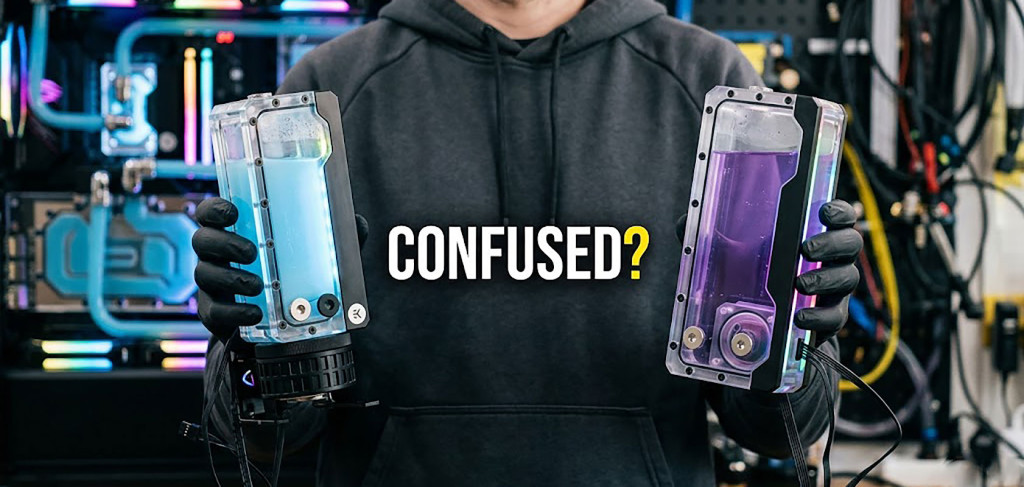
One pump versus two pumps
- SKU: 1025356
- MPN: 14571
- EAN: 4250197145718
- Available for Collection
- SKU: 1023975
- MPN: 13741
- EAN: 4250197137416
- SKU: 1020011
- MPN: 15388
- EAN: 4250197153881
- SKU: 1021624
- MPN: 15392
- EAN: 4250197153928
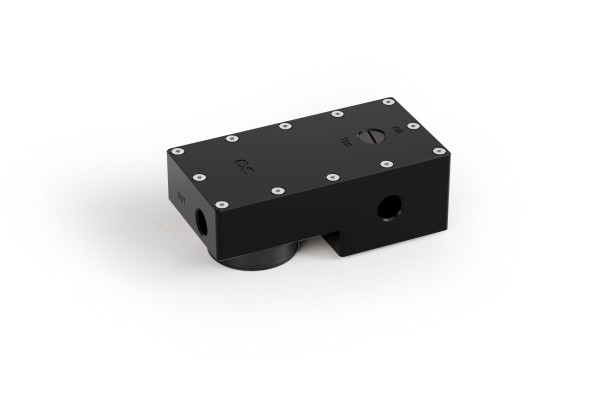
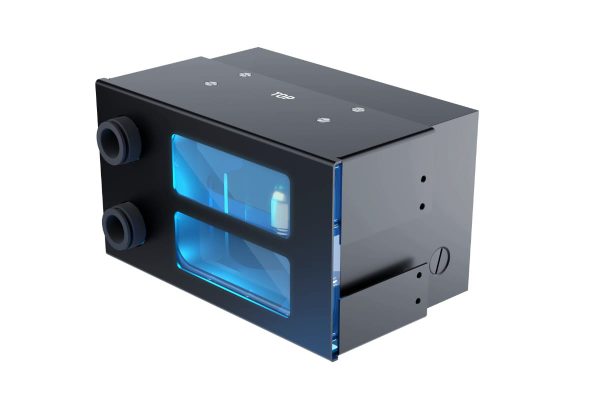
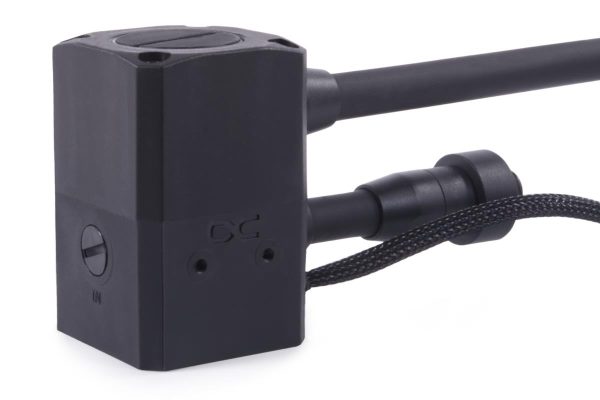
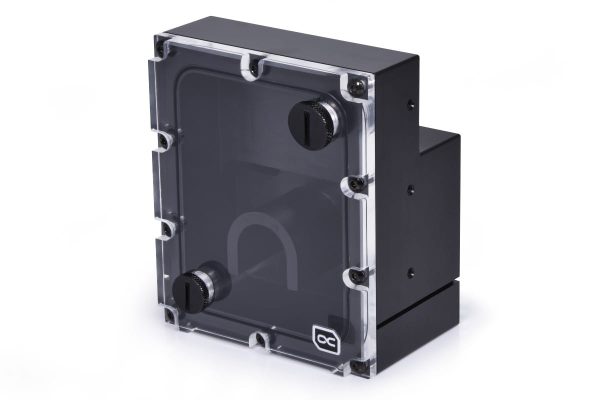
A high density loop can include a CPU block, two to four GPU blocks, QDCs, a flow meter, large or external radiators and long tube runs, which is where a second pump can make sense: for extra head pressure, for redundancy, or to run each pump at a lower duty for a target flow. What you should not do is apply a formula like one D5 per two GPUs. Estimate or measure the loop’s restriction and verify the actual flow. For a critical workstation, adding a second pump for redundancy is a reliability decision, not just a performance one, and one that is best made deliberately.
QDCs, manifolds and serviceability
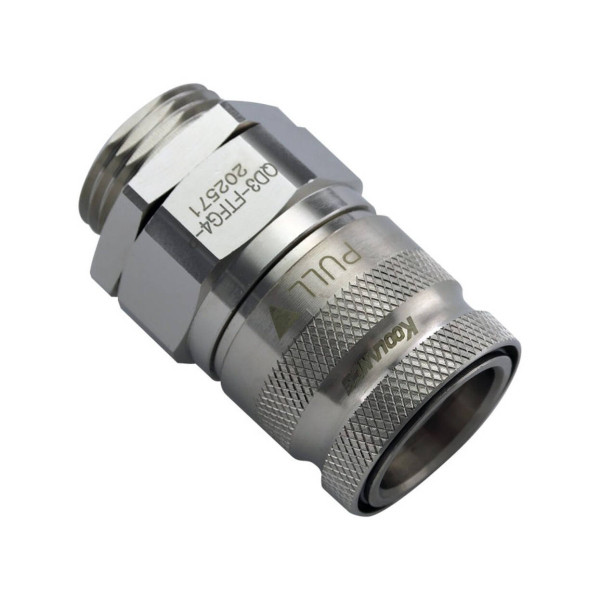
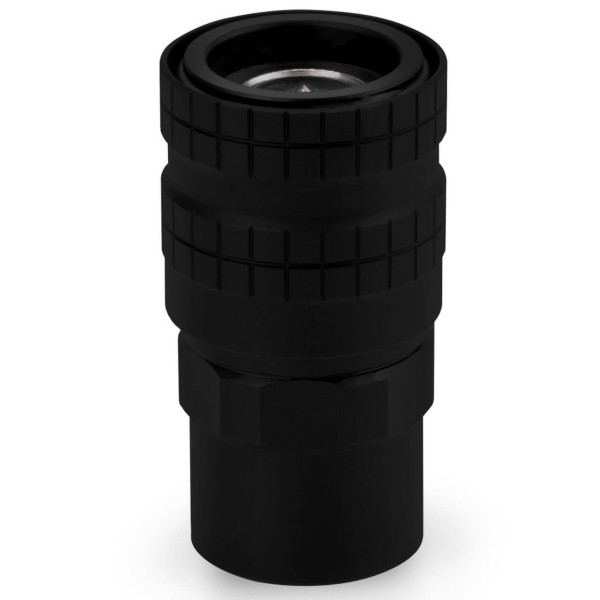
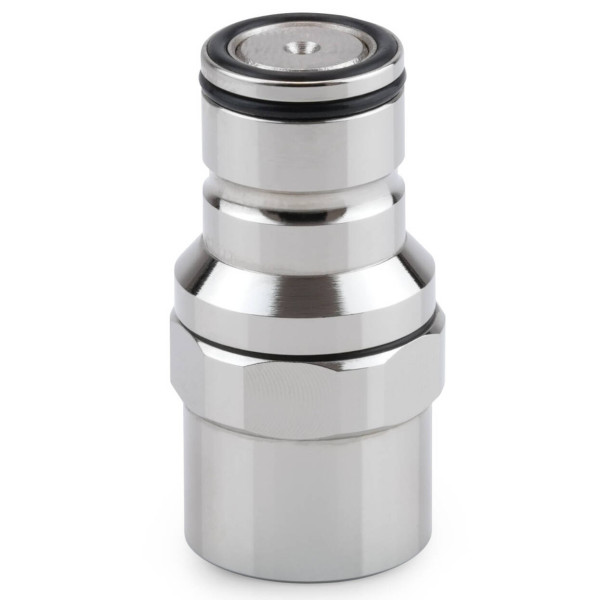
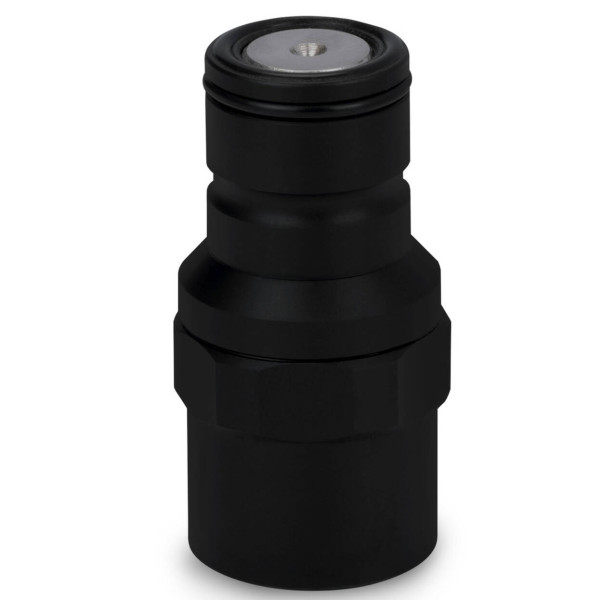
In a workstation you may need to pull a single GPU, replace a pump or detach the radiator without a full day of draining and rebuilding. Quick release fittings let you define service boundaries: between the chassis and an external radiator, between a GPU manifold and a removable GPU section, or between a test station and a card under test. Our quick disconnect fittings guide covers the details of what is available.
Serviceability has to be planned before any tubing is cut. Ask the awkward questions up front: can one failed GPU be removed on its own, can the pump be replaced, can the radiator subsystem be detached, is there a drain point below the blocks, and can the system be pressure tested in sections? Designing those answers in is what separates a professional build from one that looks impressive but proves miserable to maintain.
- SKU: WASA-486
- MPN: QD3-FTFG4-P
- EAN: 0829596914993
- SKU: WAZU-1366
- MPN: TG-DM-QDC-0002
- EAN: 4260711993619
- SKU: WAZU-1362
- MPN: TG-DM-QDC-0320
- EAN: 4260711993749
- SKU: WAZU-1368
- MPN: TG-DM-QDC-0020
- EAN: 4260711993589
Monitoring and alarms
A serious workstation should be instrumented. At the GPU level, monitor core temperature, hotspot or junction where exposed, memory temperature where exposed, board power, clocks and utilisation. For the loop, watch coolant temperature, radiator inlet air, flow and pump RPM, plus fan RPM. At the system level, track CPU package temperature and power, VRM sensors where available, NVMe, the NIC or HBA, and PSU telemetry where the unit provides it. Our GPU hotspot temperature guide covers how to read the GPU side properly. Good monitoring hardware makes all of this considerably easier to implement.
A production oriented machine should alarm on the things that cause damage or downtime: a loss of pump RPM, flow below the expected range, coolant temperature above a threshold, GPU thermal throttling, or a fan bank failure. Set those thresholds from your actual hardware and coolant and tubing limits rather than from any universal number, because the right values depend entirely on the specific components in your loop.
PSU and electrical planning
Do not size the power supply by adding up TDP and board power figures. PSU planning has to account for the vendor’s PSU recommendation, the continuous load, the connector count and type, transient behaviour, cable and current limits, efficiency, the rest of the platform power and some headroom for expansion. For a workstation with a component power budget around 1.5 kW, the electrical supply itself becomes a practical concern: high continuous loads should be considered alongside the circuit, socket and UPS capability. For unusual continuous loads or rack environments, it is better to get qualified electrical advice rather than guessing.
Where does the heat go?
A 1.5 kW class machine under load is effectively a substantial space heater. This is the expectation to set clearly: moving that heat to a giant radiator does not remove it from the room. The heat only leaves the space if the radiator is located in another room, if the heat is ducted or exhausted out, or if the room’s HVAC removes it. An external radiator relocates the heat exchanger. It does not make the heat disappear. Plan for where a continuous kilowatt or more of heat actually ends up, because it has to go somewhere.
A note on data centre accelerators
Bear in mind where heat density is heading, without confusing it with a desktop build. Server accelerators such as NVIDIA’s H200, at up to 700W in the SXM form and up to 600W as an NVL PCIe card, and AMD’s Instinct MI350X, a 1000W air cooled OAM accelerator, show that AI accelerator density is now reaching the 600W to 1000W per accelerator class. Those are server platform parts, not cards you drop into a tower, and they are mentioned here only for context. Keep workstation GPUs, data centre accelerators and consumer cards firmly separate when you plan.
What published testing shows
Because four-GPU workstation hardware is impractical to bench casually, it helps to lean on the independent testing that does exist and then interpret it carefully. The most useful published example to date is a four-GPU air cooled workstation using 4x RTX PRO 6000 Blackwell Max-Q cards and a Threadripper PRO platform, stress tested for three hours at a fixed 24°C ambient. In that configuration, the GPUs reportedly peaked at 85°C while maintaining the full 300W power target per card. I think that is the right way to read the result, not as proof that every tower can do this, but as proof that a properly engineered chassis and airflow path can make four 300W workstation GPUs viable on air.
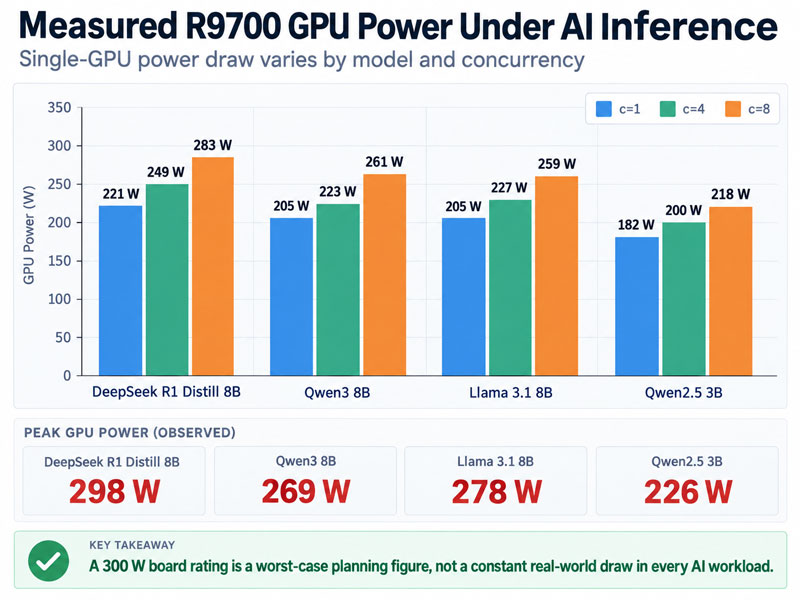
There is also a helpful lesson in the measured power behaviour of modern AI workloads. Independent inference testing on 300W class workstation GPUs has shown actual power draw varying significantly by model and concurrency, rather than sitting at the board limit constantly. In other words, a 300W rating remains the correct figure for worst case thermal planning, but it should not be mistaken for the exact sustained power draw in every workload. That distinction matters when you interpret temperatures, noise and coolant deltas in the real world.
The other result worth keeping in mind is that multi-GPU only makes sense when the workload actually scales. Independent workstation testing in DaVinci Resolve, for example, shows that GPU effects and some AI workloads can benefit substantially from multiple cards, while other tasks such as Fusion can show limited gains or even awkward behaviour. As such, the cooling solution has to be planned around the workloads that genuinely justify the extra heat, power draw and complexity, not around the idea of multiple GPUs in the abstract.
Frequently asked questions
Can four GPUs run in one workstation?
Yes, when you use GPUs designed for it. NVIDIA’s 300W RTX PRO 6000 Blackwell Max-Q, for example, is positioned for scaling up to four cards for up to 384 GB of combined GPU memory, and independent four-GPU air cooled workstation testing shows that the concept is viable when the chassis and airflow are engineered for it. The key is choosing cards whose power and cooling suit dense placement, and giving them directed chassis airflow, rather than stacking four maximum power or open air consumer cards.
Do AI GPUs need liquid cooling?
Not necessarily. Purpose-built dense workstation GPUs can be air cooled successfully with the right chassis airflow and card spacing, and published four-GPU workstation testing supports that view for 300W class cards. Liquid cooling becomes attractive when you need lower noise, tighter GPU spacing, or to move a large heat load to external radiators. It is a design choice driven by density, acoustics and serviceability, not a universal requirement.
Is a 360mm radiator enough for two GPUs?
It depends on the total heat load, the fans, the coolant to air delta you will accept and whether the CPU is in the same loop. Two 300W GPUs plus a high power CPU is a large sustained load, and a single 360mm radiator may not hold a comfortable delta under continuous use. Design to a target delta using real performance data rather than assuming a radiator size is sufficient.
Should multiple GPU blocks be serial or parallel?
Neither is automatically better. It is a hydraulic choice. Series is simple and gives every block the full flow but adds restriction. Parallel can lower total restriction but splits the flow by branch resistance, so it needs adequate total flow and balanced branches. Use blocks and manifolds designed for your arrangement and validate each GPU’s temperature under load.
Do I need two pumps?
Not automatically. A second pump helps in a very restrictive multi block loop, for extra head, or for redundancy on a critical machine, but many workstation loops run well on one strong pump. Estimate the loop restriction, verify the actual flow, and treat a redundant second pump as a reliability decision rather than a default.