




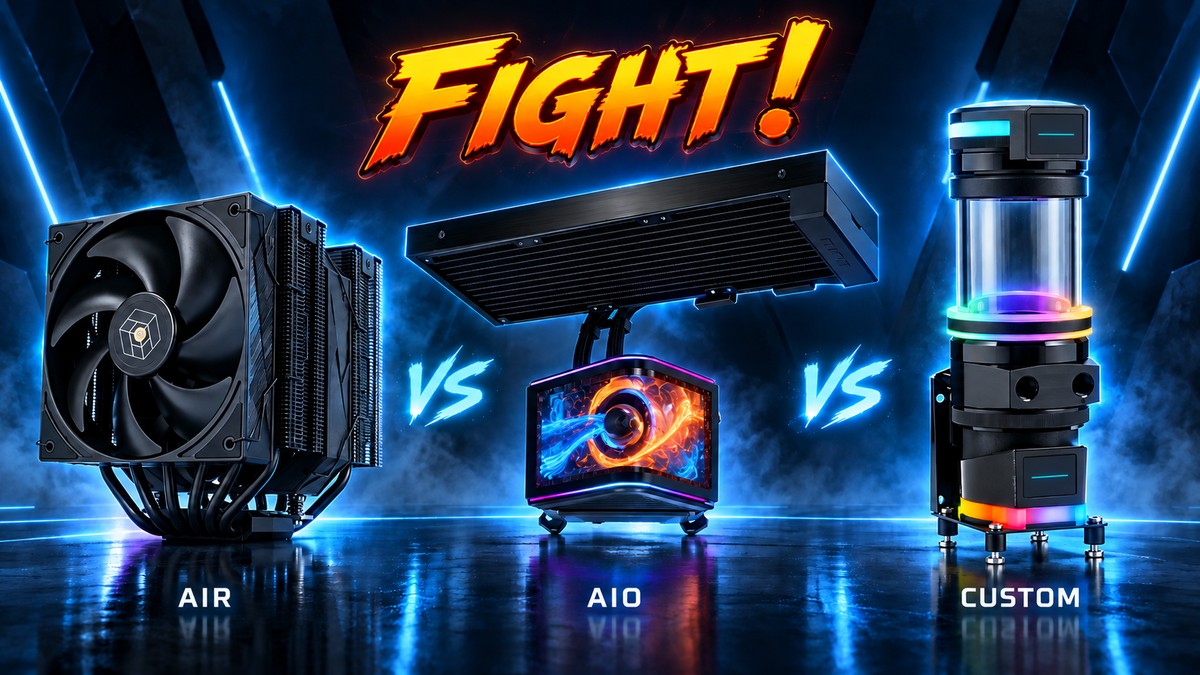
AIO vs Air Cooler vs Custom Loop: Which PC Cooling Type Is Right for You?
Air cooling is the simplest and most repairable option for many PCs. An AIO gives high CPU cooling capacity with a clean installation and very little routine maintenance. A custom loop costs more and takes more work, but it is the most flexible, can cool the GPU as well as the CPU, and is the strongest choice when performance, acoustics, aesthetics or system integration justify the added complexity. There is no single winner here, only the right level of complexity for your build.
We sell all three approaches, so the aim here is not to push you toward the most expensive one. It is to help you match the cooling architecture to your CPU, your case, your budget and how much ongoing maintenance you actually want, whether that is a quiet air tower for a mid range gaming rig or a multi radiator loop feeding both CPU and GPU blocks.
| Factor | Air cooler | AIO | Custom loop |
|---|---|---|---|
| Complexity | Lowest | Moderate | Highest |
| Routine maintenance | Very low | Very low | Periodic |
| Repairability | High | Lower | High at component level |
| CPU cooling potential | Moderate to very high | Moderate to very high | Very high |
| Same system also cools the GPU? | No | Usually no | Yes |
| Up-front cost | Lowest | Middle | Highest |
| Upgradeability | Low | Low | Highest |
| Case constraints | Height and RAM | Radiator and tubes | Whole-loop fitment |
What is the difference between air, AIO and custom loop cooling?
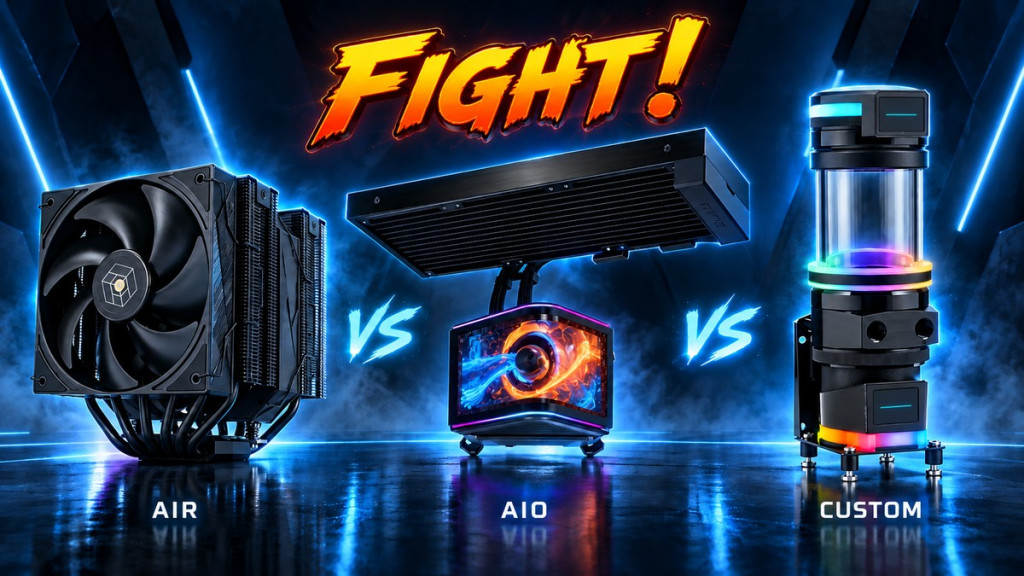
All three cooling types perform the same fundamental job: pull heat away from the CPU and reject it into the air leaving your case. The difference lies in how they transport that heat and how much of the system they can cover.
Air cooler
- SKU: CPAF-067
- MPN: 84000000240
- EAN: 4250280373066
- SKU: CPAF-066
- MPN: 84000000239
- EAN: 4250280373059
- SKU: CPAF-068
- MPN: 84000000241
- EAN: 4250280373073
- SKU: CPJB-070
- MPN: CR-1000 MAX COLOR WHITE
- EAN: 6970620554778
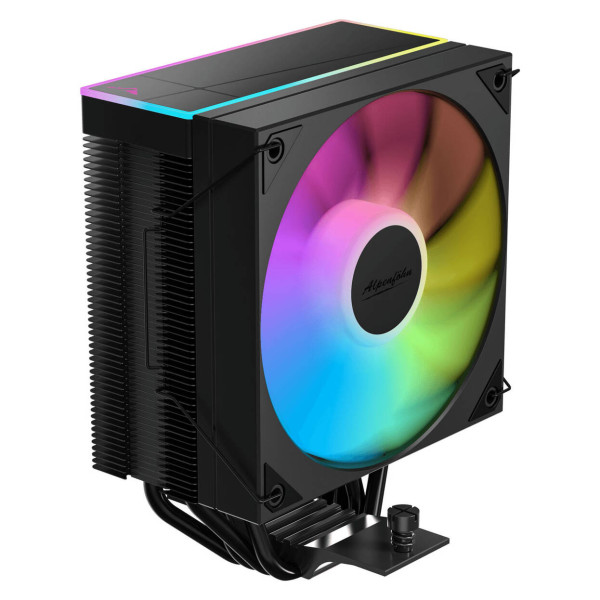
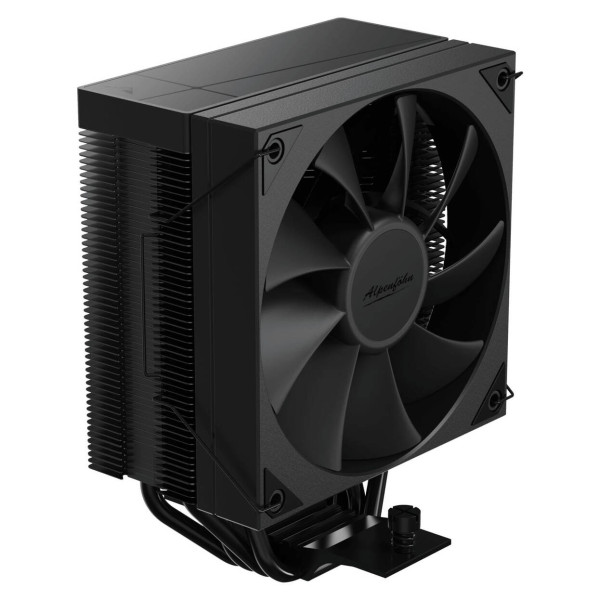
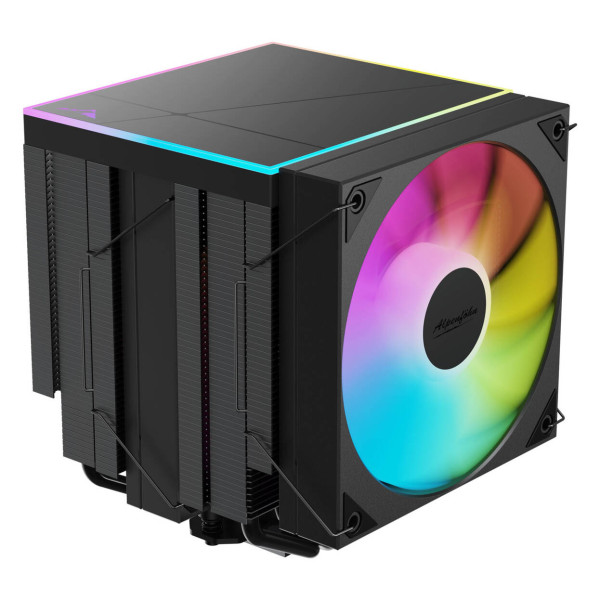
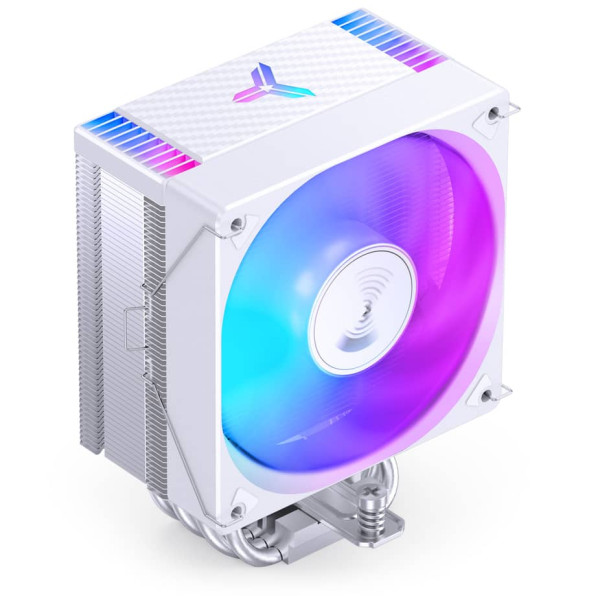
An air cooler uses a metal baseplate (often with heatpipe direct touch or a nickel plated copper contact surface), a set of heatpipes, a fin array, and one or more fans. Heat travels up the heatpipes into the fin stack, and the fan pushes it out into the case. There is no pump, no coolant, and no liquid path. It is the oldest and simplest approach, and for a huge number of PCs it remains the sensible one.
AIO liquid cooler
- SKU: WASE-1070
- MPN: BW033
- EAN: 4260052193235
- SKU: WASE-1069
- MPN: BW032
- EAN: 4260052193228
- SKU: WASE-1076
- MPN: MLX-D36M-A18PA-R1
- EAN: 4719512162002
- SKU: WASE-1066
- MPN: CW-9061038-WW
- EAN: 0840440419471
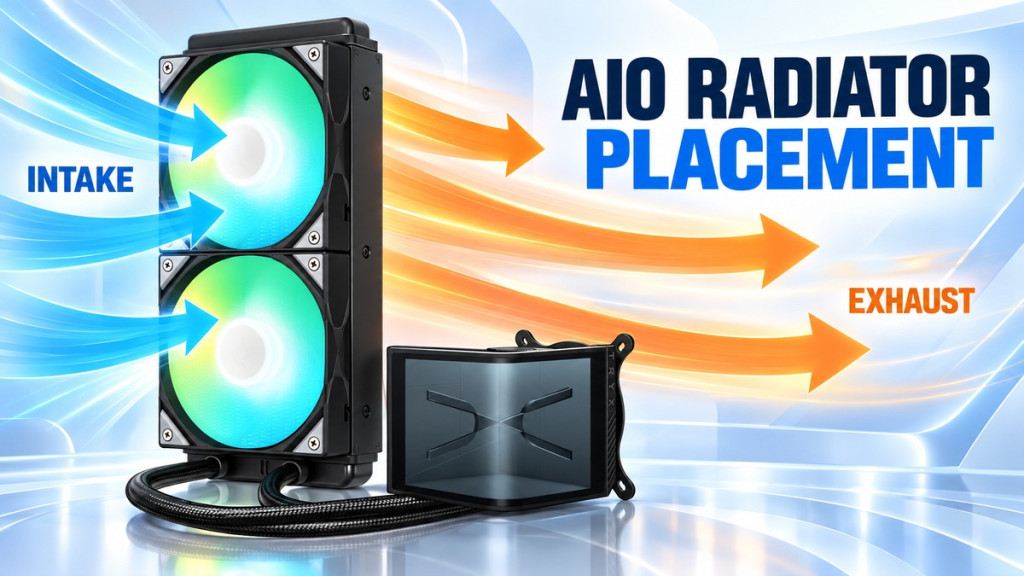
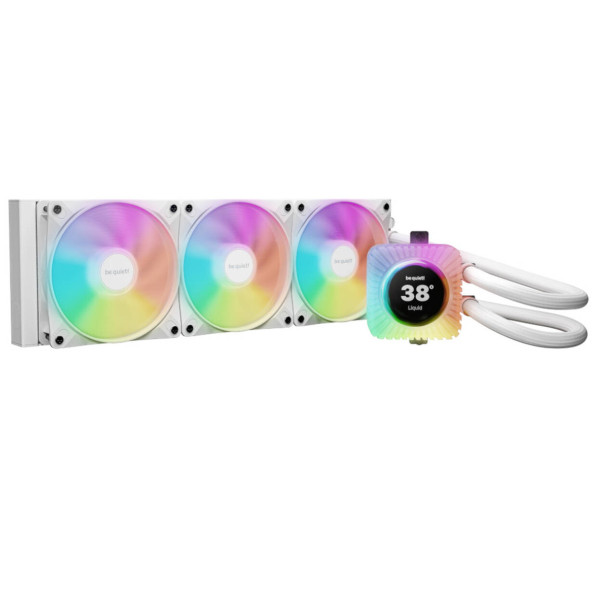
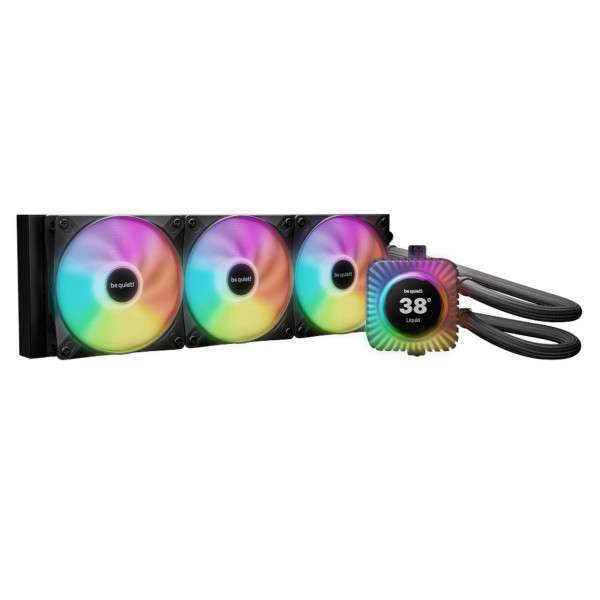
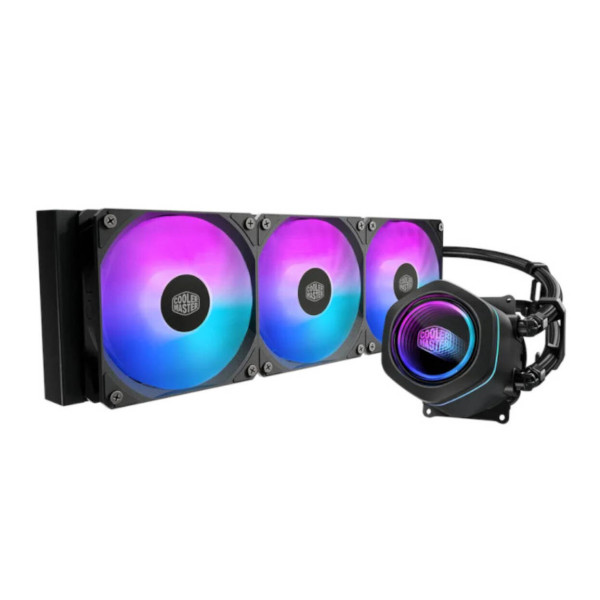
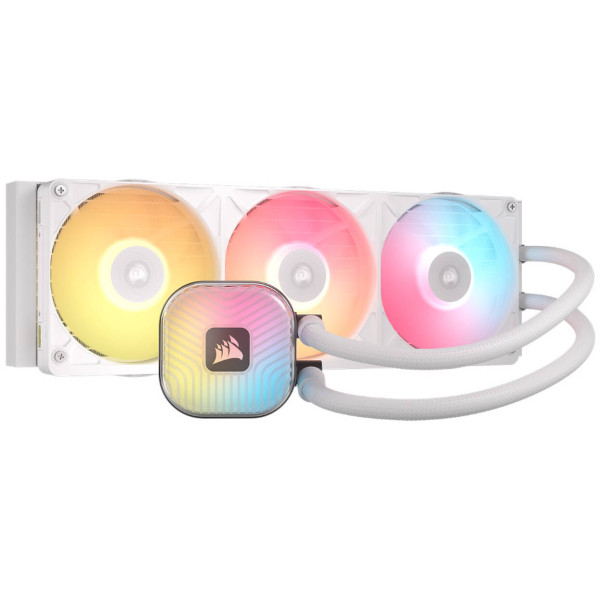
AIO stands for all in one. It is a sealed liquid cooler that arrives pre assembled: a pump and cold plate that sit on the CPU, two lengths of tubing, and a radiator with fans that mounts to the case. The coolant is already inside and the system is closed, so there is normally nothing to fill or bleed. You get a significant portion of the benefit of liquid cooling without the work of building a loop, and the area around the CPU socket stays clear.
Custom loop
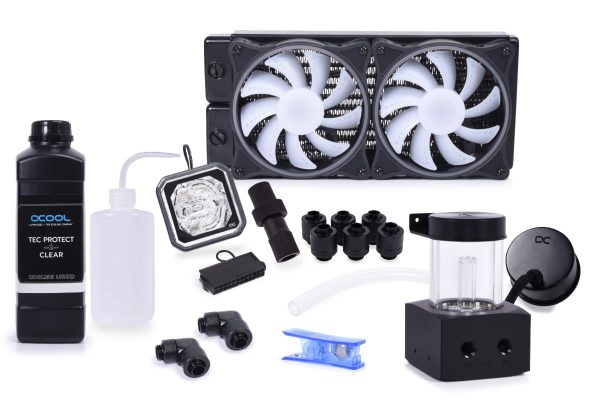
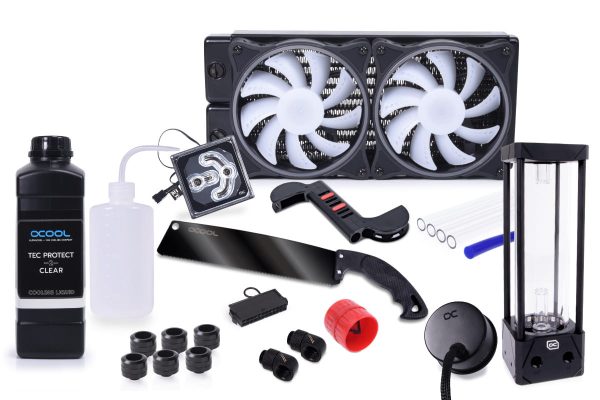
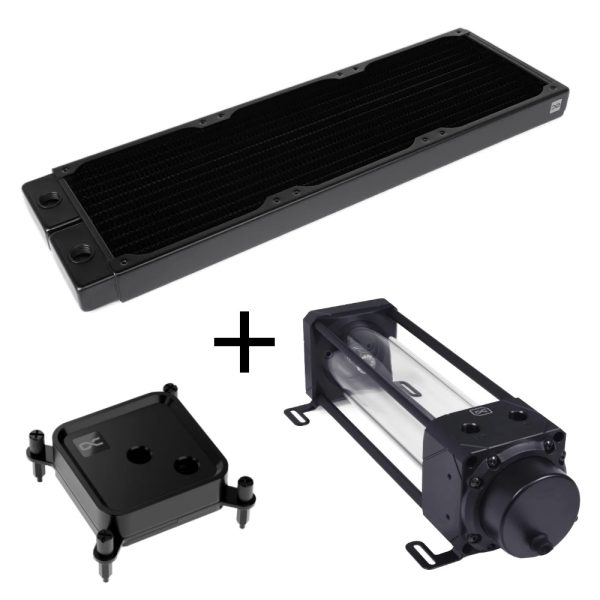
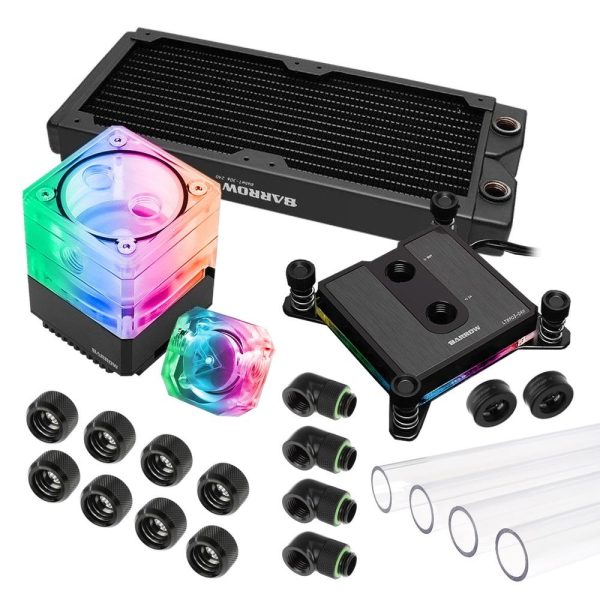
A custom loop is a liquid cooling system you design and build yourself from separate components: a pump, a reservoir, one or more radiators, CPU and often GPU water blocks, fittings and tubing that you cut and route to fit. Because you choose every component, you can cool the GPU alongside the CPU, spread the heat across a large radiator area, and tailor the appearance to match the build. It is the most capable option and also the most demanding one.
Which gives the best CPU cooling?
This is where a lot of guides overreach, so it is worth being precise. Cooling performance depends on the actual cooler, the radiator or heatsink size, the fans, the fan curve, the CPU heat load, the ambient temperature, and your case airflow. It is not decided by the category name on the box.
Intel describes both air and liquid coolers as moving heat away from the CPU, with liquid systems able to spread that heat over a larger surface area. Noctua, which makes both premium air coolers and fans, notes that larger current AIOs (such as 360mm and 420mm units) can exceed premium air cooling at comparable noise levels.
In practice, a strong dual tower air cooler can comfortably handle a moderate power CPU and will keep pace with many mid size AIOs. A large AIO gives you more radiator area to work with, which helps most when the CPU runs hot or when you want noise balanced performance at lower fan speeds. A correctly sized custom loop has the most cooling headroom of all, because you can add radiator surface (a 360mm radiator here, a 240mm radiator there) to keep the coolant temperature low and the fans slow. The gap between them narrows or widens depending entirely on how each system is specified, not on which type it is.
- SKU: 1022063
- MPN: 11985
- EAN: 4250197119856
- SKU: 1022069
- MPN: 11992
- EAN: 4250197119924
- SKU: B59-361-CCA
- MPN: B59-361-CCA
- EAN: B59-361-CCA
- SKU: BAR-KIT001
- MPN: 5060684861064
- EAN: 5060684861064
- Available for Collection
Which is quieter?
Noise follows the same rule. A cooler is quiet when it can reject the required heat without spinning its fans hard. A larger radiator or a bigger fin stack has more surface area, so it can shed the same heat with less airflow. That lets its fans run at lower RPM, and therefore lower dBA, for the same cooling job.
That means a large air cooler and a large AIO can both be very quiet, and a small cooler of either type will get loud when pushed. A custom loop with generous radiator area is often the quietest option at a given heat load, but only because of the surface area, not because liquid is inherently silent. Avoid assuming any category is automatically quieter than another. Radiator or heatsink size, fan design, pump noise and case airflow all feed into it.
Which is most reliable?
Rather than invent a lifespan figure for each type, it is more honest to talk about failure modes and repairability.
An air cooler has no pump. Its only active part is the fan, and a fan is easy and cheap to replace if it ever fails. There is no coolant and no leak path. This is why air cooling remains the most repairable and, in that specific sense, the most robust option.
An AIO depends on its pump. If the pump fails, coolant stops circulating and cooling drops sharply. AIOs are sealed units and the pump is not normally user replaceable, so a pump failure usually means replacing the whole cooler under warranty. Modern sealed AIOs are designed to minimise leak risk, but the liquid path does exist.
A custom loop is fully serviceable at the component level, which is a genuine advantage. However, it has far more parts that must be assembled correctly: fittings, O-rings, tubing, the pump, the blocks, the radiators, and the coolant itself. Its reliability therefore depends heavily on build quality, material compatibility, and ongoing maintenance. Done well, it can run for years. Done carelessly, it can leak or clog. The skill of the builder matters more here than with the other two approaches.
Which needs the least maintenance?
Air and AIO cooling are both effectively fit and forget for routine use. An air cooler needs an occasional dust of the fins and fan, and fresh thermal paste only when it is removed. An AIO needs its radiator and fans kept clean and an ear out for unusual pump noise, but because it is sealed there is normally no coolant to change. Intel describes AIOs as needing very little oversight after installation, which matches real world experience.
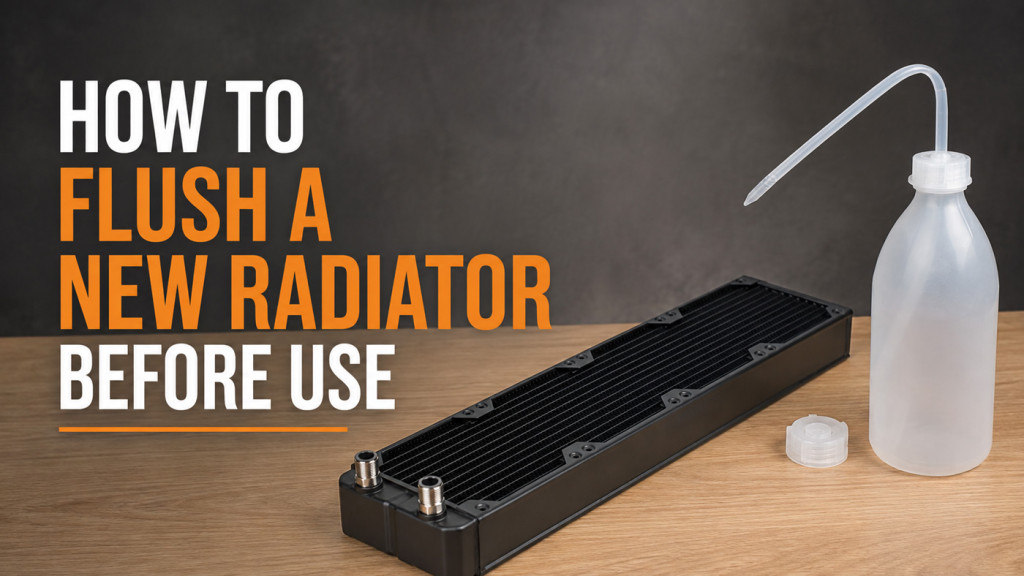
A custom loop is a serviceable system, not a sealed one. It benefits from periodic visual checks, monitoring of coolant condition, and occasional draining and refill. We would not describe this as onerous, but it is real work, and it is the single biggest lifestyle difference between a loop and the other two options. If you never want to think about your cooler again, a custom loop is not the right choice.
Which is easiest to install?
An air cooler is usually the quickest to fit: mount the bracket, seat the cooler, plug in the fan. Straightforward. An AIO adds a radiator that must be screwed to the case with its fans, plus tube routing, but it is still a manageable afternoon job because the liquid side is sealed and pre filled.
A custom loop is a different scale of task entirely. Building a first loop involves planning the layout, fitting radiators and fans, mounting the pump and reservoir, installing the CPU and GPU blocks, measuring and cutting tubing (whether soft tube or hard tube), adding a drain point, filling, bleeding, and leak testing. It is rewarding, but it is a project, not a quick upgrade. For those who want a head start, a watercooling kit bundles the core components together and removes some of the parts selection complexity.
Which costs the most?
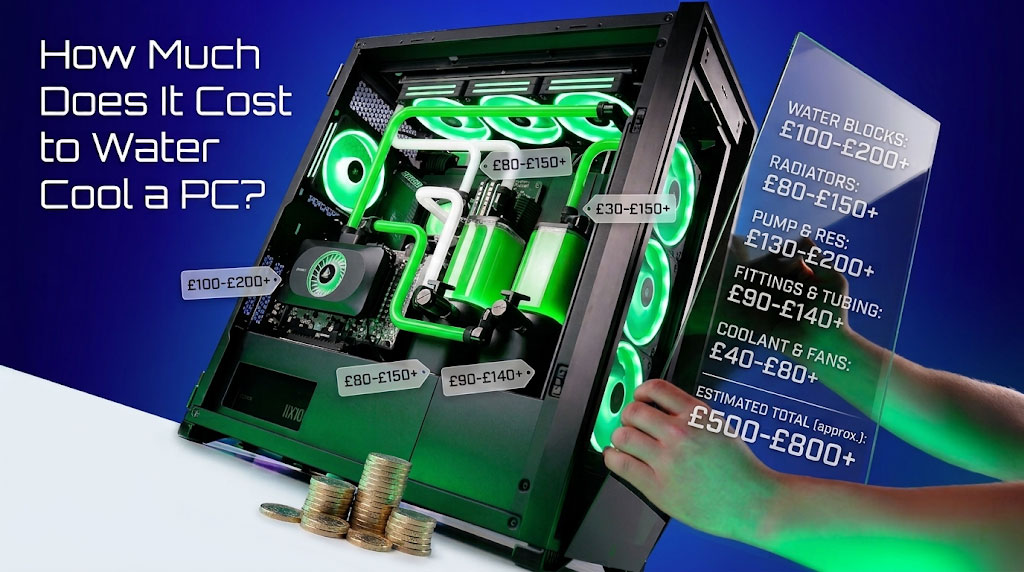
Up-front cost almost always rises from air, to AIO, to custom loop. A capable air cooler is typically the cheapest way to cool a CPU well. A good AIO sits in the middle. A custom loop is the most expensive by a wide margin once you add a pump, reservoir, radiators, blocks, fittings, tubing, and coolant, and that is before you factor in the time to build it.
Bear in mind: if your goal is simply a cool, quiet CPU, air or an AIO will get you there for far less money. A custom loop earns its cost when you want to cool the GPU too, when you want very low noise from a high heat system, or when the build itself is part of the point.
Which is best for a gaming PC?
For most gaming PCs, a good air cooler or a mid size AIO is the sweet spot. Gaming rarely loads the CPU as hard as sustained productivity work, so cooling headroom is often less of a limit than case airflow. Choose air if you value simplicity and cost, or an AIO if a tall tower cooler clashes with your RAM or you want a clearer view of the motherboard. A custom loop is rarely necessary for gaming alone, unless you also intend to water cool the graphics card with a dedicated GPU block.
Which is best for a workstation?
Workstations that run the CPU at high load for long periods benefit from cooling that can shed heat continuously without ramping fan noise to uncomfortable levels. A large AIO or a custom loop both suit this scenario well. Where a workstation also has a power hungry GPU doing sustained compute, a custom loop that cools both CPU and GPU becomes genuinely compelling, because it can keep both components under control while staying quiet.
Which is best if you also want to cool the GPU?
- SKU: 1025033
- MPN: 4250197334372
- EAN: 13872
- SKU: 1025346
- MPN: 14566
- EAN: 4250197145664
- Available for Collection
- SKU: 1026889
- MPN: 14848
- EAN: 4250197148481
- Available for Collection
- SKU: 1025356
- MPN: 14571
- EAN: 4250197145718
- Available for Collection
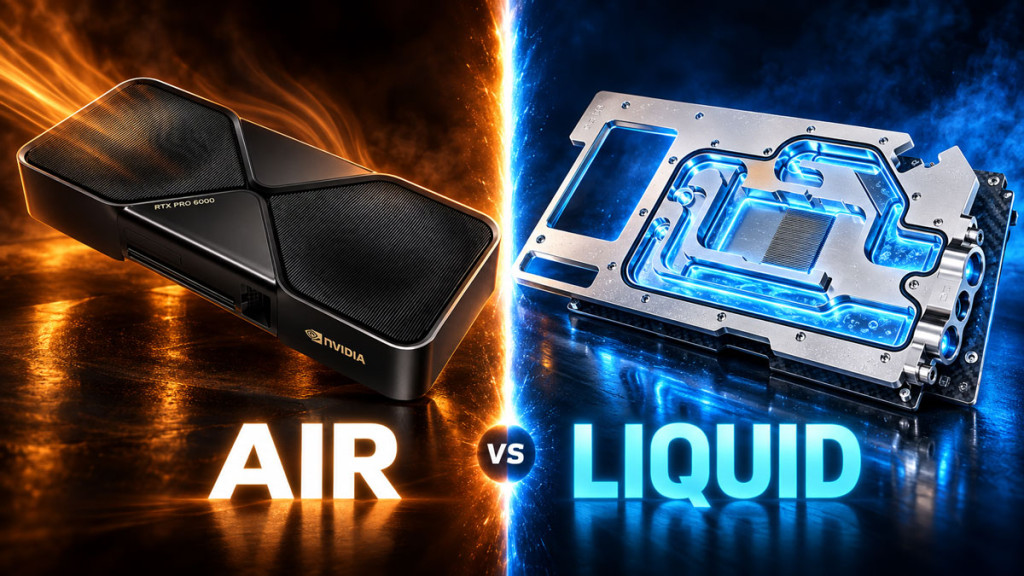
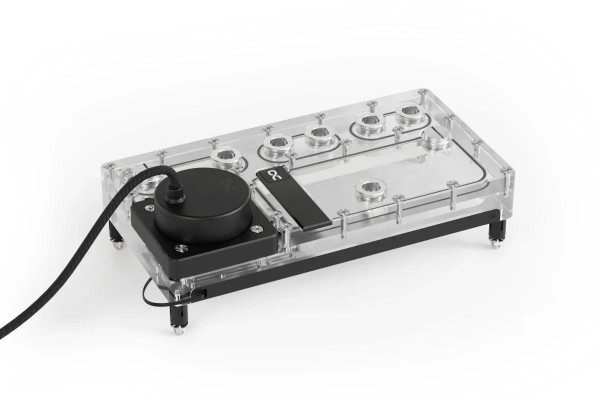
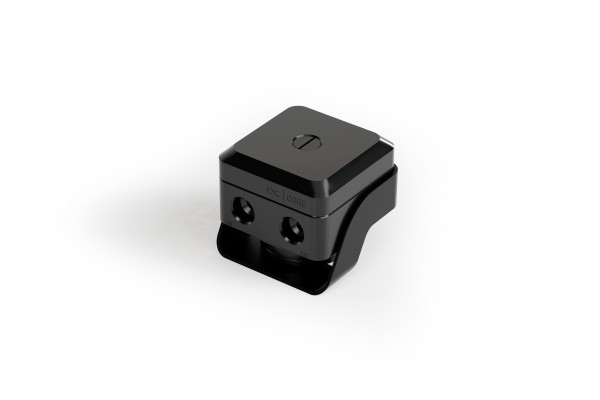
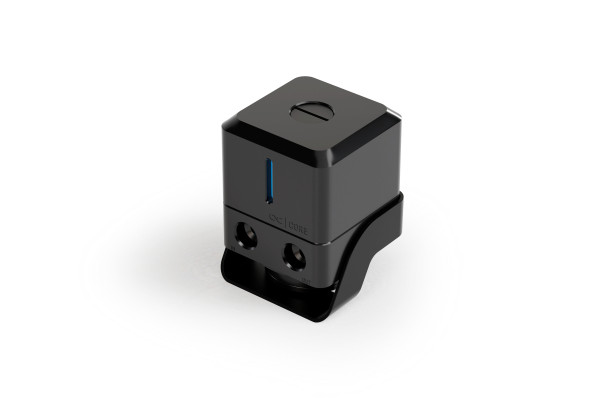
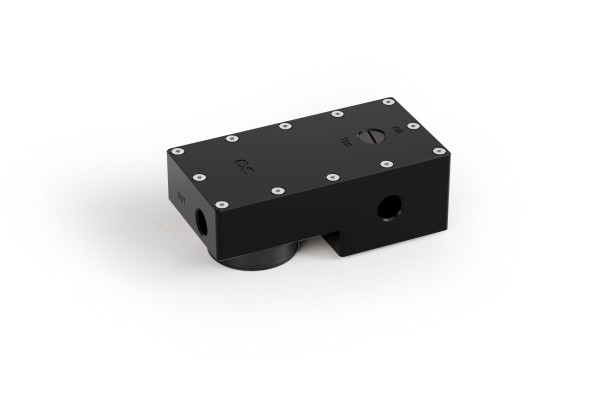
This is the clearest dividing line in the whole comparison. A CPU air cooler cools only the CPU, and the graphics card keeps its own separate cooler. Most mainstream AIOs also cool only the CPU, though specialised GPU and hybrid products exist. If cooling the GPU with liquid is a goal, a custom loop is the natural answer: you fit a full cover water block to the graphics card and bring it into the same loop as the CPU. If you want quiet, cool GPU temperatures under heavy load, this is the reason to build a loop.
Case compatibility: what to check for each
Whatever you choose, the PC case decides what actually fits. For an air cooler, the key numbers are cooler height against your case’s clearance, and clearance over the RAM. For an AIO, check radiator length, radiator plus fan thickness, tube length, and whether the radiator collides with the motherboard VRM heatsink area or the GPU. A custom loop has all of the AIO radiator considerations plus room for the pump reservoir, a sensible tubing path, fittings clearance, and access to fill and drain points.
Recommendations by user type
In our experience, air cooling is usually the better choice when budget matters, the CPU heat load is moderate, simplicity and repairability are priorities, or the PC is moved around often and you want no liquid inside it. It is the safe, sensible default for a great many builds.
An AIO is usually the better choice when you want high CPU cooling capacity without building a loop, when a large tower cooler causes RAM or clearance conflicts, when the case has a good radiator mount, or when a clean CPU socket area and minimal maintenance matter to you.
A custom loop is usually the better choice when you want to cool the GPU as well as the CPU, when you are optimising a high heat system for strong thermals at low noise, when the build is an enthusiast or showcase project, or when you want external or multiple radiators and component level flexibility. It rewards people who accept the higher cost, the planning, and the periodic maintenance.
Common mistakes when choosing a cooler
The most common mistake is buying a cooler on category reputation rather than specification: assuming any AIO beats any air cooler, or that a loop is automatically quieter. A small AIO can lose to a large air cooler in both thermals and acoustics, and a cramped loop can run hotter than a well chosen AIO. Size and fitment decide performance, not the label on the box.
The second is ignoring the case. A tall air cooler that does not clear the side panel, or a thick radiator that fouls the RAM, is a wasted purchase. Always check the real clearances before ordering. The third is underestimating a custom loop, both the cost and the maintenance commitment. Go in with clear expectations and it is a joy. Go in blind and it becomes a chore.
Frequently asked questions
Is water cooling necessary for a gaming PC?
No. A good air cooler will keep most gaming CPUs well within safe temperatures. Water cooling, whether an AIO or a custom loop, becomes worthwhile when you want higher cooling capacity, lower noise, a specific aesthetic, or the ability to cool the GPU as well. It is a choice, not a requirement.
Is an AIO safer than a custom loop?
An AIO is sealed and pre filled at the factory, so there is less that a user can get wrong at build time, and mainstream units are designed to minimise leak risk. A custom loop has more joints and relies on the builder assembling it correctly. Both are safe when the products are sound and installed properly, but an AIO removes most of the build time risk.
Can an air cooler handle a high end CPU?
A strong dual tower air cooler can cool many high end CPUs to safe temperatures, particularly in gaming and mixed use. The limit tends to be sustained all core workloads at high power, where a large AIO or a custom loop has more headroom and can stay quieter doing it. Check the specific cooler against the CPU’s power draw rather than assuming.
Do AIO coolers need refilling?
Mainstream AIOs are sealed systems and are not designed to be refilled. A small, very slow loss of coolant through the tubing over many years is normal for some units, but there is no user refill process. If an AIO shows signs of failing, it is normally replaced rather than topped up.
Is custom watercooling worth it?
It is worth it when its strengths match what you want: cooling the GPU, very low noise from a high heat build, component level flexibility, or the build experience itself. If you only need a cool, quiet CPU for the least money and effort, an air cooler or an AIO is the better value. The right answer depends on your goals, not on which option carries the most enthusiast cachet.