




AIO Radiator Placement Explained: Top vs Front, Intake vs Exhaust, Tubes Up or Down?
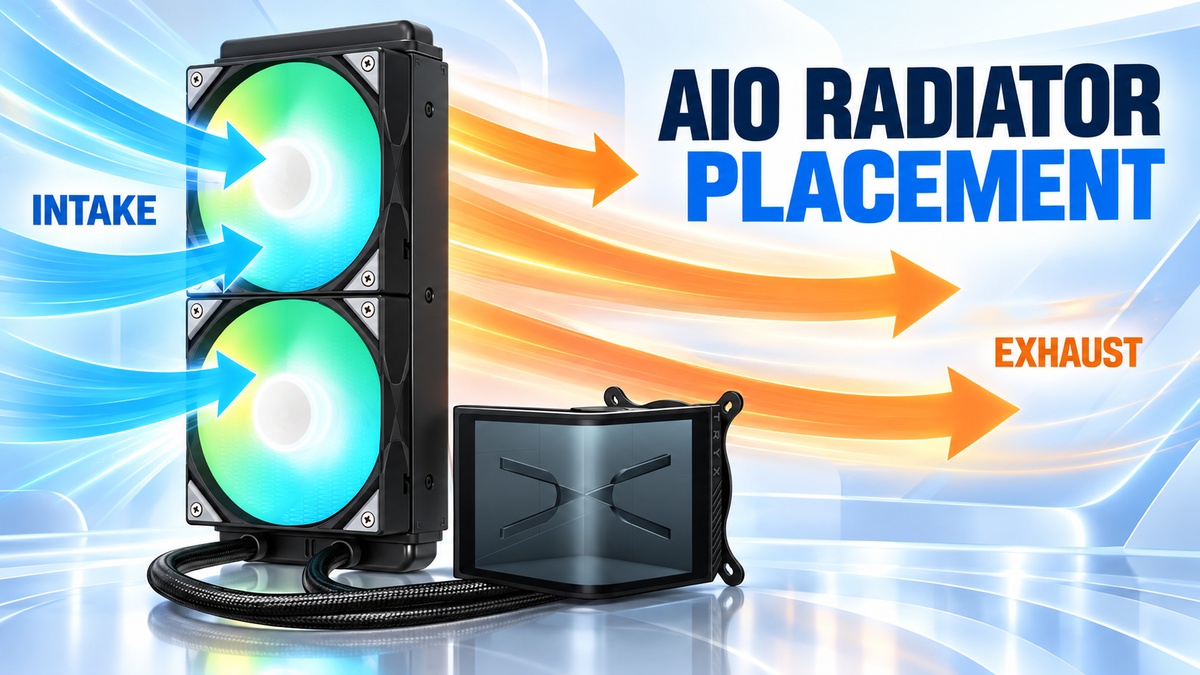
For most conventional CPU AIOs, a top mounted radiator set to exhaust is a sensible default, provided your case has the clearance. A front or side mount works perfectly well too, as long as the radiator’s highest point stays above the pump. The one configuration you genuinely want to avoid is any layout where the pump becomes the highest point in the loop, because that is where the air collects. On a front mounted radiator, tubes down is the conservative choice, however tubes up is still acceptable when the radiator’s high point remains above the pump.
That is the short version. The rest of this guide covers the single rule that actually matters, then works through each mounting position so you can pick the right one for your case rather than blindly copying someone else’s build.
| Position | Recommendation | Typical fan direction | Main benefit | Main caution |
|---|---|---|---|---|
| Top | Excellent default | Exhaust | Heat exits the case | RAM, VRM and EPS clearance |
| Front / side | Good alternative | Usually intake | Cooler radiator inlet air | Warmer air enters the case |
| Rear | Fine for 120/140mm | Exhaust | Simple, usually above pump | Limited cooling capacity |
| Bottom | Usually avoid | – | – | Pump may become the high point |
The one rule that matters most: keep the pump out of the air pocket
Every AIO contains a small amount of gas alongside the coolant. No sealed loop is completely air free, and that is normal. The installation problem is not that air exists. It is where that air ends up. Gas always migrates to the highest point of the loop, so the whole exercise comes down to making sure that high point is somewhere harmless.
If the radiator is the highest point, the air pocket sits up in the radiator, well away from any moving parts. If the pump becomes the highest point, air gathers at the pump instead. That tends to increase pump noise, can make coolant circulation less consistent, and does the pump no favours over the long term. Corsair, NZXT and ARCTIC all give the same core guidance in their current documentation: the radiator, or at least its highest point, should sit above the pump. ARCTIC’s Liquid Freezer manuals go as far as explicitly warning against radiator below pump layouts.
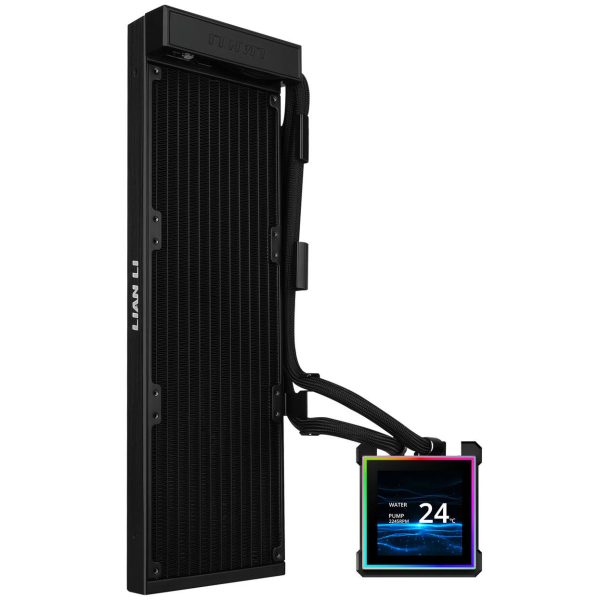
- SKU: WASE-994
- MPN: G89.GHS2LCDS36NB.00
- EAN: 4718466021403
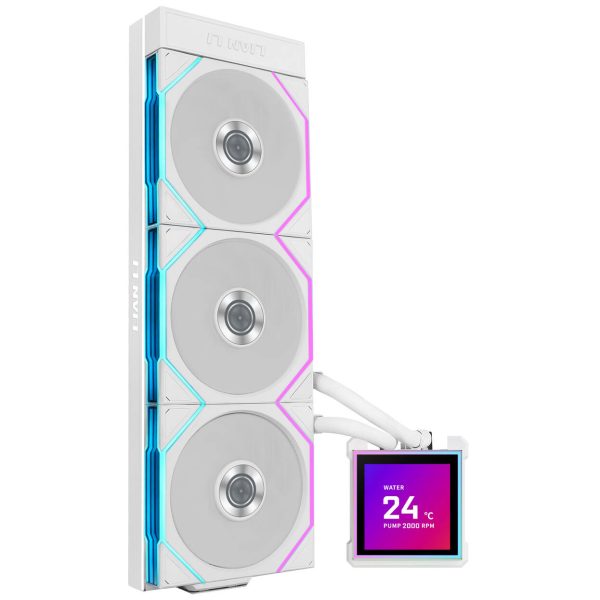
- SKU: WASE-999
- MPN: G89.GHS2LCDS36TW.00
- EAN: 4718466021373
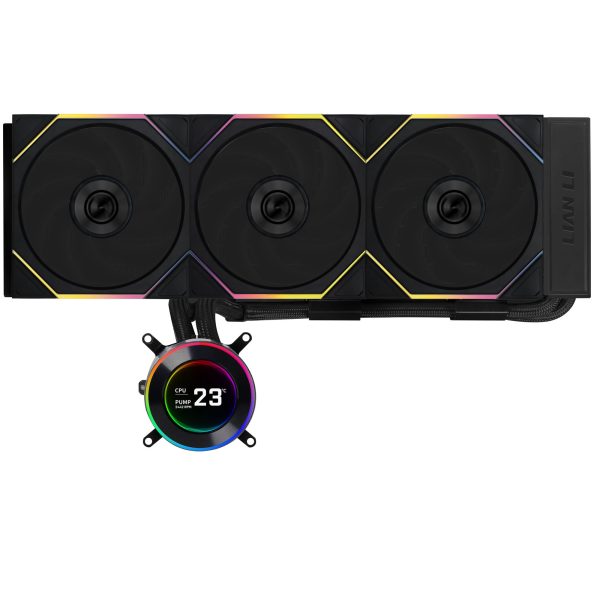
- SKU: WASE-942
- MPN: GHS2LCD36TB
- EAN: 4718466018014
- Available for Collection
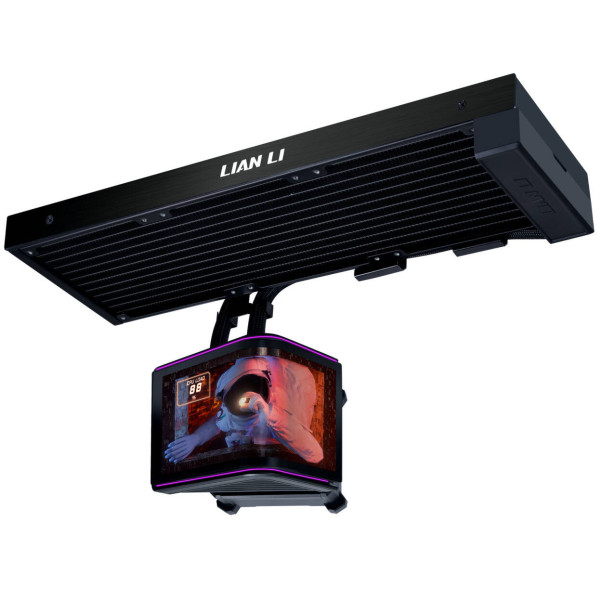
- SKU: WASE-1049
- MPN: G89.GHS2OLDC36NB.00
- EAN: 4718466023162
- Available for Collection
Keep that single principle in mind and most placement questions pretty much answer themselves. One important caveat: not every AIO puts the pump on the CPU block. Some designs locate the pump elsewhere, so always follow your cooler manufacturer’s own mounting instructions when they differ from general advice.
Is top mounting an AIO best?
Why top exhaust works well
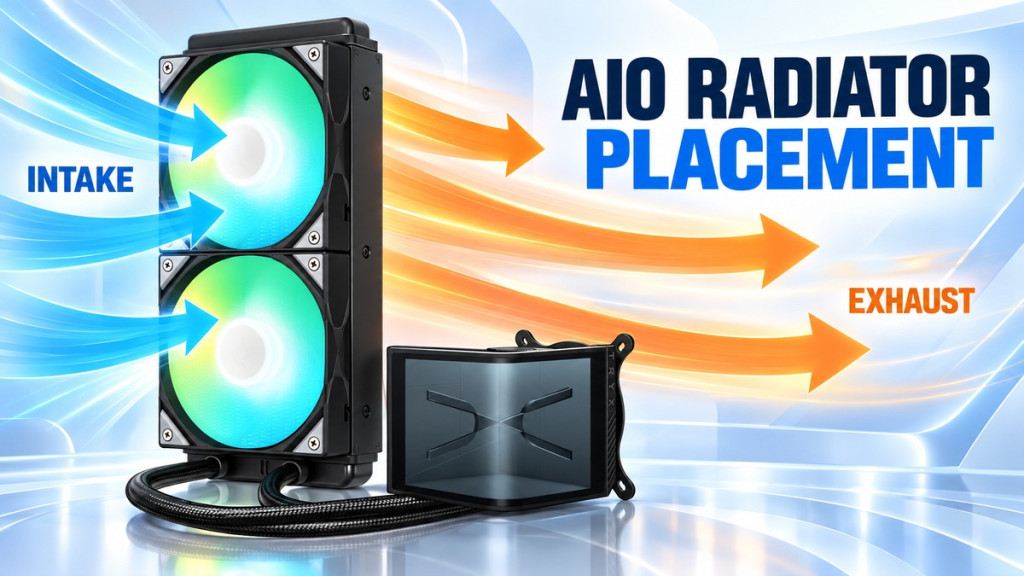
A top mounted radiator is the easiest position to recommend because it satisfies the pump rule automatically: the radiator sits above a pump that is down on the CPU. Setting the top fans to exhaust then gives you a clean airflow path, with cool air drawn in at the front or bottom and warm air, including the CPU’s heat, pushed straight out of the top of the case. It keeps CPU waste heat from recirculating and is a sensible default in the majority of mid tower and full tower cases.
Top mount clearance problems
The main catch with top mounting is clearance. Thermally it is a strong default, though as we will see a top exhaust radiator can receive GPU warmed air, so it trades CPU temperature against whole system cooling. The bigger day to day problem is space: the radiator and its fans need real room above the motherboard, and that is exactly where tall RAM, VRM heatsinks and the EPS CPU power connector live. A thick radiator paired with 25mm, 28mm or 30mm fans can foul any of these, and some cases add a top I/O structure or handle that eats into the available space. Always check the combined radiator plus fan thickness against your case’s stated top clearance before committing. Our guide to choosing a radiator for your case covers how to measure this properly.
Is a front mounted AIO OK?
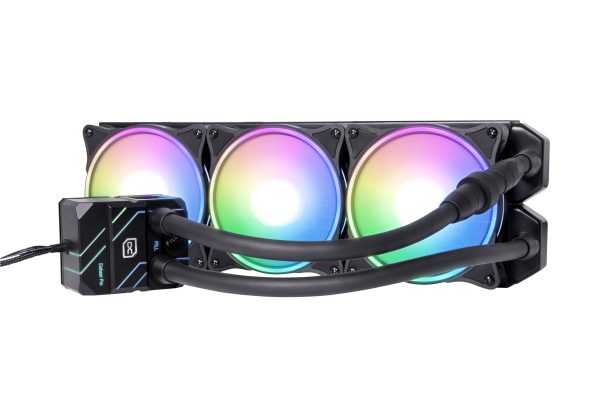
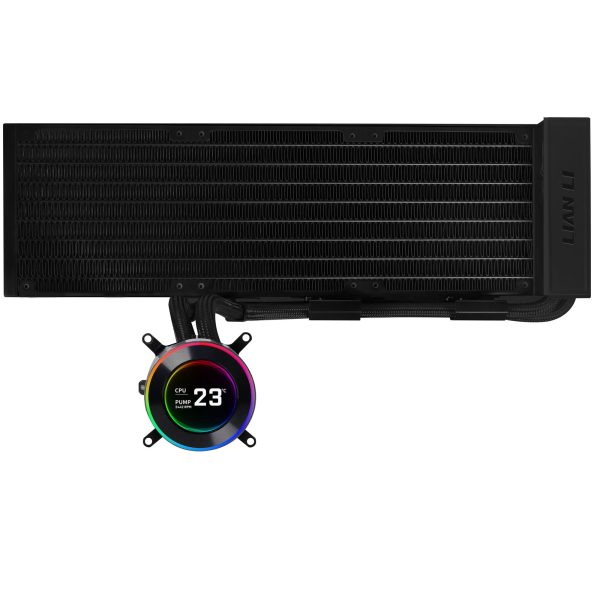
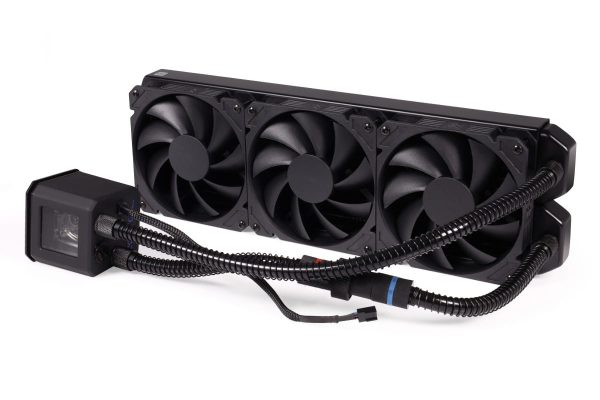
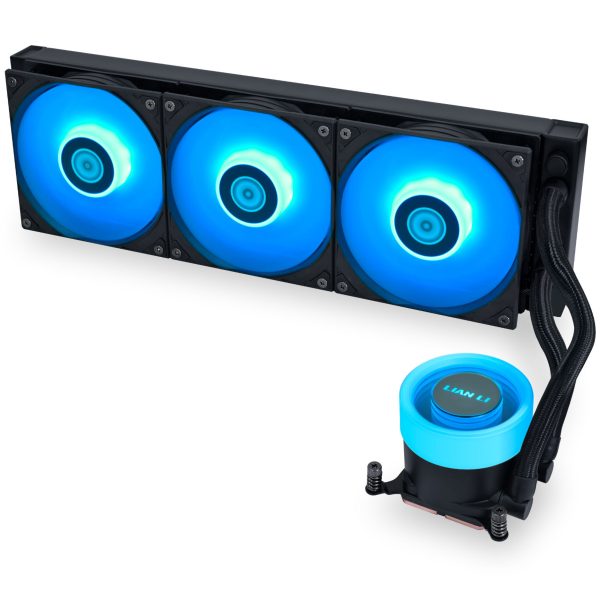
Yes. A front or side mounted radiator is a perfectly good alternative, and in some cases it is the only option that clears the motherboard. The key is the same as always: make sure the top of the radiator stays above the pump.
Front intake
- SKU: 1019572
- MPN: 11771
- EAN: 4250197117715
- SKU: WASE-938
- MPN: GHS2LCD36B
- EAN: 4718466018038
- SKU: 1012138
- MPN: 11286
- EAN: 4250197112864
- SKU: WASE-920
- MPN: GA2L36RB
- EAN: 4718466016638
Mounting the front radiator as intake feeds it cool air drawn from outside the case. Because the radiator sees room temperature air rather than air already warmed by other components, this can favour CPU and coolant temperatures. It is a good starting point when the CPU is your cooling priority.
Front exhaust
Running a front radiator as exhaust is possible but less common, because it pulls warm case air through the radiator and reduces its effectiveness. Most builders leave a front radiator as intake unless there is a specific airflow reason to do otherwise.
What front intake does to GPU temperature
There is a trade off here and it is only fair to be upfront about it. Air that has passed through a front intake radiator is warmer by the time it reaches the rest of the case, so it can raise the inlet temperature for an air cooled GPU, the VRMs and any SSDs nearby. Noctua describes exactly this system level trade off: a front radiator can improve CPU cooling but feeds warmer air to other components, while a top exhaust radiator sends CPU heat straight out but may itself receive air warmed by a hot GPU. Neither layout is universally better. If you run a very high power air cooled graphics card, a top exhaust CPU AIO can give the better whole system balance.
Should AIO tubes be up or down?
This question generates more heated forum debate than it deserves. The honest answer is that it matters far less than pump position.
Tubes down
On a front radiator, routing the tubing out of the bottom puts the tube ports below the radiator’s air pocket. It is the conservative choice because collected air stays up at the top of the radiator, away from the tube pickup, and it can reduce trickling or gurgling noises in some layouts. Where tubes down fits cleanly, it is a fine default.
Tubes up
Tubes up on a front radiator is not the mistake it is often made out to be. It is acceptable whenever the radiator’s top tank remains above the pump and the manufacturer’s instructions permit it. NZXT’s current guidance states plainly that on a front mount, tubes up versus tubes down does not meaningfully change temperatures. The only real downside is that air can gather nearer the tube end of the radiator and may be slightly more audible on some designs, depending on fill level.
Our verdict on tube orientation
Use tubes down when it fits cleanly, but do not believe anyone who tells you a front tubes up installation is automatically wrong. The rule that actually protects your cooler is keeping the pump below the radiator’s high point, and following the specific instructions for your AIO. Both Corsair and NZXT support this position.
Can you mount an AIO radiator at the bottom?
For a conventional AIO with the pump on the CPU block, bottom mounting is the one configuration to avoid. A radiator at the bottom of the pc case sits below the pump, which makes the pump one of the highest points in the loop. That is precisely the situation where air migrates into the pump, bringing extra noise and less reliable circulation. Corsair, NZXT and ARCTIC guidance all point away from this layout.
The exception is products specifically designed for it. Avoid bottom mounting unless the AIO manufacturer explicitly supports that orientation and the actual pump still stays below the loop’s air collection point. If your cooler’s pump is not on the CPU block, re read its manual before ruling anything out.
Should radiator fans be intake or exhaust?
Think of this as a whole system decision rather than a rule you can apply blind. A top radiator usually makes sense as exhaust, because it supports the natural front or bottom intake to top or rear exhaust flow path and evacuates CPU heat. A front radiator usually works best as intake when CPU and coolant temperature are the priority, accepting that the rest of the case gets slightly warmer air.
Resist the tempting shortcut that heat rises so top exhaust must be best. In a running PC, fan driven airflow dominates natural convection completely, so the decision comes down to the airflow path and which components you most want to keep cool, not to where heat would drift on its own.
Does radiator placement actually change temperatures?
It can, but the effect is genuinely case dependent, and that is the most important thing to understand. Independent testing by GamersNexus in one specific chassis found that some front radiator configurations improved CPU temperature while hurting GPU temperature, and that a top radiator with strong front intake produced a better balance between the two. The numbers from that test belong to that case.
- SKU: WASE-1050
- MPN: G89.GHS2OLDC36NW.00
- EAN: 4718466023179
- SKU: WASE-935
- MPN: PH-GO360D30_DBK02
- EAN: 0886523003915
- SKU: WASE-818
- MPN: SST-XE360-SP5
- EAN: 4710679816654
- SKU: WASE-957
- MPN: TF3-360SCB
- EAN: 6970620555034
- Available for Collection
Those numbers belong to that case, so do not extrapolate one chassis’s front versus top result to every build. Your case’s fan layout, intake area and exhaust capacity all shift the outcome. Start from the defaults outlined here, then check your own GPU, VRM and SSD temperatures and adjust if needed.
Common AIO mounting mistakes
The mistakes that crop up most often are: letting the pump sit above the radiator’s high point, ignoring the installed radiator plus fan thickness and fouling RAM or VRM heatsinks, pinching or sharply kinking the tubes during routing, setting the fans the wrong way round so the radiator fights the case airflow, and running a radiator with no meaningful case exhaust so heat simply recirculates. Every one of these is easy to avoid with a few minutes of planning before the screws go in.
Frequently asked questions
Should an AIO radiator be above the pump?
Yes. For a conventional AIO with the pump on the CPU block, the radiator, or at least its highest point, should sit above the pump so that trapped air collects in the radiator rather than the pump. This is the single most important rule of AIO placement and is backed by Corsair, NZXT and ARCTIC guidance.
Can AIO tubes be at the top?
On a front radiator, yes, provided the radiator’s top tank stays above the pump and the manufacturer allows it. NZXT states that tubes up versus tubes down does not meaningfully change temperatures on a front mount. Tubes down is a slightly more conservative choice for noise, however tubes up is not wrong.
Is front intake bad for a GPU?
Not exactly, however it is a trade off. A front intake radiator warms the air before it reaches the GPU, which can raise GPU inlet temperature a little. If you have a very high power air cooled graphics card, a top exhaust CPU AIO may give a better whole system balance. Check your actual GPU temperatures rather than assuming.
Should a top radiator be intake or exhaust?
Exhaust is the sensible default. It fits the normal front or bottom intake to top exhaust airflow path and sends CPU heat out of the case. Intake on a top radiator is unusual and generally only considered in specific case designs or on manufacturer advice.
Can I mount a 360 AIO at the bottom?
Generally no, if the pump is on the CPU block, because the pump would become the loop’s high point and collect air. Only bottom mount an AIO if the manufacturer explicitly supports that orientation for that specific product and the pump stays below the air collection point. The practical answer is simple: check the manual first.