




Temperature and Flow Sensors
It is stating the obvious to say that a custom watercooling loop represents a serious investment of time, money and effort. What is less obvious is the number of people who build a beautiful loop and then run it with absolutely no idea what the coolant is actually doing. That is a bit like building a high-performance engine and then removing the dashboard. You can get away with it for a while, however sooner or later you are going to wish you had some data.
Why Monitor Your Loop?
A loop with no monitoring is running blind, and we mean properly blind. You will not know if your coolant temperature is creeping upwards because your radiator cannot keep up or your fans are running too slowly. You will not know if flow has dropped because your pump is on its way out or a blockage is developing. You will not know if something has changed since the last time you drained and cleaned the loop. Even a single temperature sensor gives you enormously useful data, and in the great scheme of things it is one of the cheapest upgrades you can make.
Temperature Sensors
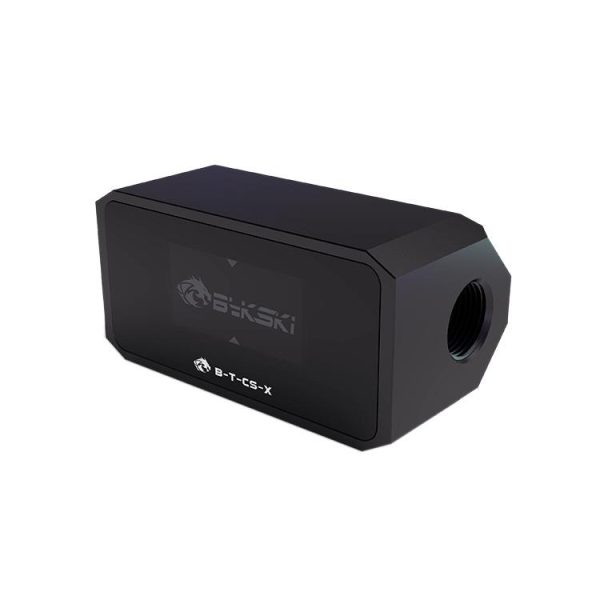
- SKU: BKK-B011
- MPN: B-T-CS-X
- EAN: 6970685786213
- Available for Collection
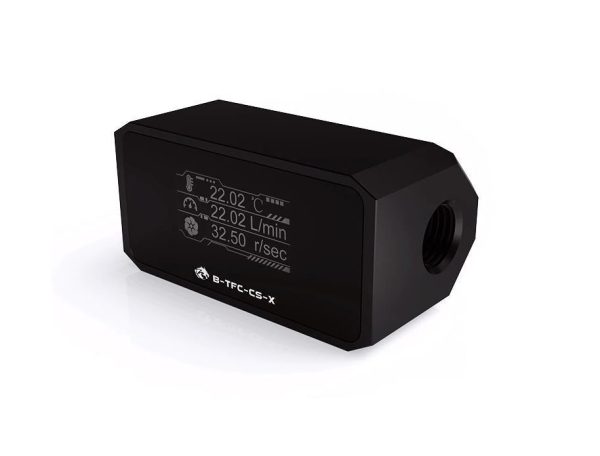
- SKU: BKK-B012
- MPN: B-TFC-CS-X
- EAN: 6970685789986
- Available for Collection
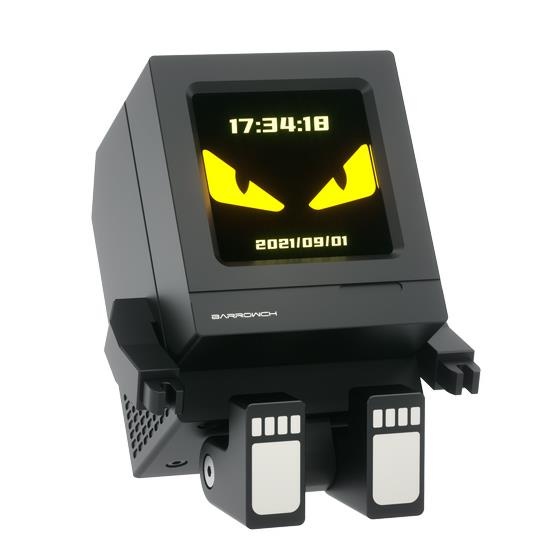
- SKU: BAR-ACC37
- MPN: FBEHD-02-T
- EAN: 6937826664816
- Available for Collection
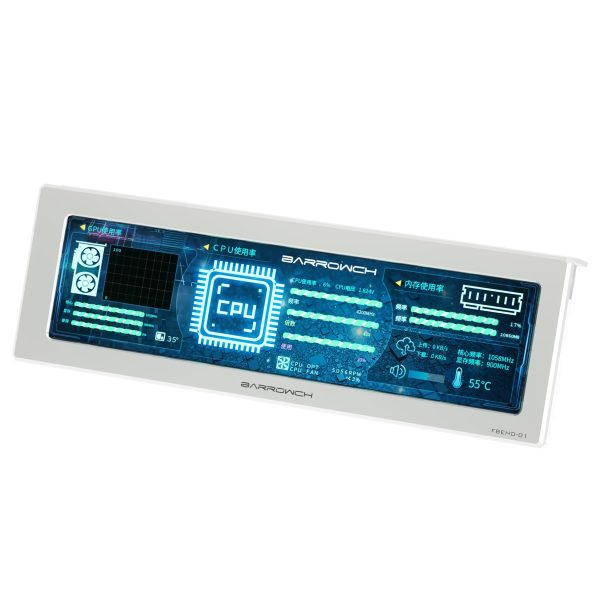
- SKU: BAR-ACC27
- MPN: FBEHD-01-S
- EAN: 6937826664113
- Available for Collection
This is pretty much the single most useful addition to any watercooling loop. A temperature sensor tells you the actual coolant temperature, which is far more relevant for fan curve control than a CPU or GPU die reading. Die temperatures spike and crash with every burst of load, however coolant temperature changes slowly and smoothly, which makes it a much better input for controlling fan speed.
Most watercooling temperature sensors are G1/4 plug type. They screw into any spare G1/4 port on a radiator, water block or fitting. Inside is a standard 10k NTC thermistor with a 2-pin cable that connects to a temperature sensor header on your motherboard (typically labelled T_SENSOR or similar).
Where you place it matters. The most useful single position is after the radiator and before the blocks. This tells you the coolant temperature after it has been cooled, which effectively represents the baseline your components are working with. If you add a second sensor before the radiator you can calculate the temperature delta across the radiator to see how hard it is working. That is a nifty bit of data to have and costs very little to achieve.
Flow Meters and Indicators
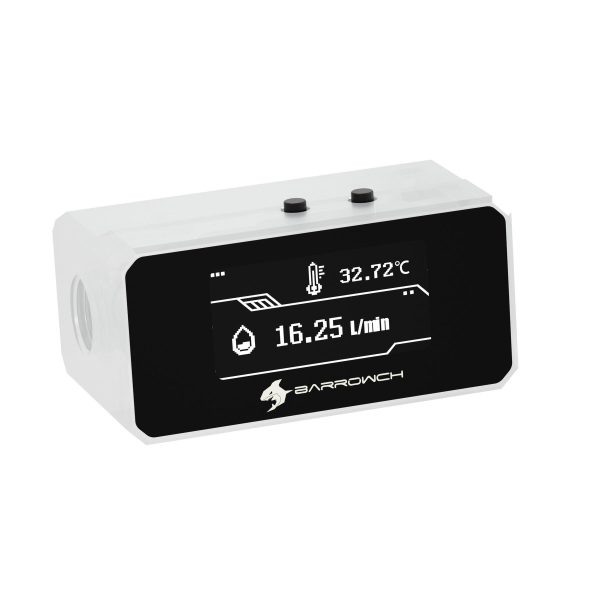
- SKU: BKK-B012
- MPN: B-TFC-CS-X
- EAN: 6970685789986
- Available for Collection
- SKU: BAR-ACC55
- MPN: FBFT08-WH
- EAN: 6937826665424
- Available for Collection
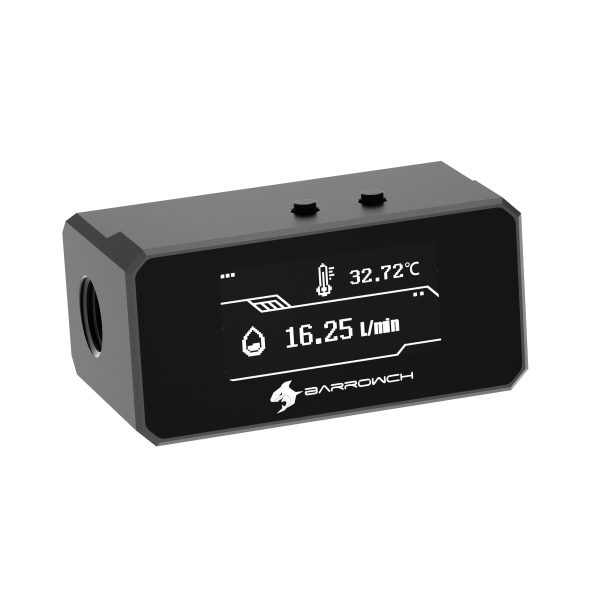
- SKU: BAR-ACC54
- MPN: FBFT08-BK
- EAN: 6937826665417
- Available for Collection
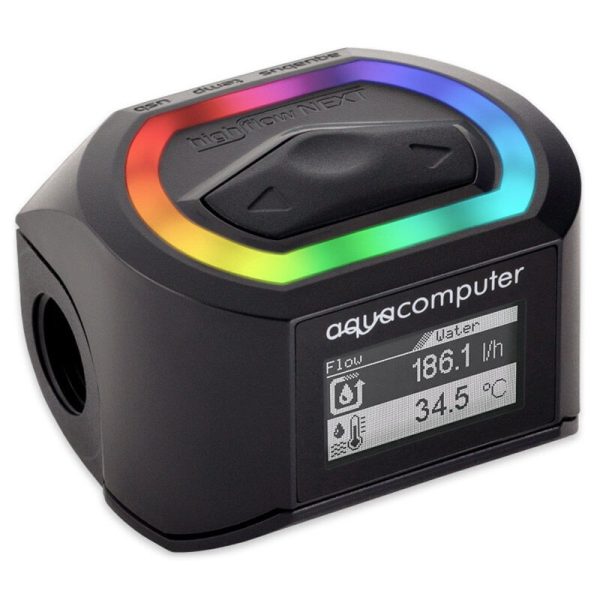
- SKU: WAZU-978
- MPN: 53293
- EAN: 4260473313809
- Available for Collection
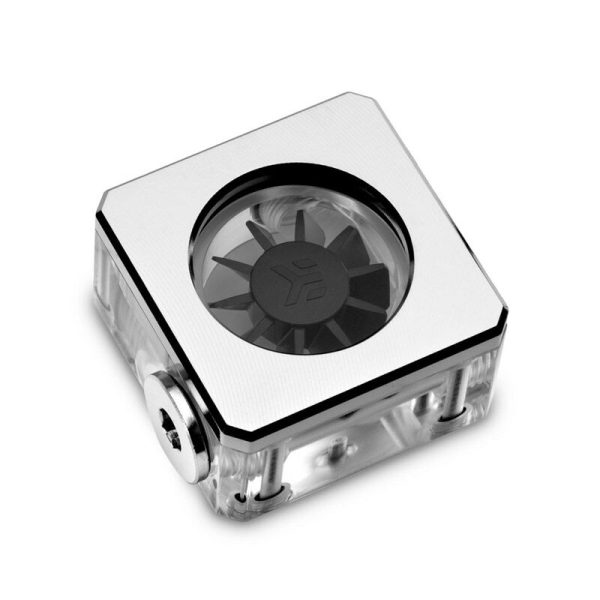
- SKU: WAEK-2247
- MPN: 3831109829899
- EAN: 3831109829899
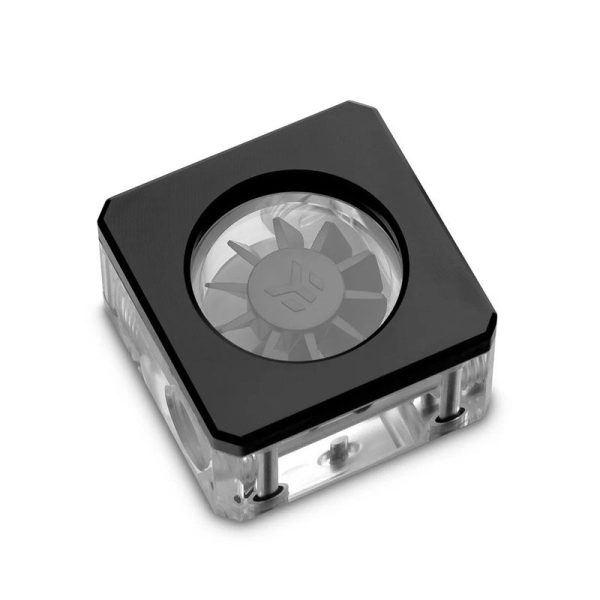
- SKU: WAEK-1983
- MPN: 3831109827178
- EAN: 3831109827178
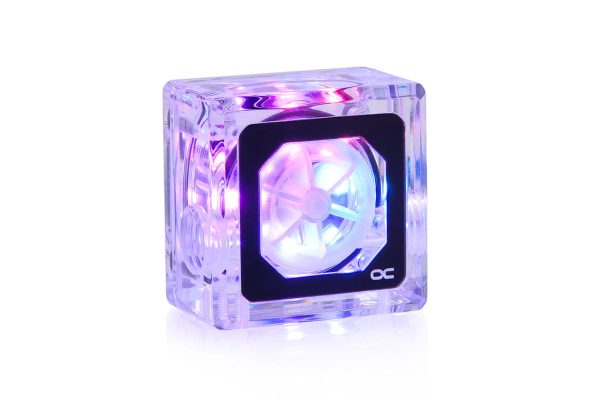
- SKU: 1017207
- MPN: 17464
- EAN: 4250197174640
- Available for Collection
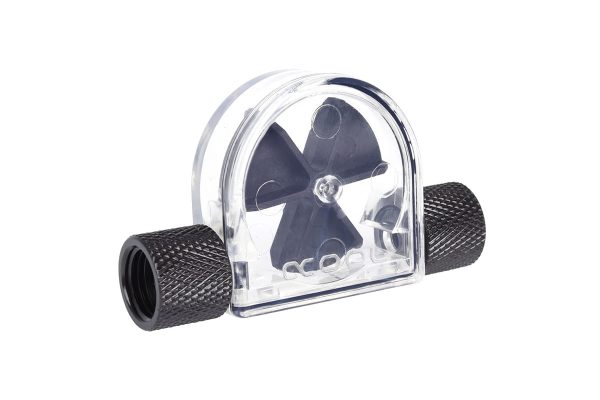
- SKU: 1012593
- MPN: 17366
- EAN: 4250197173667
- Available for Collection
There are two types and they serve quite different purposes.
Visual flow indicators use a small spinner or impeller visible through a clear housing. They let you confirm that coolant is moving, however they do not give you a number. They are cheap and simple, which is good, but they can stall at very low flow rates, which limits their usefulness in certain loop configurations.
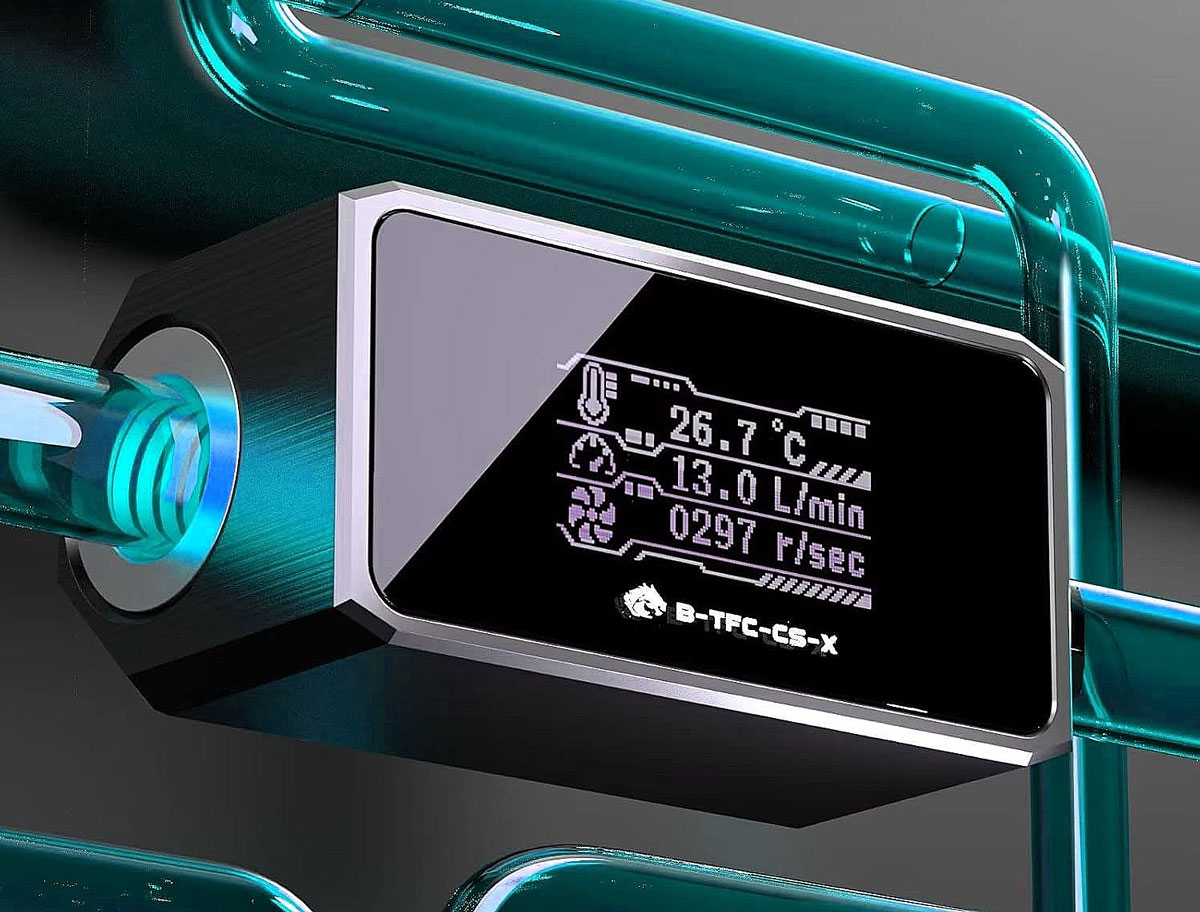
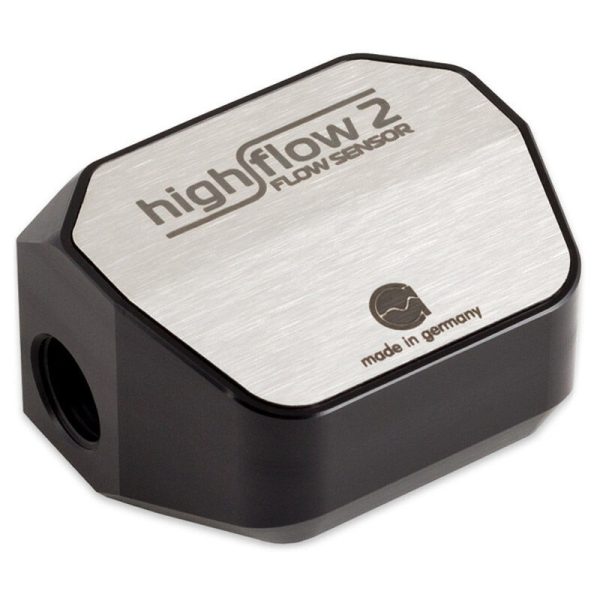
Digital flow meters measure actual flow rate and either display it on a screen or report it to software. They are more expensive however they are far more useful for troubleshooting. The standout product here is the Aqua Computer High Flow NEXT, which combines flow measurement, temperature, coolant conductivity and an OLED display in a single G1/4 fitting. That is a certain amount of functionality crammed into one unit.
Fan Controllers
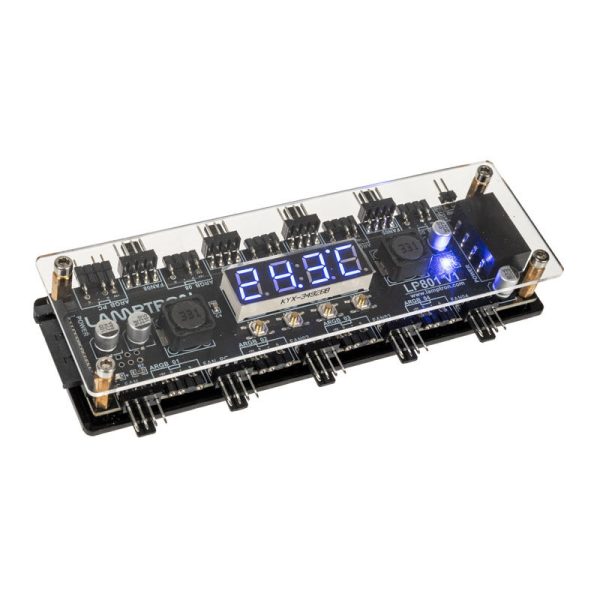
- SKU: LULS-372
- MPN: LAMP-LP801
- EAN: 6900628026168
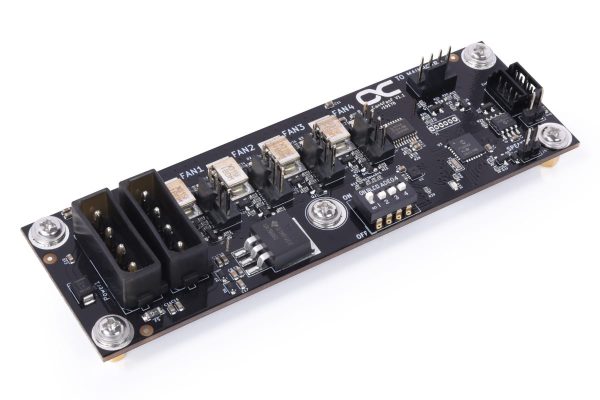
- SKU: 1020987
- MPN: 26158
- EAN: 4250197135573
- SKU: WAZU-1160
- MPN: 53283
- EAN: 4260473312390
- SKU: 1019285
- MPN: 53286
- EAN: 4260473312413
- Available for Collection
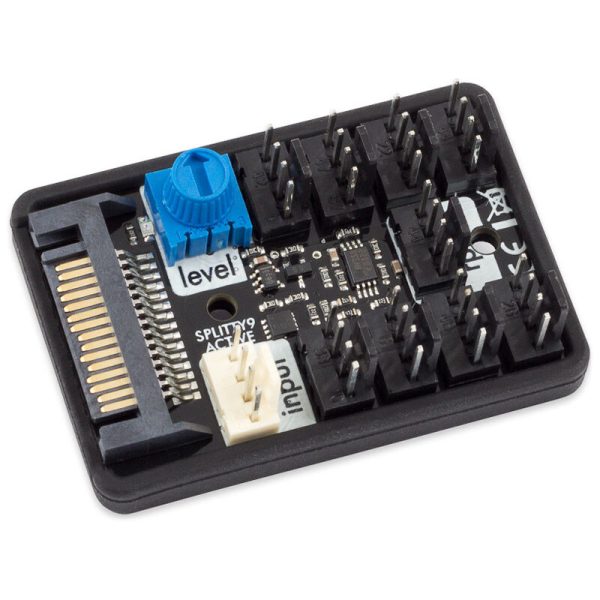
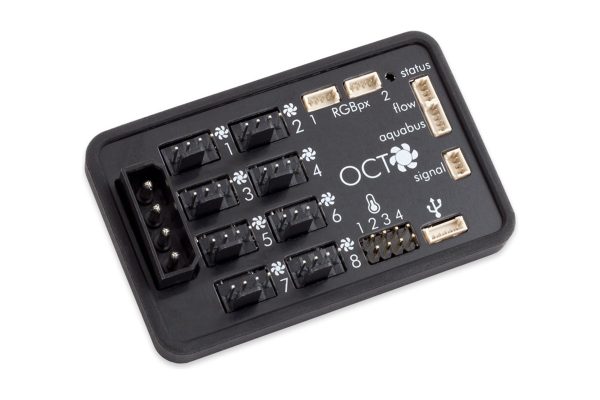
Dedicated fan controllers let you control fan speeds based on coolant temperature rather than CPU temperature. We touched on why this matters above. Coolant temperature moves slowly and smoothly, so your fans do not constantly ramp up and down with every CPU spike. The result is a system that sounds far more composed, and in most cases is effectively silent at idle.
The Aqua Computer ecosystem is the obvious choice here:
- OCTO. 8 PWM fan channels, 4 temperature sensor inputs, USB control via Aquasuite software.
- QUADRO. 4 PWM fan channels, 4 temperature sensor inputs, same software control.
- Aquaero 6 LT. The flagship controller with 4 fan channels expandable to 12, plus comprehensive monitoring and control.
Any of these let you create fan curves based on coolant temperature, set up alarms for high temperatures or low flow, and log data over time. Whether you need the full Aquaero or can get by with a QUADRO depends on the size and complexity of your loop, however even the smaller units offer a significant step up from motherboard-only control.
Using Your Motherboard
If you are not ready for a dedicated controller, most modern motherboards have at least one temperature sensor header (T_SENSOR) that can read a G1/4 plug sensor. You can then set up a fan curve in BIOS based on that sensor reading. It is not as flexible as a dedicated controller, however it is a solid starting point and costs nothing beyond the sensor itself.
Your pump’s tachometer output can also connect to a fan header (usually W_PUMP) for RPM monitoring. If the RPM drops to zero you know the pump has stopped, which is the sort of information you want to have pretty much immediately.
What Temperature Is Normal?
For a well-built loop with adequate radiator capacity the numbers look roughly like this:
- Coolant at idle: 2-5C above ambient room temperature.
- Coolant under load: 5-15C above ambient (depends on heat load and radiator size).
- Excellent: under 10C delta (coolant to ambient).
- Good: 10-15C delta.
- Worth investigating: over 15C delta.
If your coolant regularly exceeds 45C, consider adding more radiator surface area or increasing fan speeds. PETG tube users should pay particular attention here. PETG starts to soften around 50C and the consequences of deformed tubing in a pressurised loop range from annoying to catastrophic. Keep coolant below 50C and you should be fine.
Getting Started
For most builders the best bang for your money is a single G1/4 temperature sensor plugged into a motherboard header. It costs very little, installs in seconds and gives you the single most useful piece of data about your loop. From there you can add flow monitoring and dedicated controllers as your interest (and budget) grows. The question left hanging in the air is why so many people skip this step entirely, however once you have the data in front of you it becomes one of those things you wonder how you ever managed without.
Best Selling Premium Monitoring Products
- SKU: WAZU-977
- MPN: 53292
- EAN: 4260473313793
- SKU: BAR-ACC54
- MPN: FBFT08-BK
- EAN: 6937826665417
- Available for Collection
- SKU: WAZU-978
- MPN: 53293
- EAN: 4260473313809
- Available for Collection
- SKU: WAZU-1002
- MPN: 34138
- EAN: 4260473314066
- SKU: WAZU-1001
- MPN: 34137
- EAN: 4260473314059
- Available for Collection