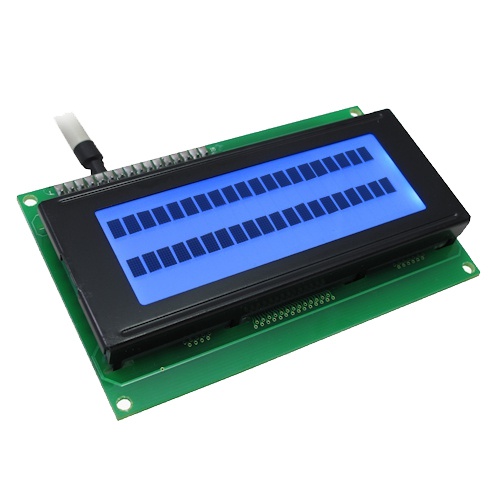
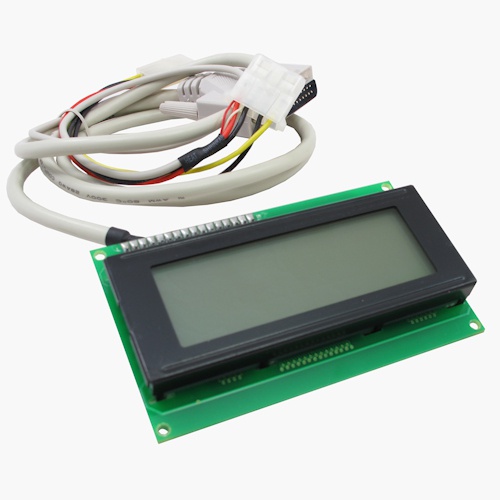
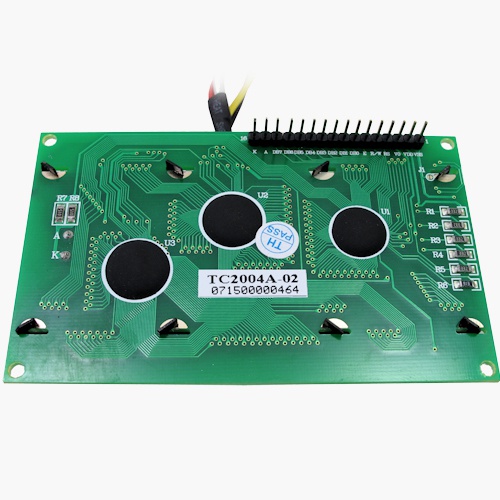
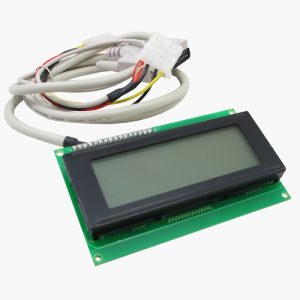
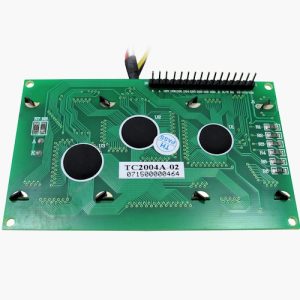
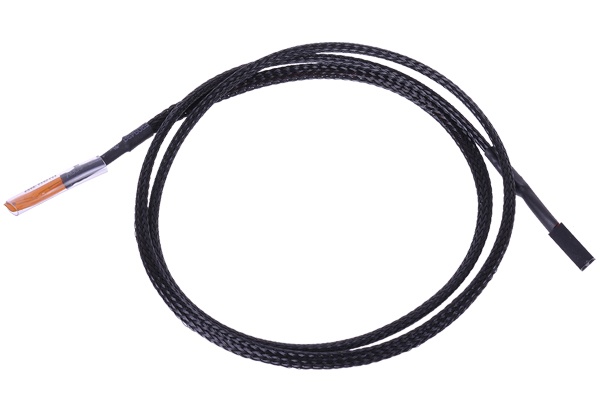
20x4 Character LCD Display Blue/Black (HD44780)

Dual screens are now almost common place in the gaming world due to graphics cards having two outputs; each screen having millions of pixels always doing exactly what you tell them. Its strange to think that a display capable of displaying a mere 20x4 characters is so appealing."

XSPC
  • SKU: 20x4LCDBB-PSK
  • MPN: 20x4LCDBB-PSK
  • EAN: 20x4LCDBB-PSK
  • Warranty: 12 Months
This product is now End of Life
Alternative items from  XSPC
  • Aqua Computer AMPINEL 12V-2x6 graphics card power management (Type B)
    Aqua Computer AMPINEL 12V-2x6 graphics card power management (Type B)
    Code: WACH-981
    £99.98£83.32 Inc VatEx Vat
  • Aqua Computer AMPINEL 12V-2x6 graphics card power management (Type A)
    Aqua Computer AMPINEL 12V-2x6 graphics card power management (Type A)
    Code: WACH-980
    £99.98£83.32 Inc VatEx Vat
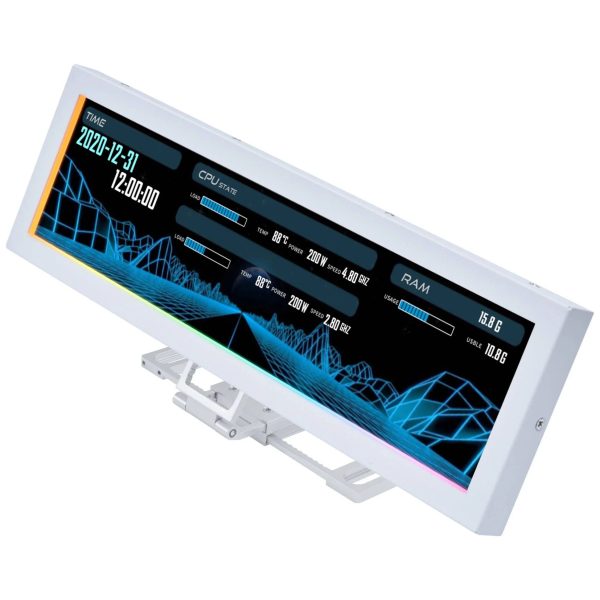
  • Lian Li 8.8 inch Universal Screen and Mount - White
    Lian Li 8.8 inch Universal Screen and Mount - White
    Code: GELI-986
    £68.65£57.21 Inc VatEx Vat

Dual screens are now almost common place in the gaming world due to graphics cards having two outputs; each screen having millions of pixels always doing exactly what you tell them. Its strange to think that a display capable of displaying a mere 20x4 characters is so appealing."

Details

Details:
HD44780 Controller
Connects to PC Parallel port
Power : 4pin Molex
Cable length – 1.1m
Blue LCD Backlight with Black text

Dimensions: 98mmx60mmx22mm

On a side note, if you were wondering, the HD44780 controller is an industrial standard interface chip. There are many sites on the internet telling you on how you can interface with this chip. There are, fortunately, also lots of sites giving away free, open-source programs to run these displays.

Try LCDSmartie as one of our favourite pieces of software for this display.

Installation/Setup help, please refer to this page (LCD SMARTIE ONLY)

A short guide:

  • Smartie currently only support 8bit wiring.
  • First off all: check, check and recheck your wirings!
  • if you get ANYTHING on your LCD, your wiring is likely to be (almost) correct.
  • Second: Try setting the timing multiplier (in HD44780 options) to 5 and restarting.
  • Third: check your bios, and turn your LTP port settings to EPP (sometimes ECP does work, but EPP is better)
  • still not good? then you should take a good look at your LCD. The controller, and if it it REALY compatible with a HD44780 (the standard)
  • If than your LCD dont work, its proberbly broken or you didnt make the correct wiring

Related Products

Track My Order

Please only include the numerical part of your order ID, i.e. 177500
Your postcode needs to exactly match what’s on your order, including any spaces
Homepage Modal
Hey There! 👋


You're awesome!, let's get you signed up..

We price match UK retailers with stock! Thanks for giving us a try