





Airflow Still Matters in a Watercooled PC
It might seem counterintuitive that a custom loop PC still needs a decent fan setup, however the reality is straightforward. Your liquid cooling handles the direct transfer of heat away from the CPU and GPU, but it is the airflow inside the case that actually dissipates that heat from the radiator fins into the surrounding environment. Poor airflow means the hot air just sits there, soaking your radiators in warm air and reducing their effectiveness. In the great scheme of things, a carefully planned intake and exhaust configuration is what prevents thermal bottlenecks and keeps your loop working as intended.
Intake vs. Exhaust Fans
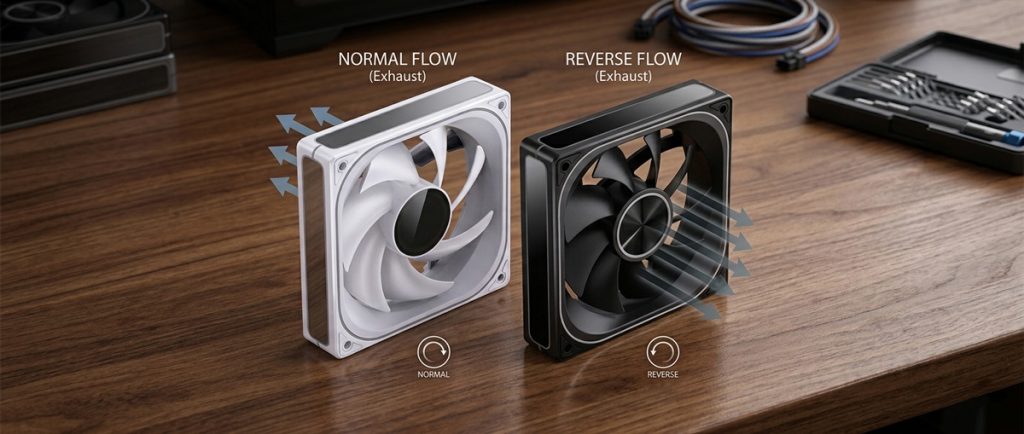
A well-balanced airflow setup revolves around the interplay between intake and exhaust fans. Intake fans pull cooler ambient air from outside the case, while exhaust fans expel the hot air your components and radiators have generated. The objective is pretty much what you would expect: establish a consistent airflow path so cool air enters, passes over heated surfaces and radiators, and then gets pushed out efficiently. In liquid-cooled builds, where you place your radiators and which direction your fans blow will have a significant impact on how well this works.
- SKU: LUJB-042
- MPN: ZL-120BR
- EAN: 6970620553894
- Available for Collection
- SKU: LUJB-041
- MPN: ZL-120B
- EAN: 6970620553870
- Available for Collection
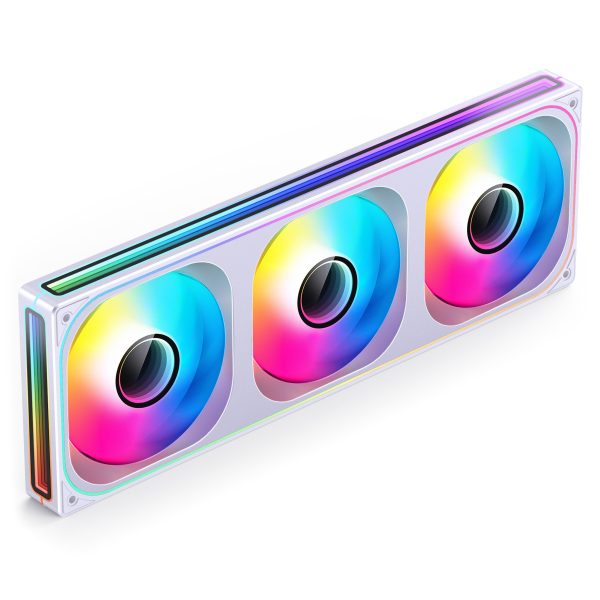
- SKU: LUJB-072
- MPN: ZB-360WR
- EAN: 6970620554655
- Available for Collection
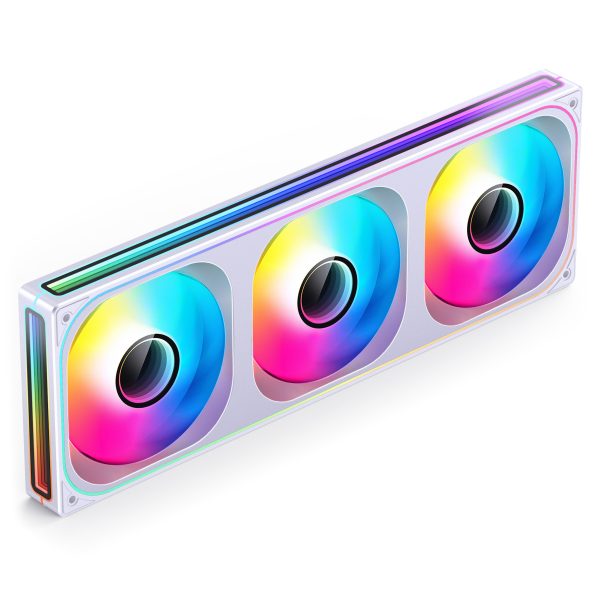
- SKU: LUJB-071
- MPN: ZB-360W
- EAN: 6970620554648
Intake Fans Setup
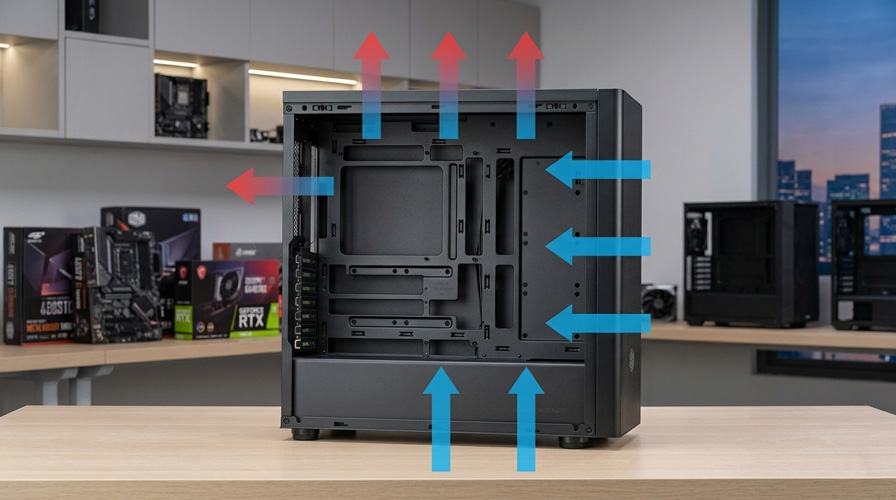
Intake fans are responsible for pulling cooler ambient air into the pc case, and that air then serves to cool radiators, motherboard VRMs, and storage devices. Ideally, intake fans should be mounted on the front or bottom of the case where the air is at its coolest.
- Front Intake: Mounting intake fans at the front of the case is the most common approach. This draws fresh air directly toward key components such as the GPU and any front-mounted radiators. If your radiator sits at the front, running it as intake ensures it receives cooler external air for better heat dissipation, which is effectively the optimal scenario.
- Bottom Intake: Some cases offer fan mounts at the bottom, which can bring cool air up from beneath the case into the GPU area. This provides a certain amount of additional cooling that complements the front intake nicely.
In liquid-cooled systems it is often a good idea to use a radiator as an intake, as this allows the radiator to draw in cooler external air rather than recycled warm air from inside the case. The result is more efficient heat transfer from the coolant.
Exhaust Fans Setup
Exhaust fans remove hot air from inside the case, helping prevent heat from accumulating around critical components. They should be placed where hot air naturally rises, which typically means the top or rear of the case.
- Top Exhaust: Heat rises, making the top of the case an ideal spot for exhaust fans. When you mount a radiator here in an exhaust configuration it expels warm air from the system efficiently, however be aware that using warmer internal case air to cool a top-mounted radiator will reduce its effectiveness slightly compared to a front intake radiator. This is a trade-off you need to acknowledge.
- Rear Exhaust: The rear of the case is another common exhaust location. Rear-mounted fans are usually smaller (often a single 120mm fan) however they help channel air through the case by pulling it out near the CPU and GPU areas. This works well for smaller radiators or in combination with a top exhaust setup.
Example Setup
The diagram below shows a typical mid-tower airflow configuration. Blue arrows represent cool intake air, red arrows represent warm exhaust air.
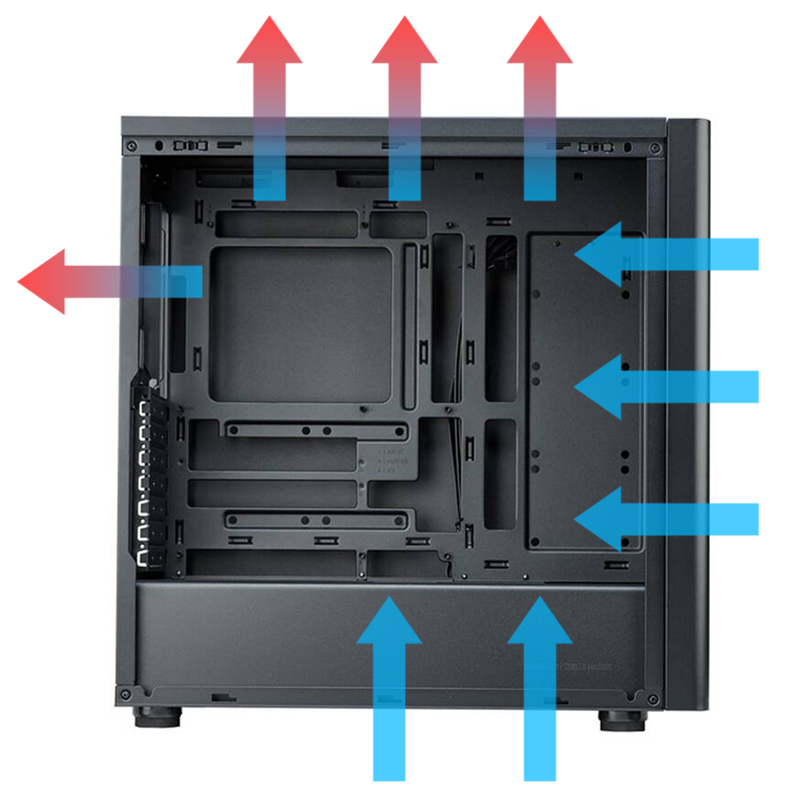
Optimal Airflow Configurations
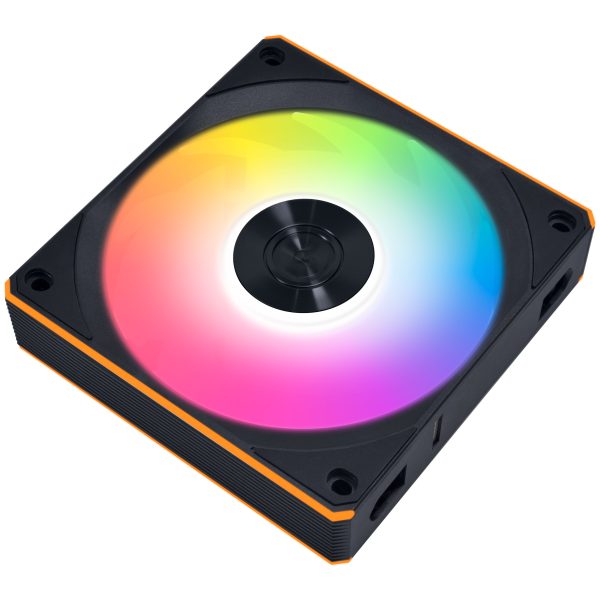
- SKU: LULI-141
- MPN: 12CL1W1B
- EAN: 4718466018519
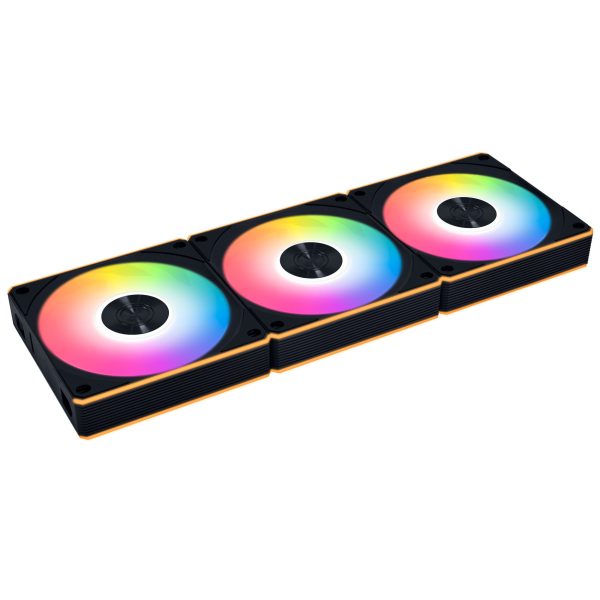
- SKU: LULI-145
- MPN: 12CL1W3B
- EAN: 4718466018533
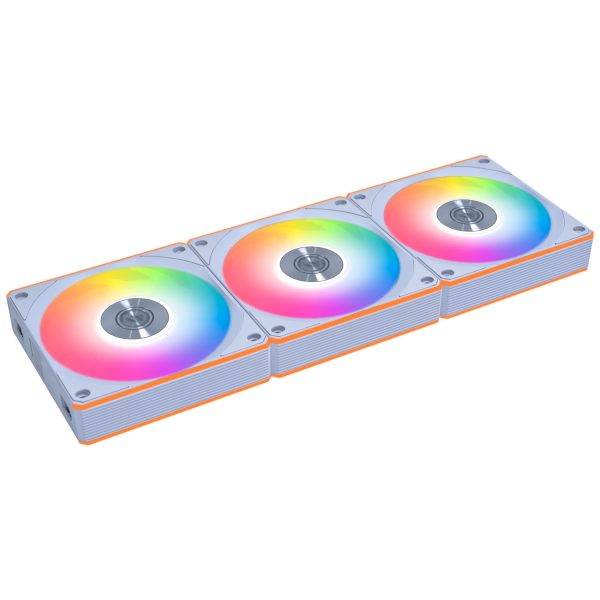
- SKU: LULI-146
- MPN: 12CL1W3W
- EAN: 4718466018540
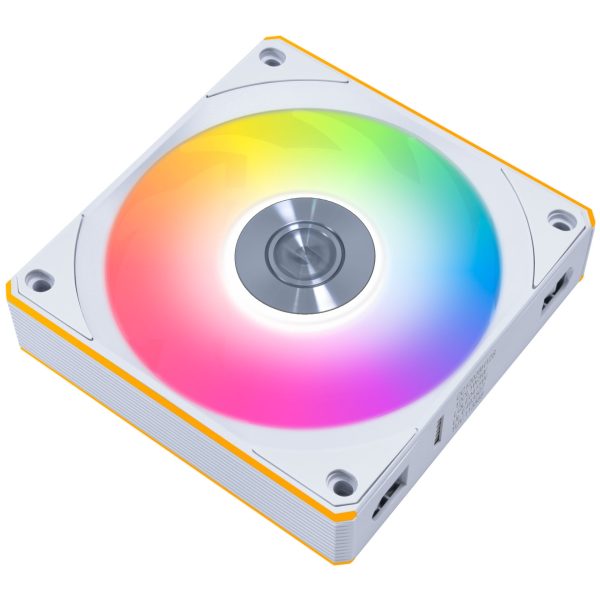
- SKU: LULI-142
- MPN: 12CL1W1W
- EAN: 4718466018526
Balanced Airflow (Neutral Pressure)
A balanced airflow setup involves having an equal number of intake and exhaust fans, which keeps air pressure inside the case neutral. For many liquid-cooled systems this is the obvious choice because it ensures air moves evenly through the system, helping radiators and components stay cool without any dead spots.
- Setup: Two or three front intake fans paired with two top and one rear exhaust fan is a typical balanced configuration. Cool air enters through the front and exits from the top and rear, maintaining even airflow through the case. In practice this keeps all components cooled effectively and is the configuration most builders should start with.
Positive Pressure (More Intake Fans)
Positive air pressure occurs when you have more intake fans than exhaust fans. This pushes more cool air into the case, creating pressure that forces air out through the case’s vents. Positive pressure setups are preferred for dust management because the additional intake, typically through filtered mounts, helps prevent dust from sneaking in through unfiltered gaps. If dust buildup annoys you (and it should), this is the configuration to consider.
- Setup: Three front or bottom intake fans combined with a single top or rear exhaust fan. This ensures cool air is always flowing over radiators and components, while excess air is forced out through other openings in the case.
Negative Pressure (More Exhaust Fans)
Negative air pressure happens when you have more exhaust fans than intake fans. This creates a suction effect that pulls air in through any available gap or vent. While this can create a faster flow of air across components, it pretty much guarantees that dust will enter through every unfiltered opening. You have been warned.
- Setup: Two top exhaust fans paired with a single front intake fan. This creates a vacuum effect that pulls air across components quickly, however it requires regular cleaning to prevent dust buildup. For most people the trade-off is not worth it.
Best Airflow Practices for Liquid-Cooled PCs
The question left hanging in the air is which configuration actually makes sense for a custom loop build. A balanced or slightly positive pressure setup is generally the most efficient way to ensure cool air flows over your radiators and components while preventing heat buildup and keeping dust at bay. Intake fans should bring cool air to the radiator and exhaust fans should expel hot air from the case. None of this is revolutionary advice, however it is surprising how many people invest serious money in a watercooling kit with quality fittings and a capable pump, only to neglect the fan layout that makes the whole thing work. By carefully planning your fan placement and airflow direction you can ensure your liquid-cooled PC stays cool, quiet, and relatively dust-free. That is the goal, and it does not require exotic hardware to achieve.
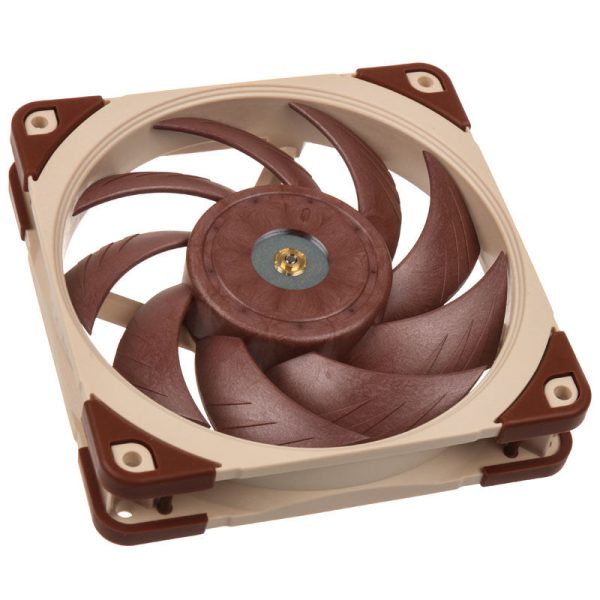
- SKU: LUNA-074
- MPN: NF-A12x25 PWM
- EAN: 9010018100396
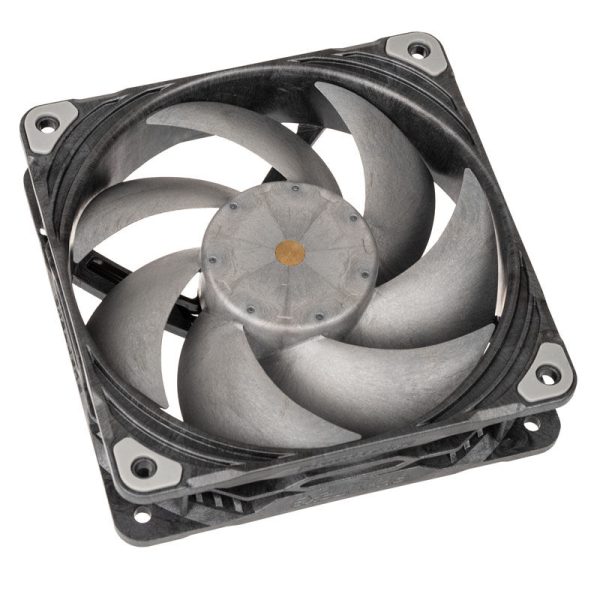
- SKU: LUPH-062
- MPN: PH-F120T30_BG
- EAN: 0886523001829
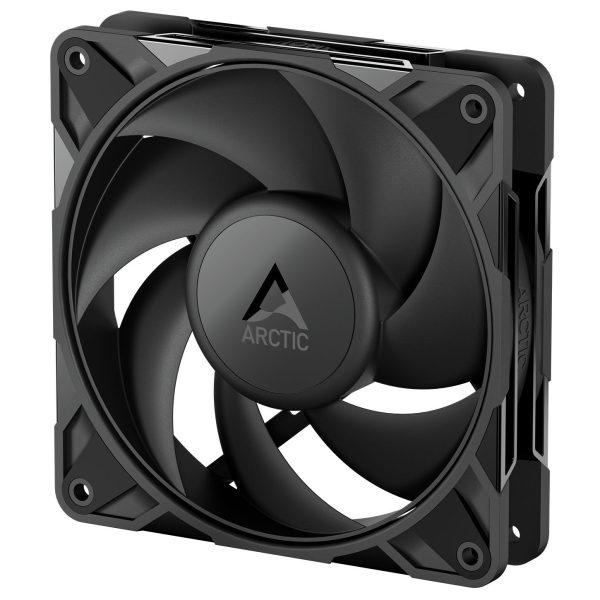
- SKU: LUAR-128
- MPN: ACFAN00305A
- EAN: 4895265000072
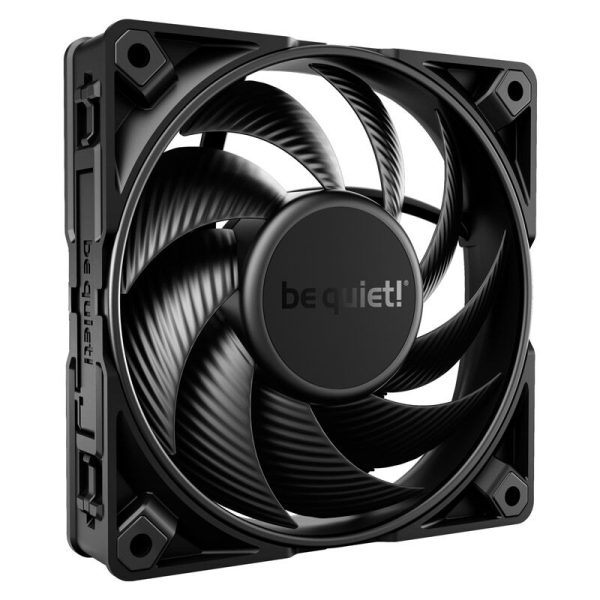
- SKU: LUBQ-076
- MPN: BL098
- EAN: 4260052188903
Related Blog Articles