




 Comparison
Quick Disconnect Fittings for PC Water Cooling
 Sep 18, 2026


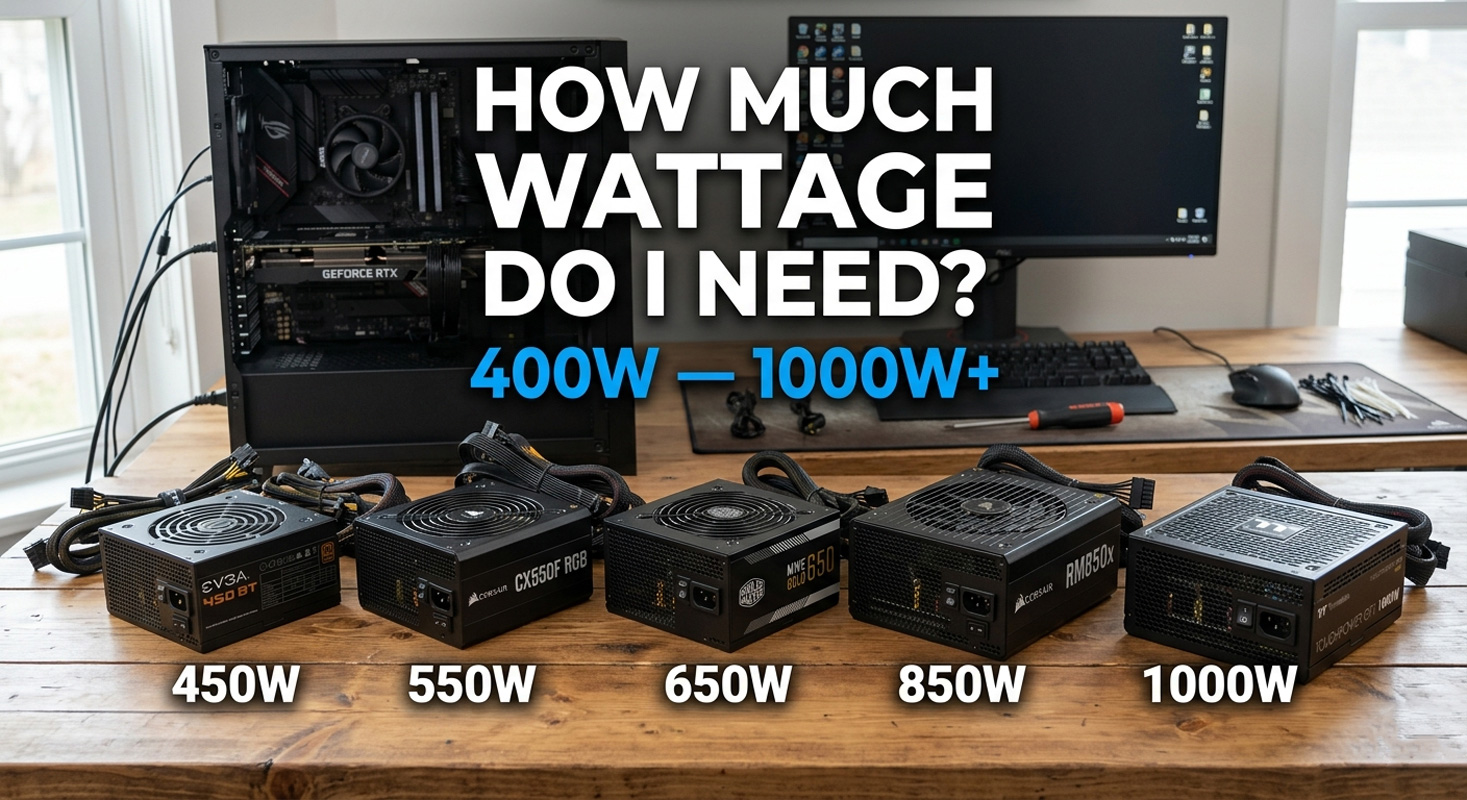
There is a persistent belief in PC building circles that every gaming system needs a 1000W power supply. It surfaces in build guides, in GPU box recommendations, in well meaning forum advice, and in online PSU calculators that appear specifically designed to sell you the most expensive unit on the shelf. The trouble, however, is that it is almost always wrong. The overwhelming majority of gaming PCs draw between 300W and 600W at the wall under real gaming load. That is not a rough estimate. That figure comes from independently measured data across dozens of builds tested by TechPowerUp, GamersNexus, Hardware Busters, Tom’s Hardware, and others using calibrated wall meters. Most builders are spending an extra hundred pounds on capacity they will never use.
The “you need a 1000W PSU” advice made a certain amount of sense before 2022, when older power supplies genuinely could not handle the transient current spikes that modern GPUs produce. That is no longer the case. A correctly rated ATX 3.1 unit handles those spikes by design, which means you can size your PSU based on what your PC actually draws rather than what a worst case scenario from three years ago might have demanded. The question is not whether you can afford a bigger PSU. The question is whether you need one.
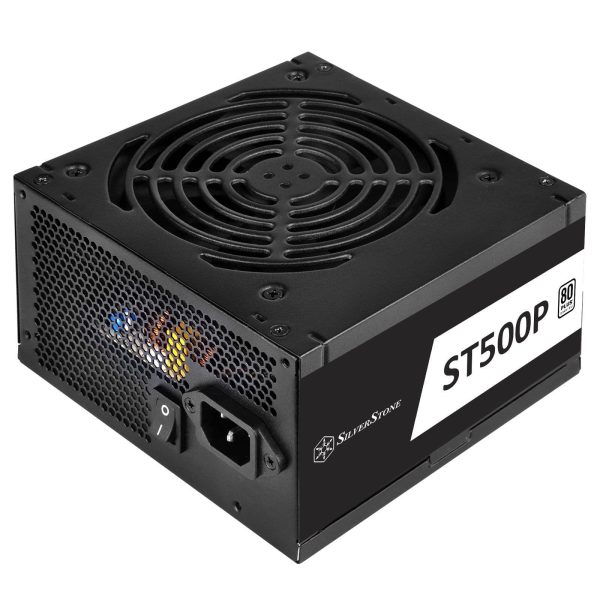
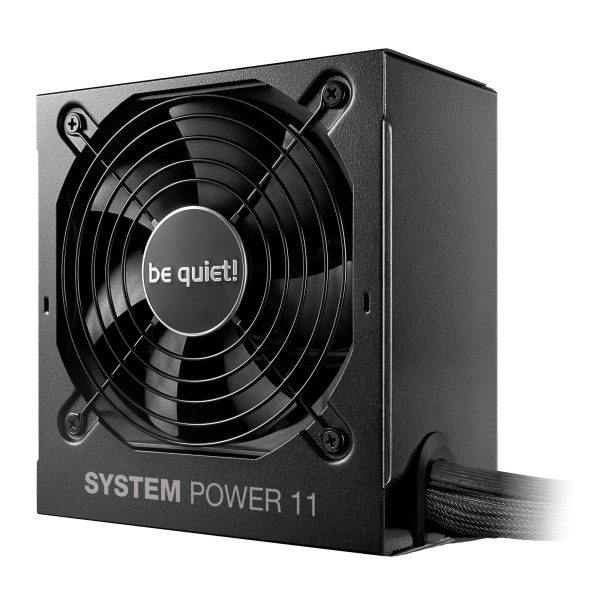
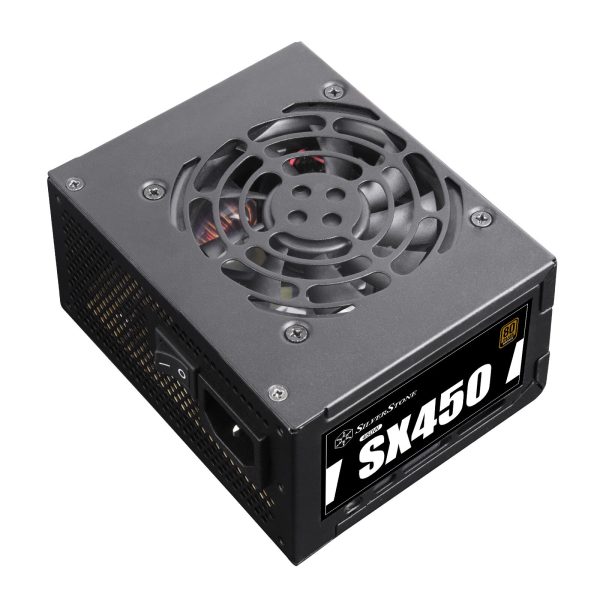
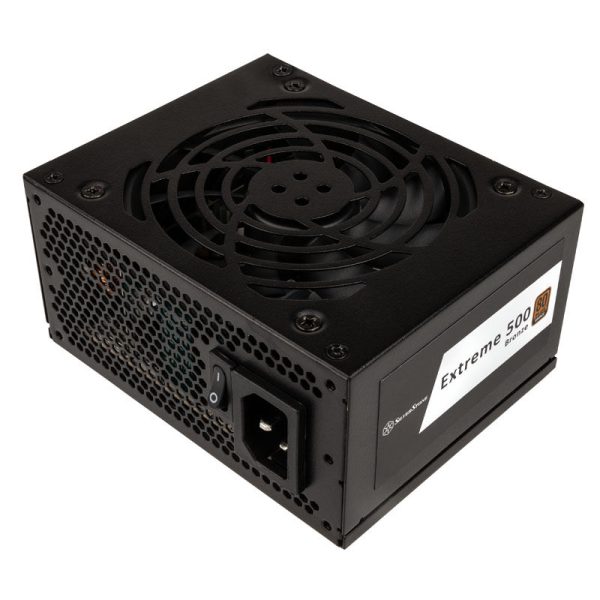
These are real wall power measurements from reputable hardware outlets, not theoretical maximums or TDP ratings printed on box labels. A mid range 1080p gaming build, something like a Ryzen 5 7600 paired with an RTX 4060, draws 250-320W at the wall during gaming. A mainstream 1440p system with an i5-14600K and RTX 4070 sits at 310-370W. Even an upper mid build running a 9800X3D with an RX 7900 XTX measures roughly 468W. These are the numbers that should drive your PSU choice.
The figure that surprises most people is the high end. A Ryzen 7 7800X3D paired with an RTX 4090, supposedly the combination that “needs 1200W,” averages 470-550W in real games. Even the most power hungry mainstream configuration tested, an i9-14900K with an RTX 4090, averages under 660W. The wall draw only balloons past 700W when motherboard power limits are deliberately removed and the GPU’s power slider is maxed, a scenario that represents competitive overclocking rather than everyday use.
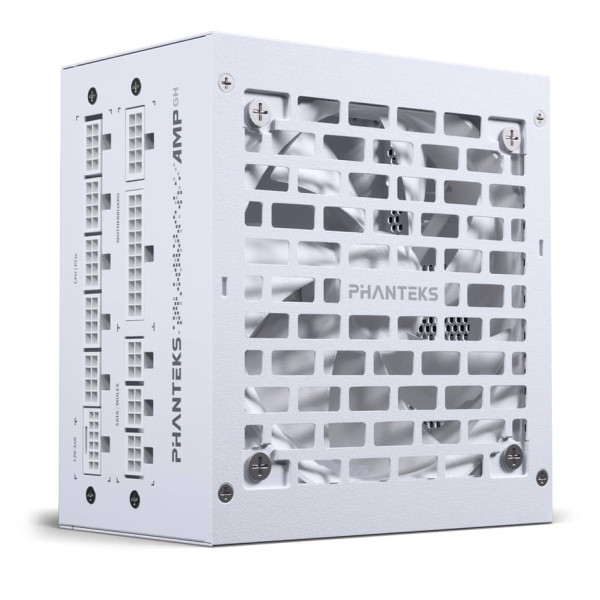
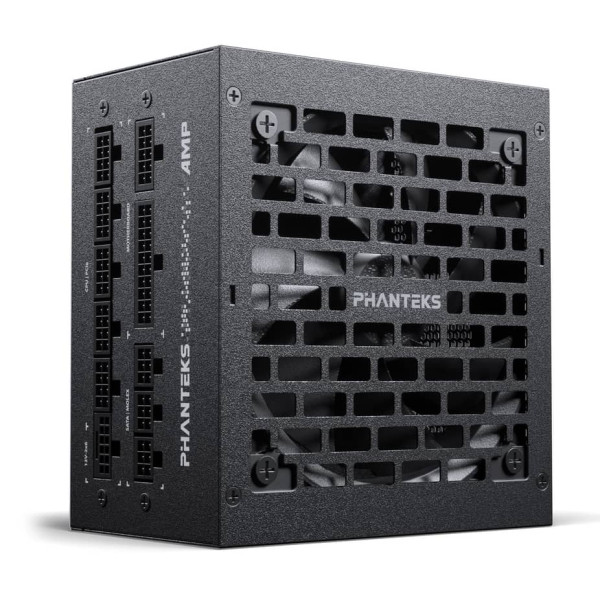
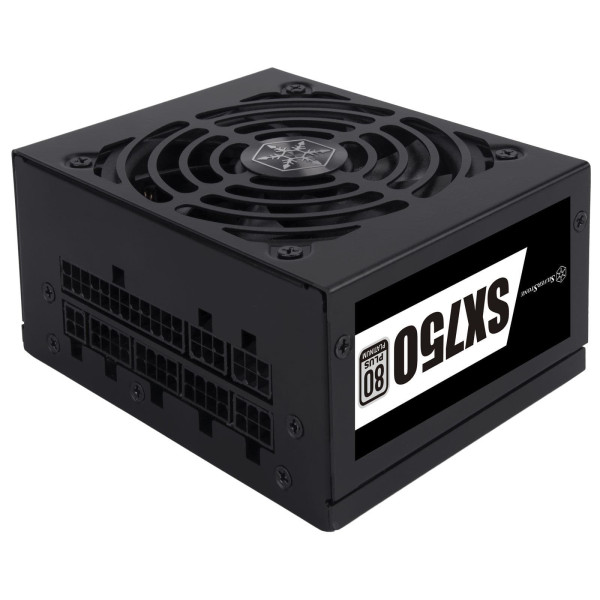
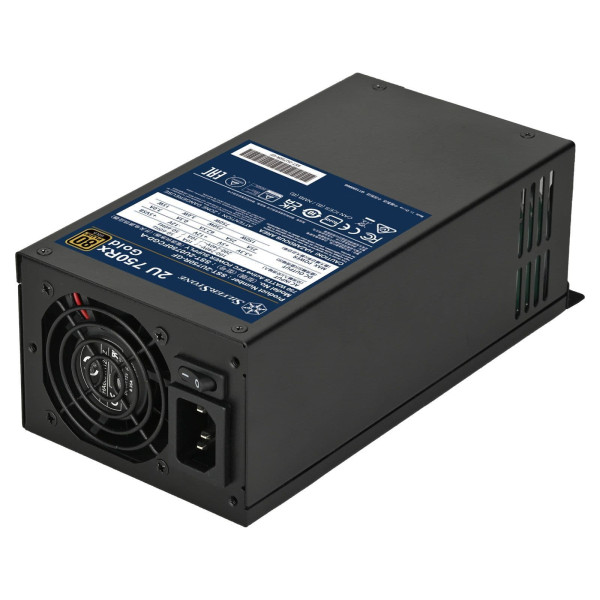
Rather than trusting a calculator designed to pad every figure and recommend the most expensive option, select your components below. The figures are based on real measured gaming loads, not TDP ratings, with headroom built in for transient spikes and capacitor ageing.
The “you need a 1000W PSU” wisdom has three sources, and none of them reflect 2026 reality. First, GPU vendors print minimum PSU recommendations on the box that are deliberately conservative. Nvidia’s 850W recommendation for the RTX 4090 was written to cover the worst case: an older power supply built before the ATX 3.0 standard, paired with a power hungry Intel CPU with motherboard defaults set to “unlimited.” If you have a modern ATX 3.1 unit and a sensibly configured system, that number has a very generous margin built in.
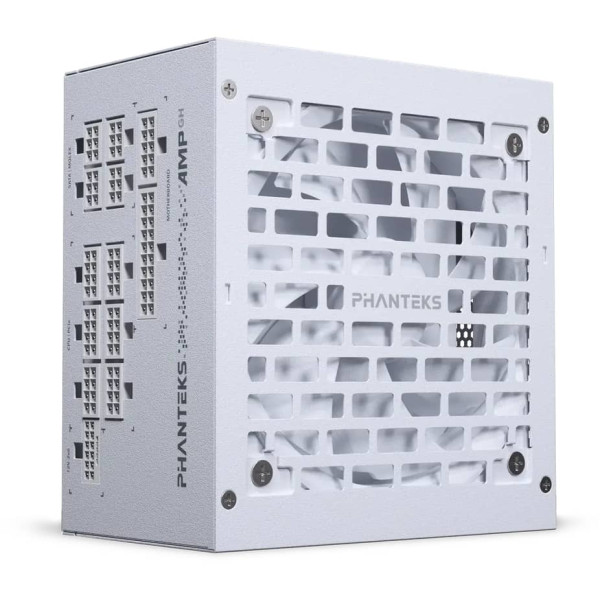
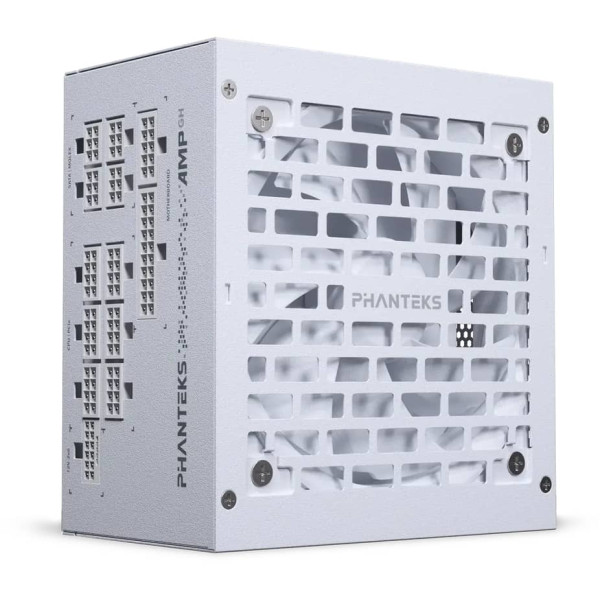
Second, online PSU calculators sum every component’s peak TDP, add 30% headroom on top, and present the result as though all components hit maximum draw simultaneously. They do not. During gaming, your CPU and GPU are rarely both at peak load at the same instant. These calculators produce numbers that look authoritative but are consistently 20-40% higher than measured reality.
Third, forum advice has not updated since the RTX 3080 and 3090 era, when transient power spikes genuinely did cause mid game shutdowns on older PSUs. That problem was real, however it was a PSU compliance problem, not a wattage problem. The fix was a better PSU standard, not a bigger number on the label.
Modern GPUs do not draw power in a smooth, predictable line. They produce current spikes lasting under a millisecond that can reach 1.5 to 2 times the average draw. Igor’s Lab, using oscilloscope grade sampling on an RTX 5090, recorded 901W in spikes under 1 millisecond on a card rated at 575W sustained. An older ATX 2.x PSU trips its over current protection on these spikes and shuts down, which is the dreaded mid game blackout that prompted the “just buy 1000W” advice in the first place.
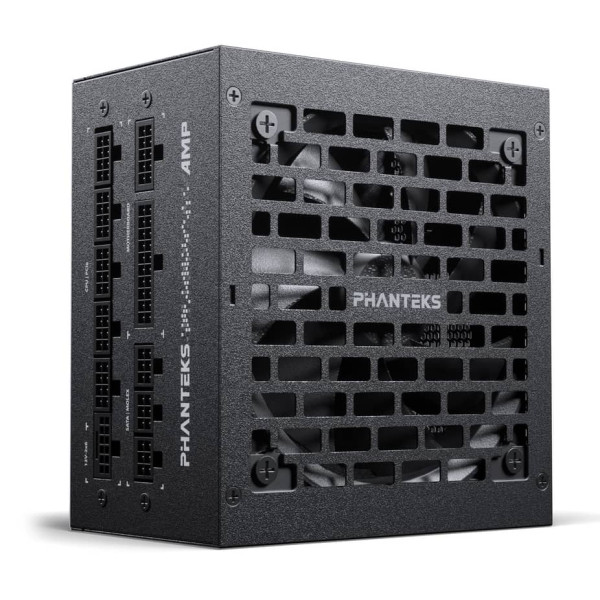
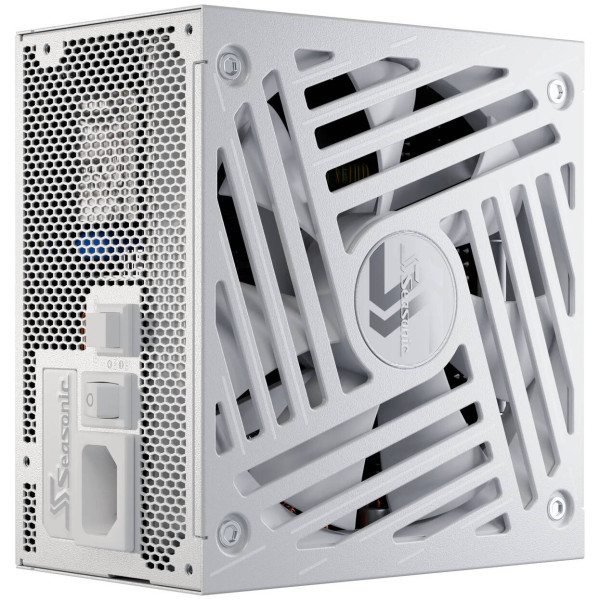
ATX 3.0, introduced in February 2022, fixed this by requiring PSUs to handle excursions of 200% rated power for 100 microseconds, 180% for 1 millisecond, and 160% for 10 milliseconds. ATX 3.1, which followed in 2023, kept the electrical specification and added the 12V-2×6 connector with improved sense pins. The practical result is that a 750W ATX 3.1 Gold from Seasonic, BeQuiet, Phanteks, or Asus will outperform a 1000W ATX 2.x unit on the same RTX 4090 build, because the transient excursion specification, not the headline number, is what prevents shutdowns. If you are buying a new PSU in 2026, look for an ATX 3.1 compliance badge and a Cybenetics ETA rating before you look at the wattage.
This is the finding that surprises people most. A Ryzen 7 7800X3D averages just 49W package power during gaming. The 9800X3D sits around 65-95W. Pair either of those with an RTX 4090 and the entire system draws 470-550W at the wall, which an 850W ATX 3.1 PSU handles comfortably. Now put the same RTX 4090 next to an i9-14900K running motherboard-default “unlimited” power limits, and the system pulls 570-660W, with many premium Z790 boards shipping in this state without telling you. That is 100-150W of extra system load before any deliberate overclocking has taken place.
The Intel 14th generation is in a class of its own for power consumption. The 14900K can pull more than three times its 125W rated TDP under heavy compute workloads, with AnandTech recording 428W peak during Y-Cruncher. Many customers running a 14900K are already “overclocked” without knowing it, because the motherboard manufacturer has silently applied a 1.3 to 1.7 times power increase above Intel’s specification. If you are building with a high end Intel CPU, you are committing to a larger PSU tier whether you intended to or not. Customers who want the smallest, quietest, most efficient build should be looking at AMD X3D processors paired with an ATX 3.1 unit in the 750-850W range.
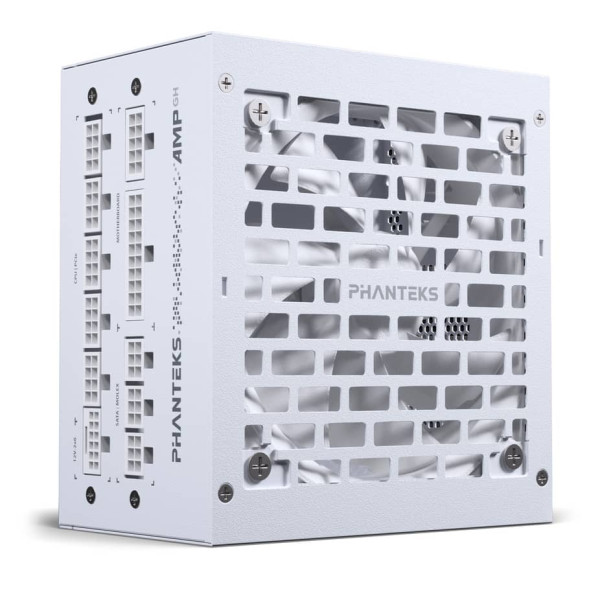
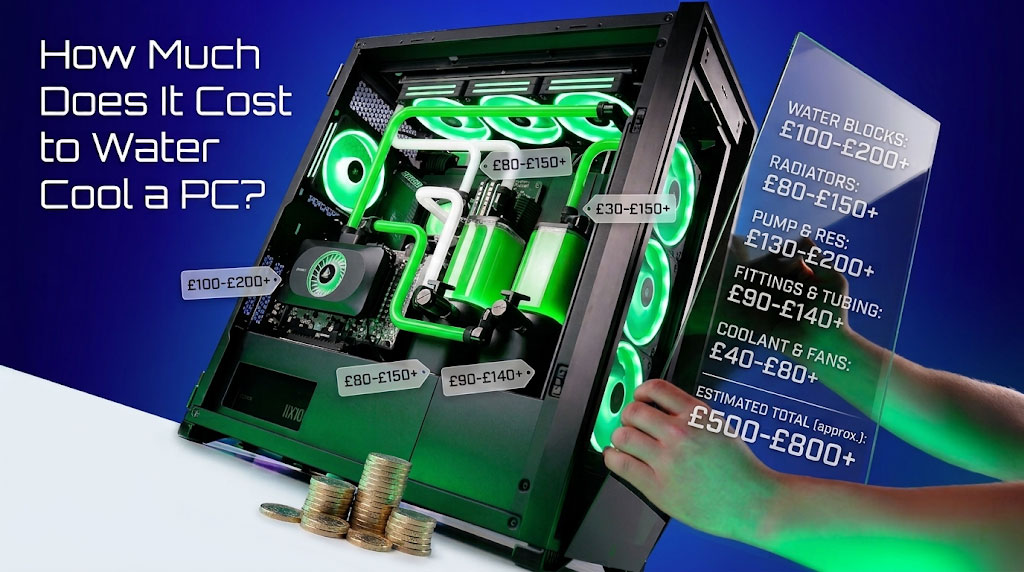
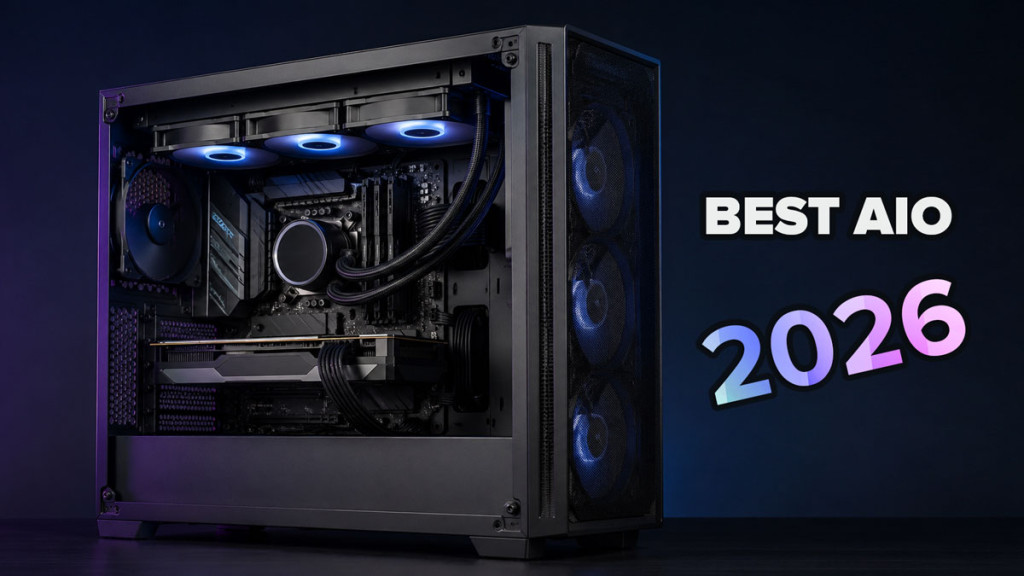
There is a common assumption that a custom watercooling loop substantially increases your PSU requirements. The data, however, tells a different story. An air cooler with three case fans adds 6-11W to system draw. A 360mm AIO with six fans and a pump adds 14-18W. Even a moderate custom loop with a D5 pump, nine quiet fans, and monitoring sensors totals 45-55W. That is cooling overhead of 1-5% for air or AIO builds, and 7-9% for a custom loop. The only scenario where cooling pushes a build up a PSU tier is a maxed out dual-pump show build with 12 or more high performance fans and full RGB, and even then it is a one tier shift.
Here is the inversion that most people do not expect: watercooling enables PSU downsizing, not upsizing. A thermally unconstrained RTX 4090 under water at 0.9V and 2.62 GHz draws under 280W in benchmarks, roughly 100W less than the same card on air at stock voltage, with practically identical gaming performance. Tom’s Hardware found an 80% power limit on the 4090 costs only 3% FPS for 14% less power. A water cooled i9-14900K with a -0.125V offset retains full performance at 180-200W instead of 280W. A customer running a water cooled, undervolted 14900K and 4090 sits comfortably on 850W, which is a smaller PSU than the specification sheet would ever suggest. The watercooling customer who undervolts is the one who gets away with less, not more.
An oversized PSU is not dangerous. The fan often stays off in semi passive mode, temperatures remain low, and capacitor wear is minimal since electrolytic life is dominated by temperature rather than load. However, there are real costs. A 650W Gold ATX 3.1 retails around 90-110 pounds. A 1200W Gold is 190-230 pounds. That is roughly a hundred pounds of capacity you will never use.
There is a modest efficiency penalty as well. PSUs peak in efficiency around 40-60% load. A Gold rated unit at 50% load runs at approximately 92% efficiency, however that drops to 89% at 20% load. For a mid range gaming PC averaging 250W on a 1200W PSU, you are losing an extra 15 kWh per year, which works out to roughly 3-4 pounds on your electricity bill at current UK rates. The payback period for that hundred pound price difference is a decade or more, which is not a compelling financial argument.
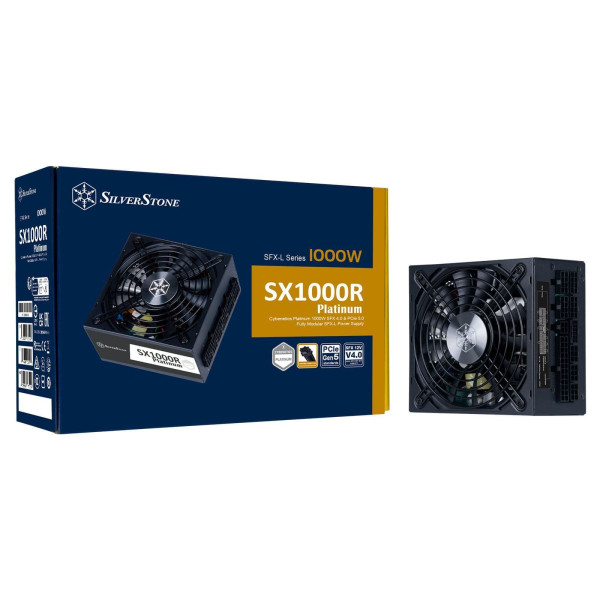
Physical size is the more practical concern. Standard ATX PSUs measure 140-150mm deep at 650-850W, however high wattage units stretch to 170-200mm at 1200-1600W. In an SFF or Mini-ITX case, that extra depth can be the difference between the build fitting or not. SFX-L tops out at 1000W currently, so SFF builders are physically constrained regardless of budget.
The genuine use cases above 1000W are narrower than most advice suggests. An overclocked RTX 4090 or stock RTX 5090 paired with a power hungry Intel CPU qualifies. Multi GPU workstations and render rigs qualify. An RTX 6000 Ada or A6000 professional card qualifies. Builders who specifically want semi passive operation at all loads have a legitimate reason. Beyond that, however, you are paying for headroom you do not need.
A stock RTX 4090 with a Ryzen 7 7800X3D or 9800X3D, even with a custom watercooling loop, sits comfortably on 850W. A mainstream 1440p build with an RTX 4070 lives happily on 550-650W. An entry level gaming PC with an RTX 4060 will run efficiently on 450-550W. These are not tight margins. They include proper headroom for transient spikes, capacitor ageing, and the occasional load spike during a demanding scene.
| PSU Tier | Suits These Builds | Does Not Suit |
|---|---|---|
| Up to 450W | Office PCs, HTPCs, NAS, i3/Ryzen 3 with integrated graphics | Any discrete GPU above GTX 1650 class |
| 450-550W | Entry gaming: Ryzen 5 9600X / Core i5 + RTX 4060 or RX 7600 | RTX 4070 and above; future GPU upgrades |
| 550-650W | Mainstream 1080p/1440p: RTX 4060 Ti, RTX 4070, RX 7700 XT builds. Sweet spot for quiet, efficient PCs | RTX 4070 Ti Super and above without ATX 3.1 |
| 650-750W | Upper-mid 1440p/4K: RTX 4070 Ti Super, RTX 4080, RX 7900 XT/XTX, RTX 5070. Where most 2026 gaming builds correctly land | Overclocked RTX 4090; 14900K with unlimited power |
| 750-850W | High end 4K: stock RTX 4090, RTX 5080. Matches Nvidia’s 850W recommendation for the 4090. Also right for efficient watercooled builds with undervolting | Overclocked RTX 4090/5090; unlocked 14900K + flagship GPU |
| 1000-1200W | Stock RTX 5090, overclocked RTX 4090, 14900K unlocked + flagship GPU, enthusiast dual pump watercooling loops | Mid-range single-GPU gaming (this is overspend) |
| 1300W+ | Workstations, competitive overclocking, dual-GPU render rigs | Pretty much everything else |
Strip out the overcautious vendor figures and the inflated calculator numbers and the answer is straightforward: a correctly sized PSU runs your system at 40-60% load during peak gaming, which is the efficiency sweet spot for any Gold or Platinum rated unit. Spending more does not make your PC faster, quieter, or more reliable. It just means you paid extra for watts you will never draw. If your build lands in the 650-850W range, which covers the vast majority of single-GPU gaming systems in 2026, that is not a compromise. That is the correct answer.
Choose what we can use. Essential cookies are always on because the shop cannot work without them. Full details in our Privacy Policy and Cookie Policy.
Required for the site to function: your basket, login, checkout and payments, and remembering this cookie choice. Alongside the cookies listed below, our shop platform sets its own short-lived cookies to keep your basket, sign-in and checkout working. These are used only for essential site functions and your consent choice, never for advertising or profiling.
Google Analytics shows us which products and pages people look at, so we can improve the site and stock the right parts.
Google and Microsoft advertising cookies tell us which adverts actually led to an order, so we spend our ad budget on what works. They may also be used to show you more relevant ads.
Microsoft Clarity records replays of how pages are used, helping us find and fix problems like confusing checkout steps.