






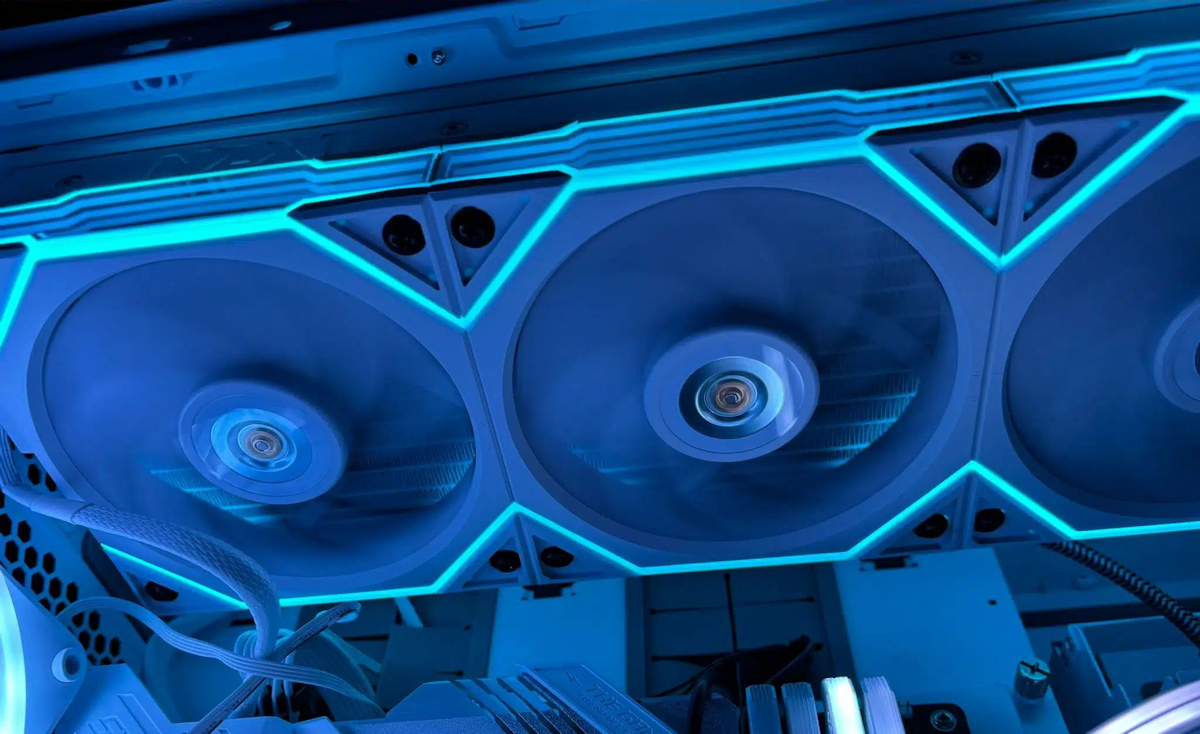
Choosing the Right Fans for Your Radiators
Picking the right fans for a custom loop is one of those decisions that sounds straightforward but can genuinely make or break a build. Your radiator can only dissipate heat as fast as the fans mounted to it will allow, and fitting the wrong ones will either leave cooling performance on the table or turn your system into something quite raucous. The right fans strike a balance between airflow, static pressure, and acoustics. So how do you go about choosing them? Let’s go through it.
Static Pressure vs Airflow
This is the single most important distinction when buying fans for radiator use, and it is one that I feel is worth spelling out clearly.
Radiator fins create resistance (often referred to as ‘back-pressure’) that the fan has to push air through. A fan optimised for airflow will move lots of air in open space but struggles when faced with that resistance. A fan optimised for static pressure, on the other hand, is designed specifically to push air through obstructions like radiator fin stacks.
For watercooling, you want static pressure optimised fans. Look for models with higher mmH₂O (millimetres of water column) ratings. Blade design is the tell here. Static pressure fans typically have more blades, closer spacing, and sometimes a shroud or guide ring around the blade tips to reduce air escaping sideways.
Fan Sizes
Match your fan size to your radiator. It is a fairly simple rule:
120mm fans are for 120mm, 240mm, 360mm, and 480mm radiators.
140mm fans are for 140mm, 280mm, and 420mm radiators.
120mm fans generally achieve better static pressure than 140mm fans, making them slightly more effective per-fan on radiators. That said, 140mm fans move more air per revolution, so the real-world difference is relatively small. I would say just choose based on your radiator size and leave it at that.
PWM vs DC Control
PWM (4-pin) fans receive a 25kHz pulse-width modulation signal from the motherboard that controls speed precisely. They can typically spin down to very low RPMs (300-500 RPM) for near-silent operation at idle. This is the recommended type for watercooling, and it is the type I would always suggest.
DC (3-pin) fans are controlled by reducing voltage. They cannot spin as slowly (the minimum is usually around 40-60% speed) and speed control is less precise. They are still functional, but PWM gives you considerably more range. As such, PWM is the way to go for most builds.
Key Specs Explained
Here I will walk you through the specifications you are likely to encounter when shopping for radiator fans. It is worth understanding what each one actually means in practice.
RPM is the rotational speed. Higher RPM equals more airflow and pressure, but also more noise. For watercooling, 800-1200 RPM is the sweet spot for most builds.
CFM (Cubic Feet per Minute) is the volume of air moved. Higher is better, but this is measured in free air, not through a radiator. As such, it is not the most relevant spec here.
mmH₂O (static pressure) is the fan’s ability to push air through resistance. This is the most relevant spec for radiator use. Look for 1.5 mmH₂O or higher.
dBA is the noise level. Lower is quieter. Below 25 dBA is generally inaudible in a closed case, which is quite impressive when you think about it.
Push, Pull, or Push-Pull?
This refers to fan placement relative to the radiator, and it is a question that comes up quite often.
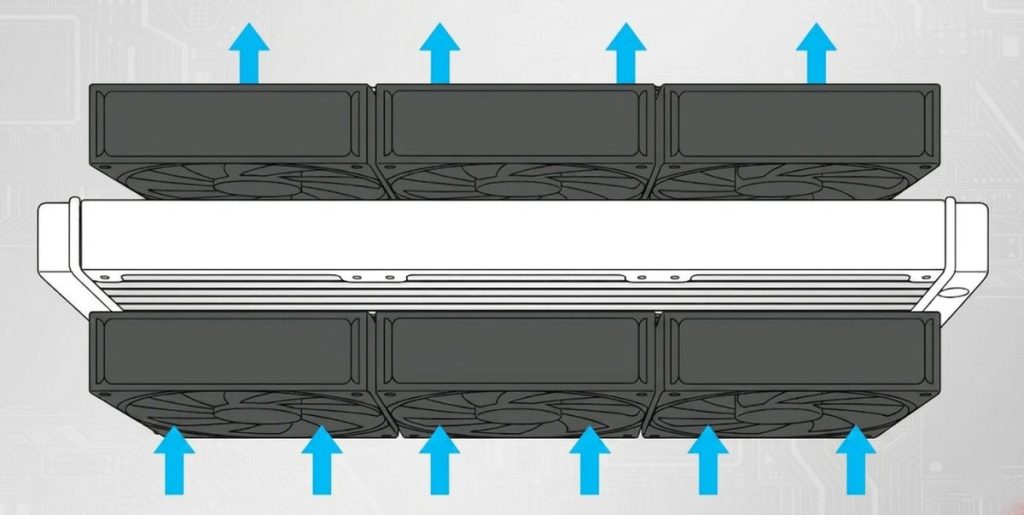
Push means the fans are mounted on one side, blowing air through the radiator. This is the most common setup.
Pull means the fans are on the other side, pulling air through. Performance is similar to push, and it is slightly quieter in some setups.
Push-pull means fans on both sides. This offers the best cooling (roughly a 3-5°C improvement on thick radiators) but needs twice the fans and more clearance.
For most builds, push or pull alone is perfectly adequate. Push-pull is worth considering on thick radiators (45mm and above) where the additional fans make a meaningful difference.
Popular Radiator Fans
There are quite a few well-regarded options for radiator use, so here are some of the standouts.
Noctua NF-A12x25 is widely considered the best all-round 120mm radiator fan. It offers excellent static pressure and is very quiet, but it only comes in Noctua’s brown/beige colour (or the chromax.black variant, which is obviously the more popular choice for most builders).
Phanteks T30-120 is 30mm thick versus the standard 25mm, and its performance is quite impressive. You will need to check clearance for the extra thickness, though.
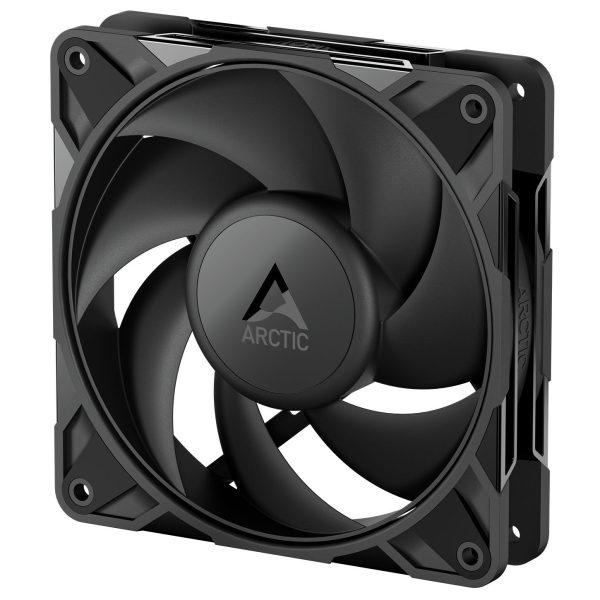
Arctic P12 PWM offers exceptional value. Performance approaches the Noctua at a fraction of the price. These are available in value packs of 5, and the PST (PWM Sharing Technology) feature allows daisy-chaining without splitters, which is dead easy.
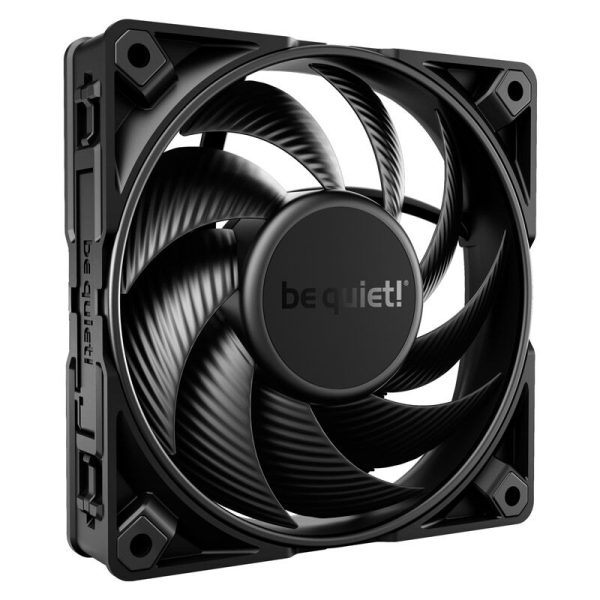
be quiet! Silent Wings Pro 4 is very quiet at low RPMs with strong static pressure. A good pick for noise-focused builds where keeping things easy on the ears is the priority.
Lian Li UNI FAN provides excellent performance with daisy-chain connectivity and wireless options. Available in black and white.
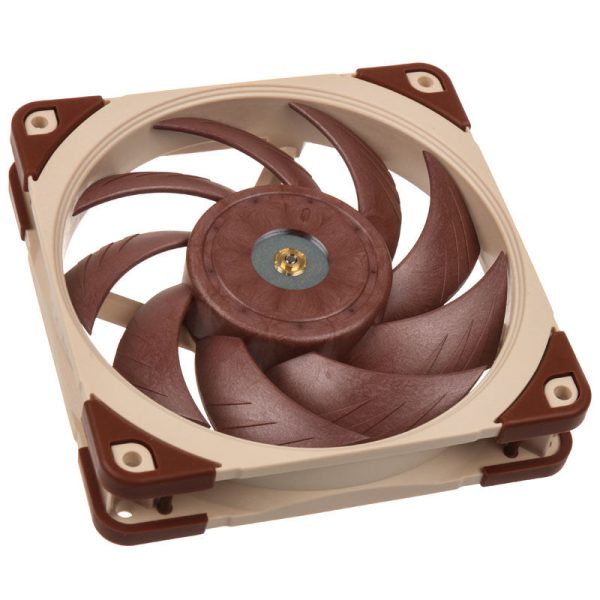
- SKU: LUNA-074
- MPN: NF-A12x25 PWM
- EAN: 9010018100396
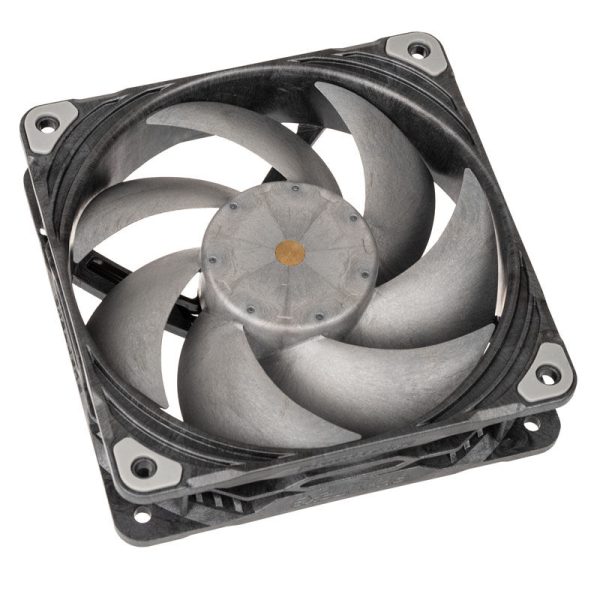
- SKU: LUPH-062
- MPN: PH-F120T30_BG
- EAN: 0886523001829
- SKU: LUAR-128
- MPN: ACFAN00305A
- EAN: 4895265000072
- SKU: LUBQ-076
- MPN: BL098
- EAN: 4260052188903
RGB/ARGB Fans
If you want illuminated fans on your radiators, it is important to make sure the RGB type matches your motherboard headers.
ARGB (5V, 3-pin) is addressable, allowing individual LED control. Most modern motherboards support this.
RGB (12V, 4-pin) is the older standard, where all LEDs show the same colour. It is less common now.
These are not interchangeable. I do feel that I really should not have to point this out, but connecting a 5V ARGB device to a 12V RGB header will damage it. Check your motherboard manual.
On a subjective note, not all RGB fans have good static pressure. Some prioritise looks over performance. If your fans are going on a radiator, check the static pressure spec first and treat the lighting as a bonus. Funky visuals are all well and good, but they are not much use if your loop is running hot.
How Many Fans?
This one is fairly straightforward. Match the number of fan positions on your radiator. A 360mm radiator takes three 120mm fans. A 280mm takes two 140mm fans. Fill every slot. If you are running push-pull, double the number.
Noise vs Performance
The relationship between fan speed and cooling is not linear, and this is something worth keeping in mind. Going from 800 RPM to 1200 RPM gives you a noticeable improvement. Going from 1200 to 1600 RPM gives you diminishing returns with significantly more noise. Most watercooled builds perform best with fans at 800-1200 RPM, which keeps things quiet while still providing excellent cooling.
If your motherboard or fan controller supports coolant temperature-based fan curves (rather than CPU temperature), I would recommend using that. Coolant temperature changes slowly and smoothly, so your fans will not constantly ramp up and down with every CPU spike. It is a small thing, but it makes a real difference to how pleasant the system is to live with day-to-day.
For those looking to get the most out of their radiator fans, the key takeaway is this: prioritise static pressure, go for PWM control, and resist the temptation to crank speeds beyond 1200 RPM. The noise penalty is quite steep, and the thermal gains are relatively modest. Pair sensible fan choices with a well-planned loop and you should have a system that is both cool and easy on the ears.