




Watercooling General FAQ: Everything You Need to Know Before Building a Custom Loop
High-end air coolers and AIO liquid coolers dominate the mainstream conversation around CPU and GPU cooling. But for enthusiasts who demand the absolute best thermal performance, the lowest noise levels, and a visually stunning build, custom watercooling occupies a category of its own. The trade-off? Greater cost, more planning, and periodic maintenance. Whether that trade-off is worthwhile depends entirely on your priorities. Let’s break down the fundamentals.
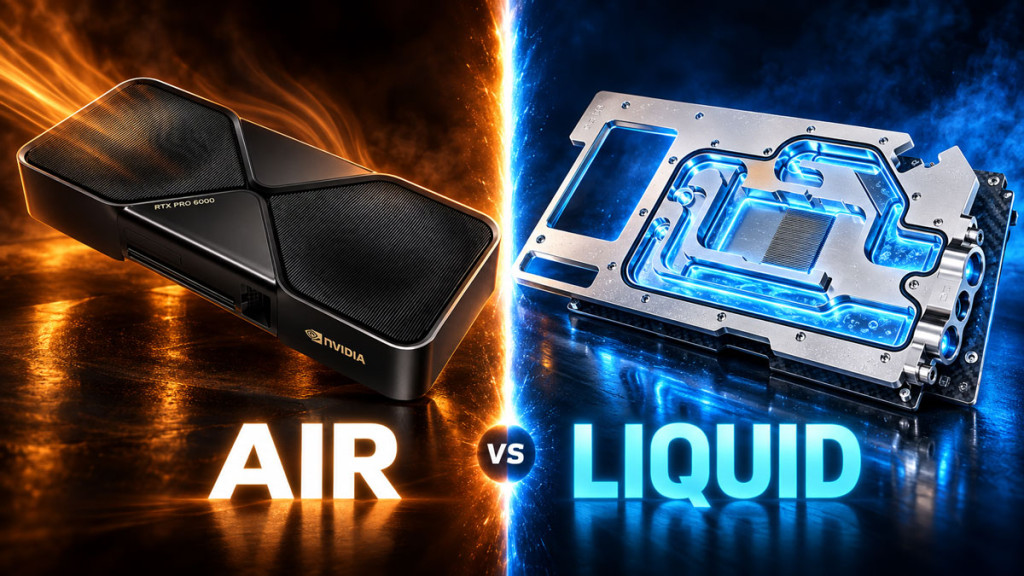
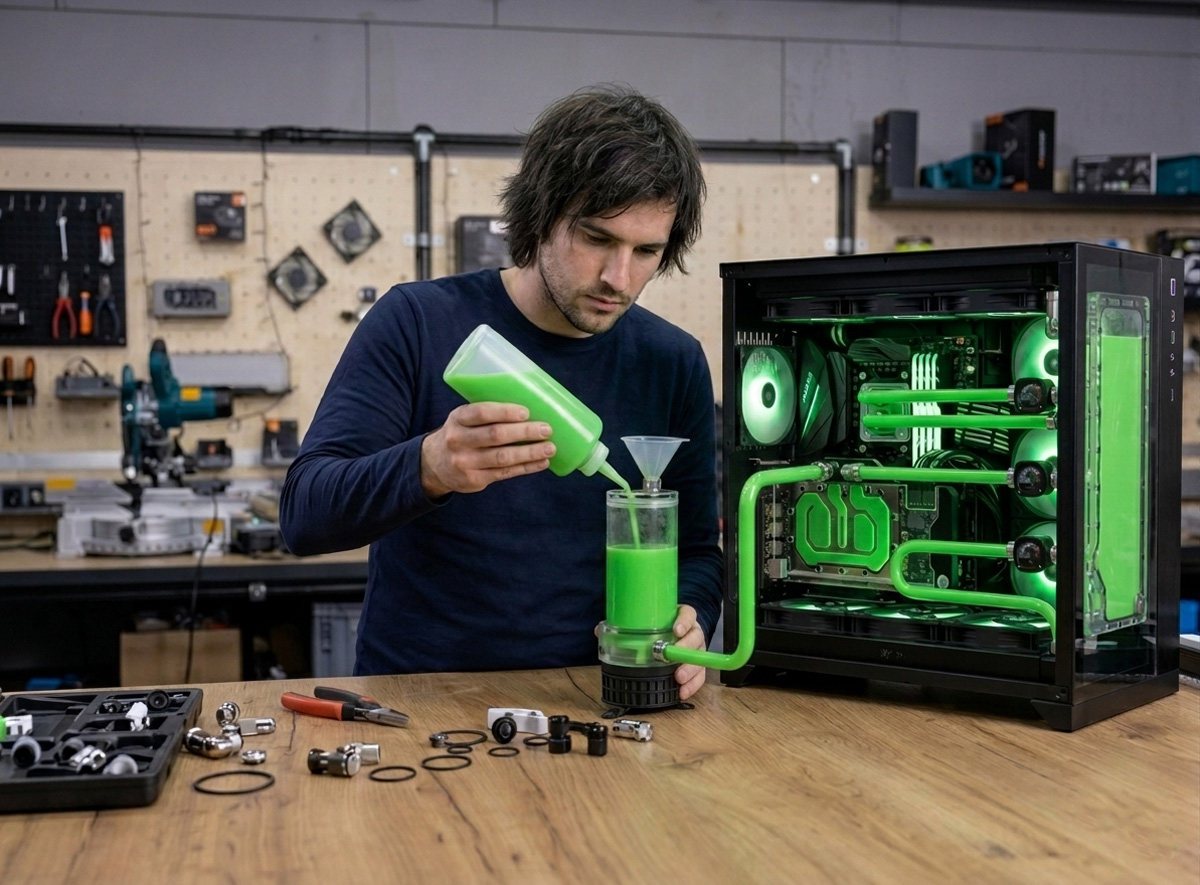
PC watercooling replaces the traditional air-cooled heatsink and fan approach with a liquid-based heat transfer system. Instead of relying solely on metal fin arrays and airflow, a coolant (typically distilled water or a non-toxic glycol/propanol mixture) circulates through the loop, pulling heat away from critical components such as the CPU, GPU, and sometimes the motherboard chipset or RAM. Water conducts heat significantly more efficiently than air, which is the core reason custom loops can achieve lower temperatures at reduced noise levels compared to conventional cooling. That said, building and maintaining a custom loop requires a solid understanding of the individual components involved.
Components of a Watercooling System
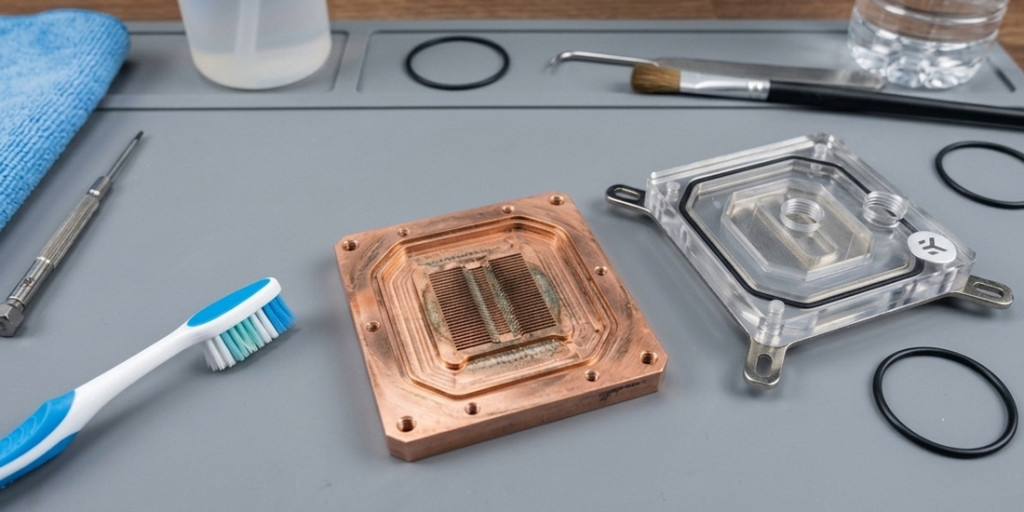
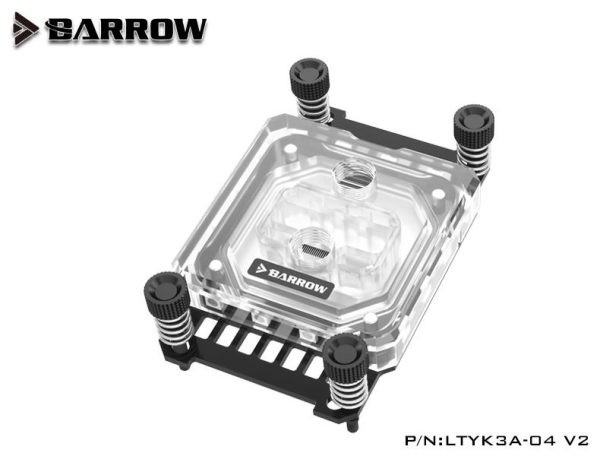
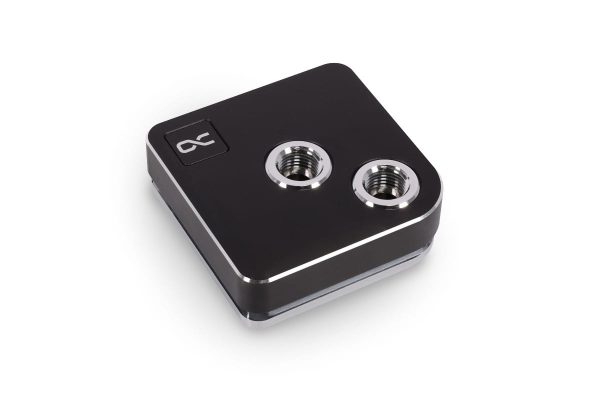
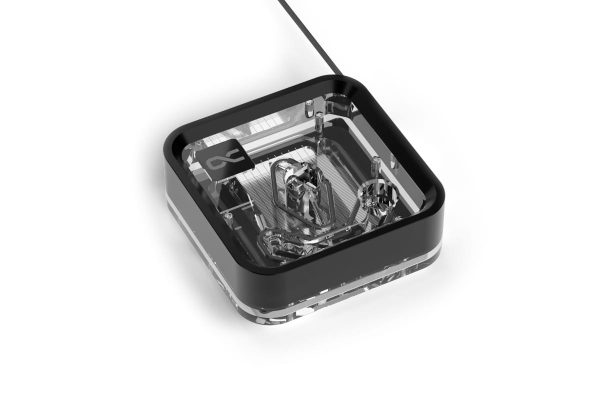
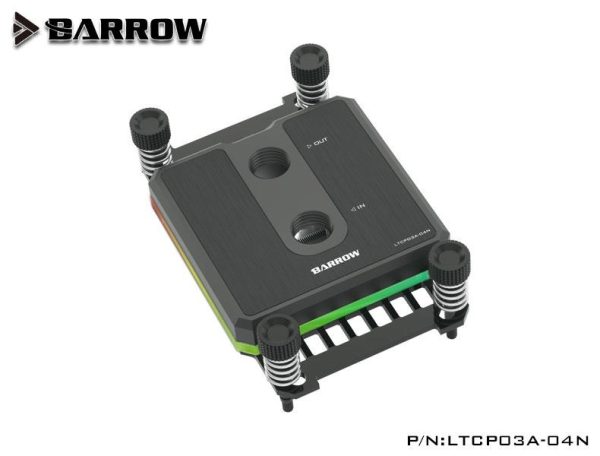
Water Blocks. The water block is the component that mounts directly onto your CPU, GPU, or other hardware. These are typically constructed from copper with precision-machined micro channels through which the cooling fluid flows, absorbing heat directly from the component’s surface. The quality of the micro channel design and the mounting pressure both play significant roles in thermal transfer efficiency.
- SKU: BAR-CP02
- MPN: LTYK3A-04-V2
- EAN: 6937826612077
- Available for Collection
- SKU: 1023311
- MPN: 13443
- EAN: 4250197134439
- SKU: 1025050
- MPN: 13886
- EAN: 4250197138864
- Available for Collection
- SKU: BAR-CP10
- MPN: LTCP03A-04N
- EAN: 6937826613661
- Available for Collection
Pump. The pump is responsible for circulating coolant throughout the entire loop, and it is arguably the most critical component for maintaining consistent flow and preventing heat buildup. One important consideration here: prioritising a pump with high head pressure rather than focusing solely on flow rate is very beneficial. High head pressure ensures the pump can overcome the restriction imposed by dense micro channel water blocks and large, complex loops. Without adequate head pressure, flow rates drop and thermal performance suffers accordingly.
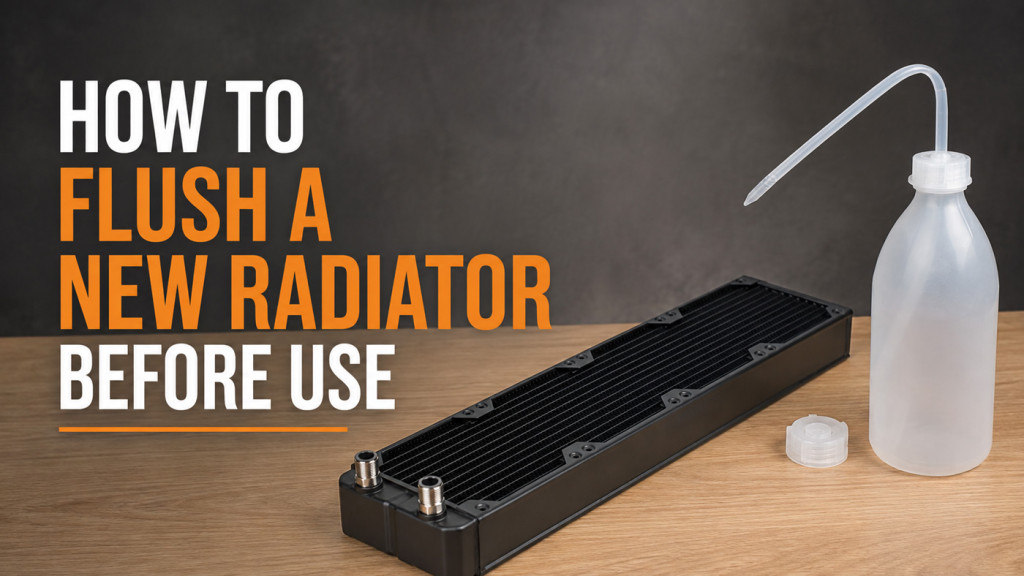
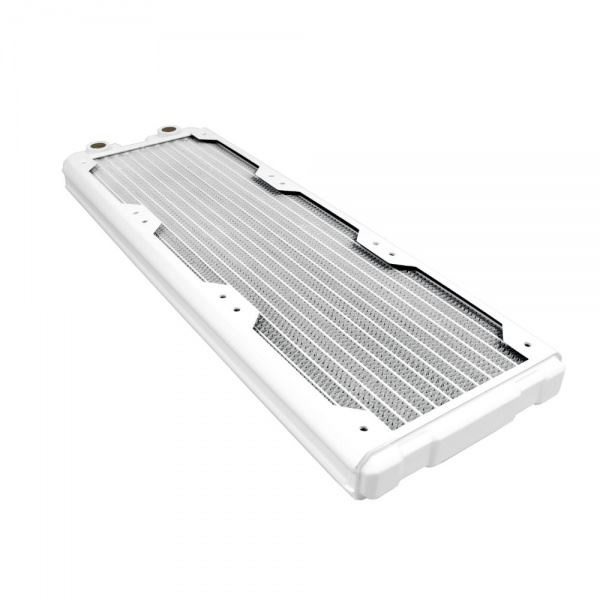
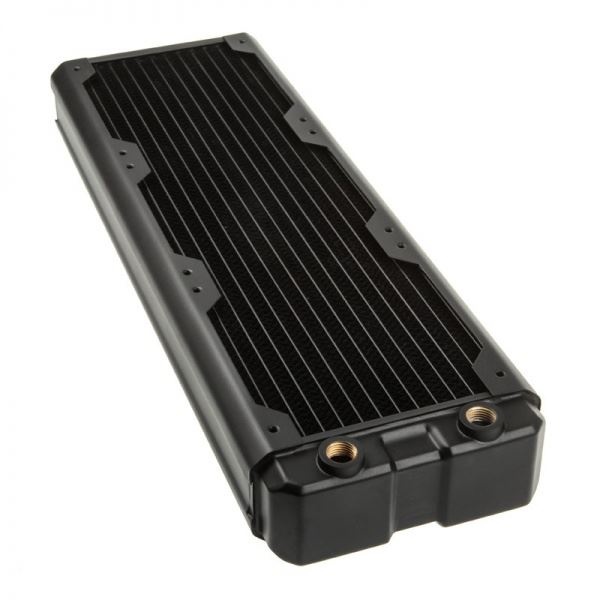
Radiator. Once the coolant has absorbed heat from the water block, it travels to a radiator where fans dissipate that heat into the surrounding air. Radiator size has a direct impact on cooling efficiency, with larger surface areas (a 360mm radiator versus a 120mm unit, for example) providing greater heat dissipation capacity. There is an important caveat, though. A radiator can only cool the liquid down to ambient room temperature. If your room runs hot or your PC case sits near a household radiator, the system’s cooling ceiling is reduced. This is a fundamental limitation that no amount of fan speed can overcome.

- SKU: HWL-R103
- MPN: Nemesis 360GTS-BK
- EAN: 4806518484631
- Available for Collection
- SKU: HWL-R219
- MPN: Nemesis 360GTS-WH
- EAN: 4806518483108
- Available for Collection

- SKU: HWL-R102
- MPN: Nemesis 240GTS-BK
- EAN: 4806518484624
- Available for Collection
- SKU: HWL-R127
- MPN: Nemesis GTX360-BK
- EAN: 4806518484716
- Available for Collection
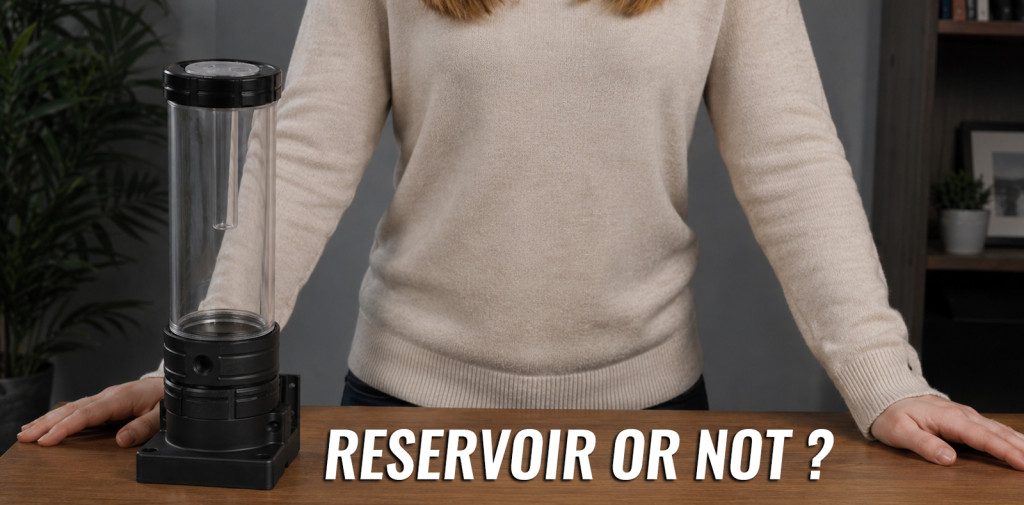
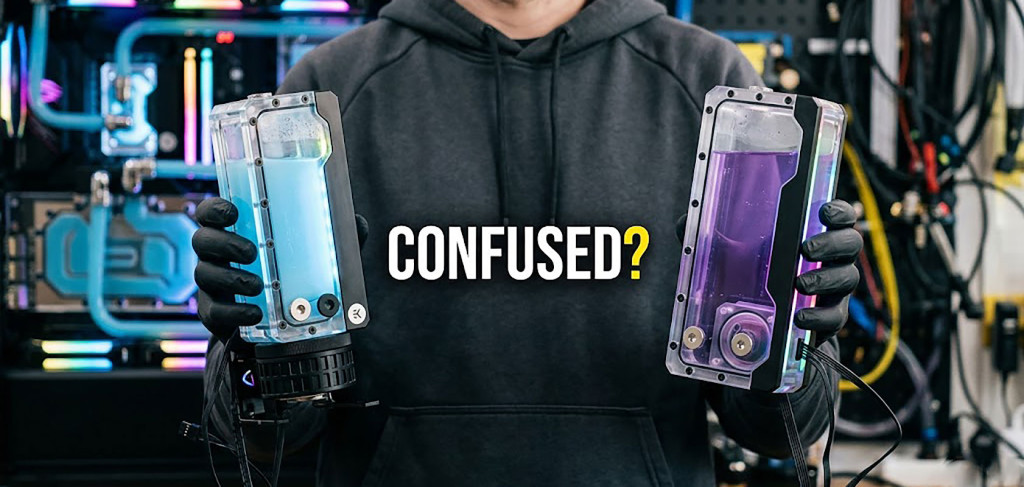
Reservoir. A reservoir holds extra coolant within the loop, making filling, bleeding air bubbles, and general maintenance considerably easier. Distro plates have become very popular over the last few years, often serving the dual purpose of a reservoir and a fill point. Many distro plates also incorporate built-in pumps, which simplifies the loop layout and can look superb in a build with good cable management.
Tubing. Tubing connects each loop component together, functioning in much the same way as household plumbing transfers liquid to your taps. The two primary categories are flexible tube (PVC or EPDM) and hard tube (acrylic, PETG, PMMA, copper, or stainless steel), available in a variety of outer diameters. Flexible tubing is far more forgiving for first-time builders, while hard tubing delivers a cleaner, more visually striking aesthetic at the cost of a steeper learning curve.
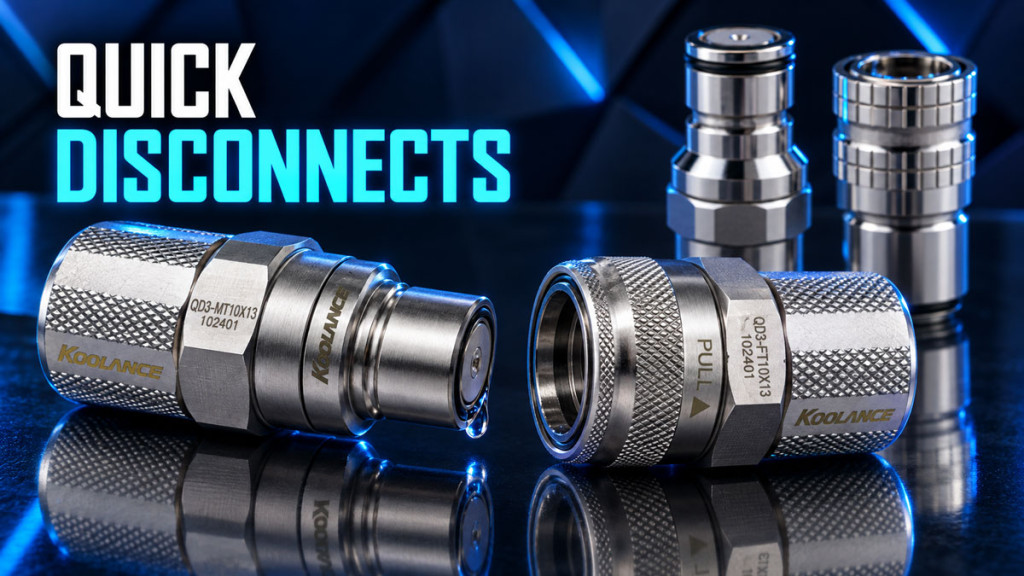
Fittings. Fittings ensure leak-proof connections between tubing and components, and they come in numerous sizes and colours. The most popular sizes are 16/10mm or 13/10mm for flexible tubing, and 14mm or 16mm for hard tubing. It is worth noting that the early days of watercooling (back in 2004 and earlier) offered only barbed fittings paired with flexible tube. These days, compression fittings are the standard, and they are reliably leak-free when installed correctly. A worthwhile upgrade over the old approach.
Types of Watercooling
- SKU: WASE-1032
- MPN: PH-GO360M25G2LCD_DBK01
- EAN: 0886523004202

- SKU: WASE-996
- MPN: G89.GHS2LCDS36CB.00
- EAN: 4718466021380
- SKU: WASE-999
- MPN: G89.GHS2LCDS36TW.00
- EAN: 4718466021373
- SKU: WASE-958
- MPN: TF3-360SCW
- EAN: 6970620555041
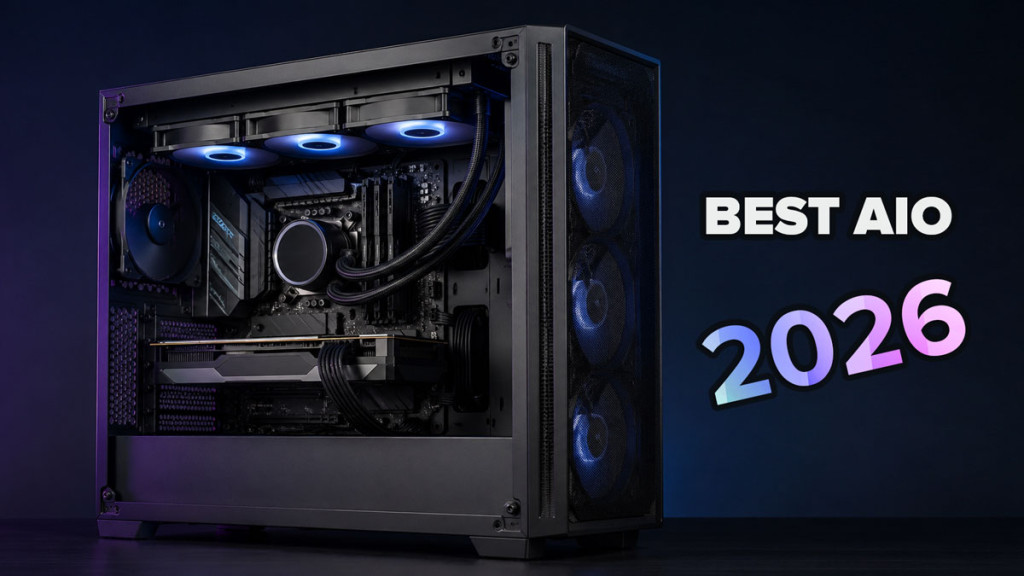
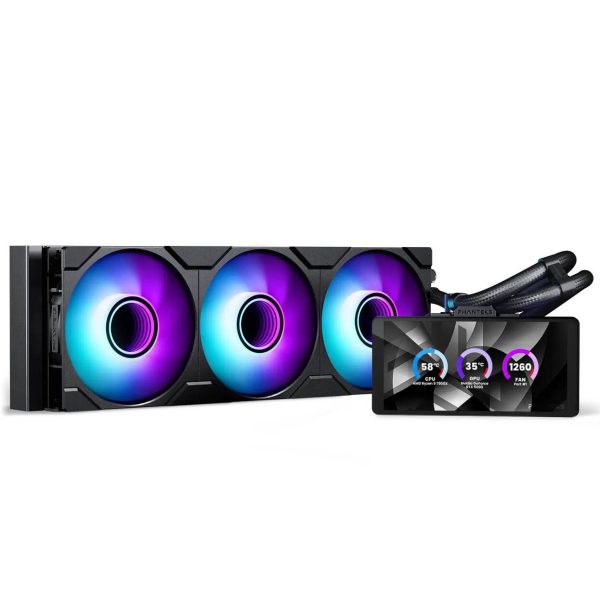
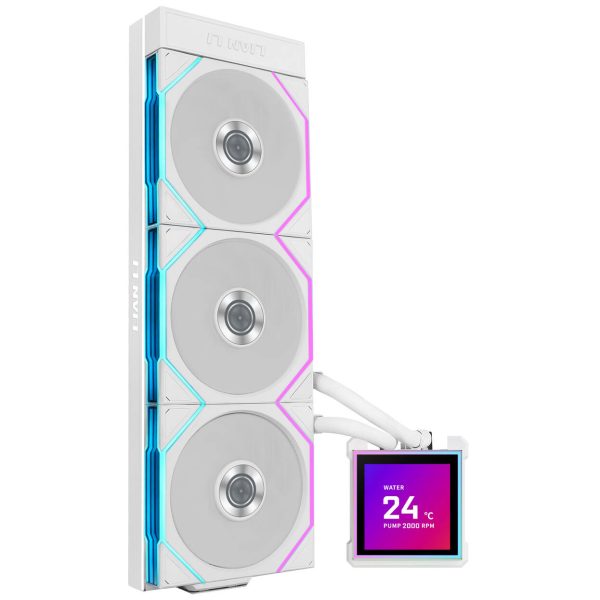
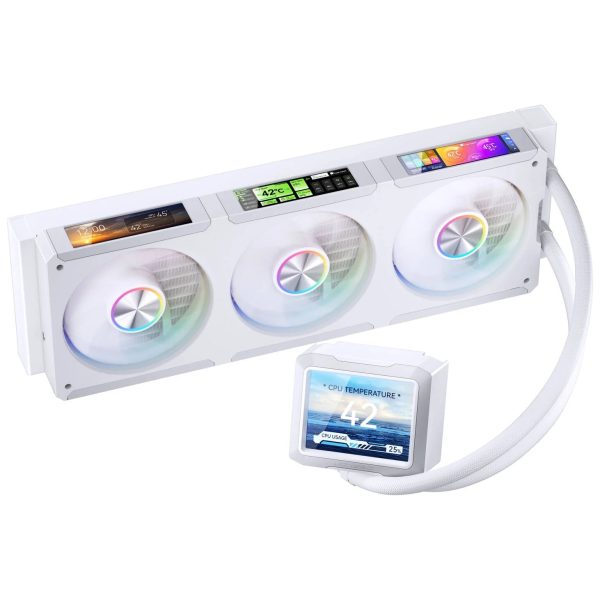
AIO (All-in-One). An AIO is a pre-assembled, closed-loop watercooling system. Installation is straightforward compared to a custom loop, and maintenance is essentially non-existent for most users. However, AIOs are not as flexible or thermally capable in high-performance setups. It is also worth noting that the cooling components inside most AIOs are constructed from aluminium to keep costs competitive in the mass market, which is a step down from the copper blocks and brass radiators found in custom loops. GPU-specific AIOs are also available for those looking to cool only their graphics card.
Custom Loop. A custom loop is built from individually selected components, sometimes mixing brands and colours, allowing for significantly more customisation in both performance and aesthetics. Enthusiasts generally prefer this route for its superior cooling headroom and visual appeal. The trade-off is that a custom loop requires considerably more planning, knowledge, and ongoing maintenance. For those willing to invest the time, though, the results can be stellar.
Advantages of Watercooling
Superior Cooling Efficiency. Water conducts heat more efficiently than air, which means a well-designed custom loop can handle higher thermal loads while maintaining lower component temperatures than equivalent air-cooled setups. This is particularly noticeable under sustained workloads where air coolers begin to struggle.
Noise Reduction. Because water transfers heat so effectively, fewer fans or lower RPM fans are required to achieve the same (or better) cooling result. The practical outcome is noticeably quieter operation, which is a significant benefit for noise-conscious builders.
Overclocking Potential. Lower temperatures provide more thermal headroom for aggressive overclocking, enabling the CPU or GPU to sustain higher clock speeds without butting up against thermal limits. For users pushing their hardware, this alone can justify the investment.
Aesthetic Appeal. Let’s not pretend this is not a major factor for many builders. Custom watercooling setups with clear tubing, coloured premixed coolant, and RGB lighting can deliver a genuinely impressive visual result. A full custom loop with well-routed runs will earn plenty of attention, and rightly so.
Disadvantages of Watercooling
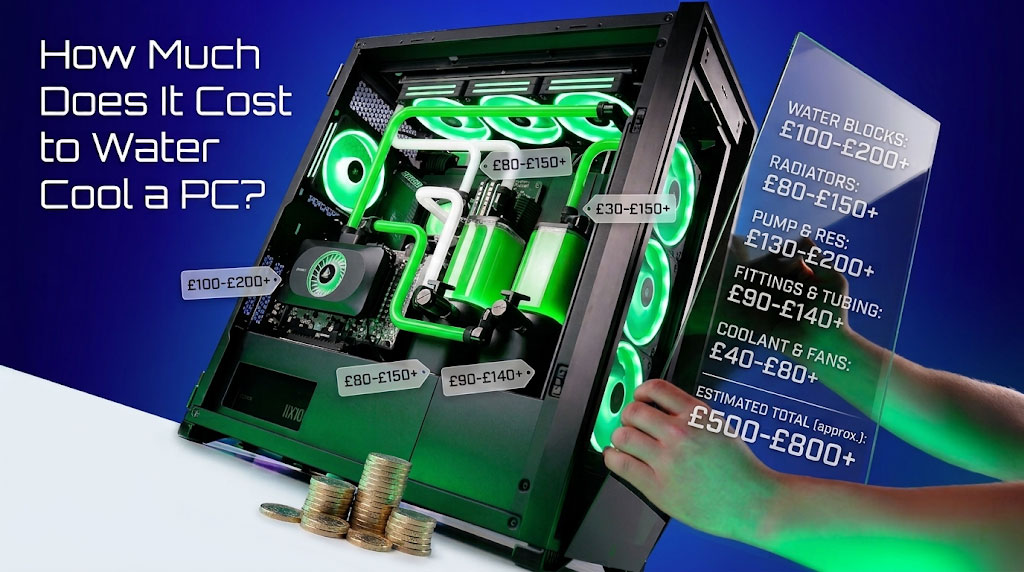
Cost. Watercooling is more expensive than air cooling. That is simply a fact. AIOs sit at a moderate price premium over tower coolers, but custom loops represent a significantly larger investment. Budget accordingly and plan the full component list before purchasing.
Maintenance. Custom loops require periodic maintenance, and we would recommend every six months as a minimum (or sooner when using opaque coolant). This includes draining and refilling the loop, checking for leaks, and cleaning components. Neglecting maintenance risks degraded thermal performance and, in worst-case scenarios, component damage.
Complexity. Building a custom loop takes time, knowledge, and careful attention to detail. Leaks or pump failures are genuine risks if corners are cut during the build process. The sensible approach: plan first, measure second, build third.
When to Consider Watercooling
Watercooling makes the most sense when you are pushing high-performance workloads such as gaming, rendering, or sustained overclocking. It is also a strong choice when noise reduction is a genuine priority, when your components are consistently overheating or triggering auto-shutdowns under existing cooling, or when you simply enjoy the customisation and aesthetics that a watercooling kit or custom loop brings to a build.
Ultimately, custom watercooling is not for everyone, and it does not need to be. But for those who value the combination of top-tier thermal performance, low noise operation, and a visually striking system, nothing else in the cooling market comes close. The upfront cost and maintenance commitment are real, but the results speak for themselves.