





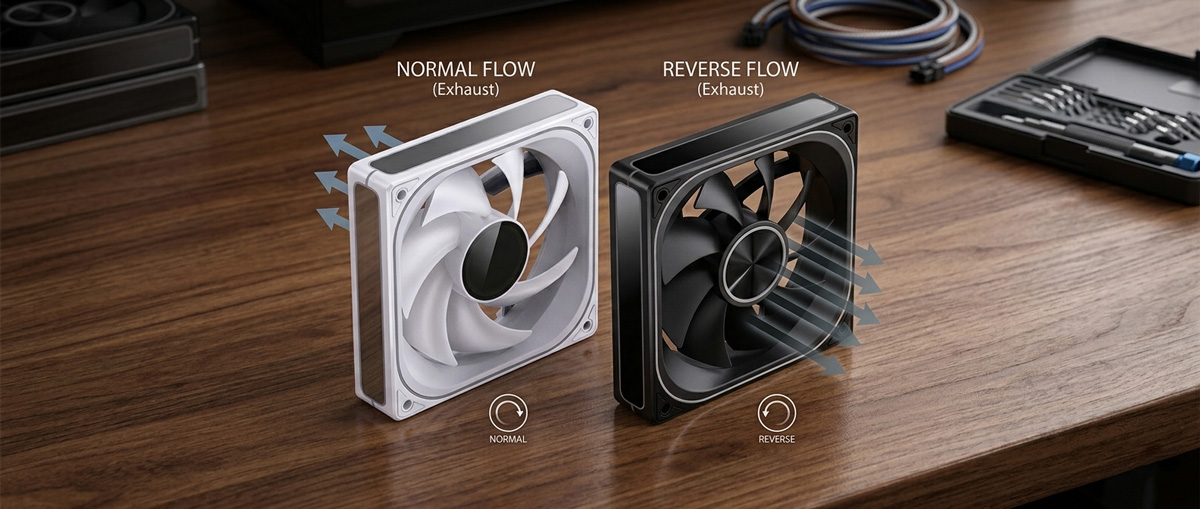
Normal vs Reverse Fans
Whether you are building your first PC or simply upgrading your cooling setup, understanding how your fans move air is one of the most important parts of the process. It is also, I would argue, one of the most overlooked. Get it wrong and your components could be running hotter than they need to be. Get it right, and you will enjoy quieter, cooler, and longer-lasting hardware.
In this guide, I will walk you through exactly how to determine which direction your PC fans blow, explain the difference between normal and reverse fans, and help you decide which type is right for your build. So, how do you tell which way a fan blows, and does it really matter? Let’s find out.
Why Fan Airflow Direction Matters
Every component inside your PC, your CPU, GPU, RAM, and storage, generates heat when under load. Your fans are responsible for moving cool air in and hot air out, creating a thermal channel that keeps everything running safely.
If even one fan is installed facing the wrong direction, it can disrupt that channel. Heat stagnates, temperatures climb, and you may find yourself scratching your head wondering why your system is running warmer than expected. I have seen this happen more times than I would like to admit.
Beyond cooling performance, airflow direction also determines case pressure. That is the balance between how much air enters versus how much leaves your case. This has a direct impact on dust accumulation and component longevity, so it is well worth getting right from the outset.
How to Tell Which Way a Fan Blows
There are several reliable ways to determine a fan’s airflow direction, both before and after installation. I will run through each method below.
1. Look for Airflow Direction Arrows
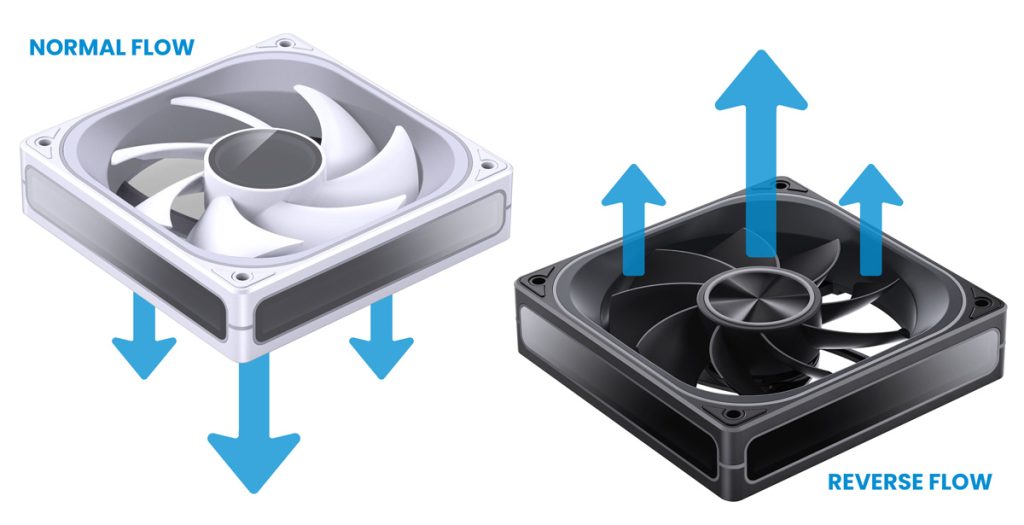
Many modern case fans have small arrows moulded or printed into their plastic frame. These arrows are often found along the side or edge of the fan housing. When you look at the side of a fan:
- The horizontally pointing arrow indicates the direction the fan blades spin.
- The vertically pointing arrow indicates the direction the air flows.
These markings can be quite subtle, so look carefully. They are sometimes near the corners or close to the motor housing.
2. Read the Fan Blades
If there are no arrows, the shape of the blades themselves will tell you everything you need to know. Fan blades are not flat. They are curved, and that curve determines airflow direction.
- Intake side: When you look at a fan and the blades appear to curve away from you (convex), that is the intake side. Air is drawn in from this face.
- Exhaust side: When the blades appear to curve toward you (concave, like the inside of a bowl), that is the exhaust side. Air is pushed out from this face.
On a subjective note, I find this method the most intuitive once you have done it a couple of times. It becomes second nature fairly quickly.
3. Look for the Sticker or Logo
On most fans, the branded sticker or logo is placed on the intake side of the fan. That is the side designed to face inward or toward the source of cool air. This is intentional, since that side is typically more visible through mesh panels or glass side panels.
- SKU: LUJB-012
- MPN: SL-120C
- EAN: 6970620553108
- Available for Collection

- SKU: LUJB-061
- MPN: ZB-120B
- EAN: 6970620554556
- Available for Collection
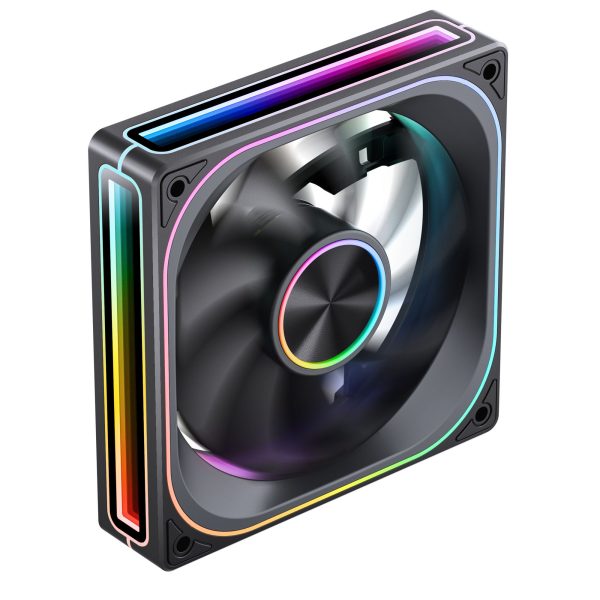
- SKU: LUJB-049
- MPN: ZA-120B
- EAN: 6970620554433

- SKU: LUJB-031
- MPN: FR-505W
- EAN: 6970620553481
It is not a universal rule, but it holds true for the vast majority of fans on the market.
4. Use the Motor Housing as a Guide
On standard (normal) flow fans, air flows away from the motor housing side. In other words, the side with the visible motor hub is the intake, and air exits from the opposite (blade-face) side.
On reverse fans, this is flipped. Air exits from the motor side. I will cover reverse fans in more detail further down.
5. The Tissue Paper Test
If you want to confirm airflow direction on an installed fan without removing it, hold a lightweight piece of tissue paper near one face of the fan with the PC running:
- If the tissue is pulled toward the fan, that side is the intake.
- If the tissue is pushed away, that side is the exhaust.
This is dead easy and works a treat every time. Just be sensible about it. Keep fingers away from spinning blades and avoid touching any live electronics.
Understanding Case Pressure: Positive, Negative, and Balanced
Once you know which way your fans blow, you will want to consider how they work together to create the right pressure inside your case.
Positive pressure means more air is flowing in than out. This pushes dust away from the interior and ensures components are constantly fed fresh, cool air. It is generally the recommended approach for most builds.
Negative pressure means more air is exhausted than intake. This quickly removes hot air from the case but tends to pull dust in through every gap and unsealed opening. That is not ideal for long-term maintenance.
Balanced pressure (equal intake and exhaust) offers a steady, consistent airflow channel and is a solid middle ground for most users.
For the best results, I would recommend aiming for slight positive pressure with dust filters on your intake fans. It is a relatively straightforward way to keep your system clean and cool.
Where to Place Your Fans
The classic rule for fan placement is simple: front and bottom for intake, rear and top for exhaust.
Here is why this works so well. Cool air enters from the front and bottom of the case, travels across your motherboard, CPU, and GPU, and is then expelled through the top and rear. This mirrors the natural rise of hot air and creates a clean, efficient airflow channel.
Intake fans (blowing air into the case) should be placed at:
- The front of the case
- The bottom of the case
Exhaust fans (blowing air out of the case) should be placed at:
- The rear of the case
- The top of the case
For AIO (All-in-One) liquid coolers, the fans attached to the radiator should pull cool air from outside the case through the radiator and exhaust the warm air into the case or directly out. This is most effective when the radiator is mounted at the top or front with fans configured as intake.
What Are Reverse Fans?
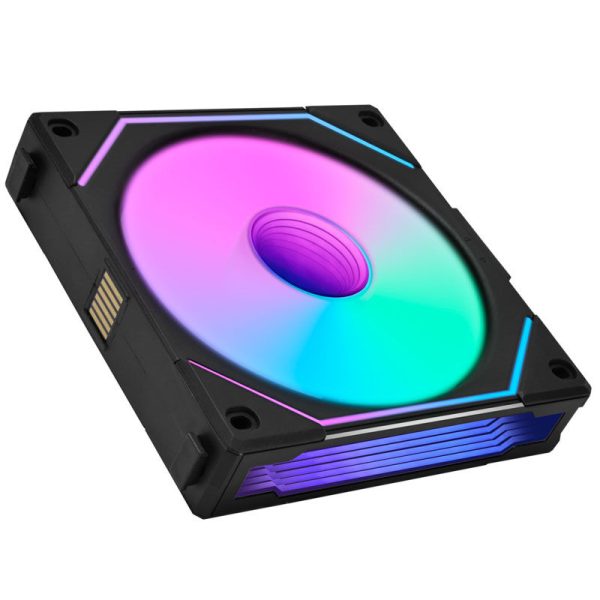
- SKU: LULI-053
- MPN: UF-RSLIN120-1B
- EAN: 4718466013194
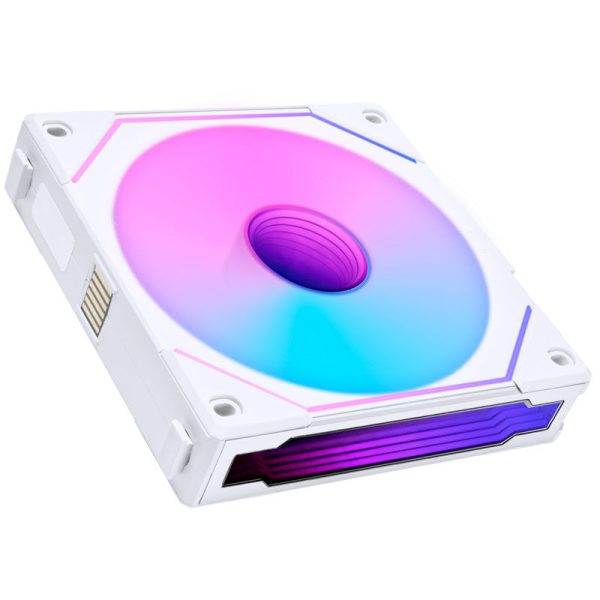
- SKU: LULI-054
- MPN: UF-RSLIN120-1W
- EAN: 4718466013200
- Available for Collection
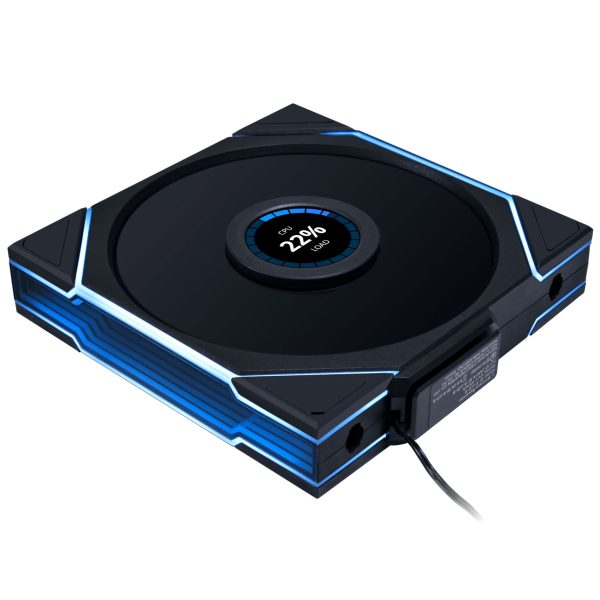
- SKU: LULI-129
- MPN: 14RTLLCD1W1B
- EAN: 4718466017543
- Available for Collection
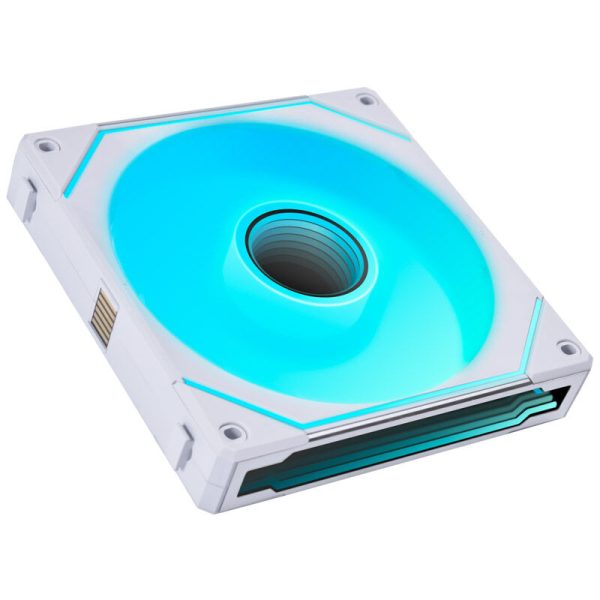
- SKU: LULI-086
- MPN: UF-RSLIN140-1W
- EAN: 4718466014900
- Available for Collection
Reverse fans look similar to standard fans at a glance, but their blade design is mirrored. This gives them the opposite airflow direction compared to a normal fan at the same orientation.
Where a standard fan would push air forward when mounted front-facing, a reverse fan pulls air from behind. This might seem like a simple fix achievable by just flipping a normal fan around. Technically, airflow-wise, it is. However, reverse fans exist to solve an important aesthetic and cable management problem, which I think is worth understanding.
Normal Fans vs Reverse Fans: What is the Difference?
The core difference is straightforward. A normal fan and a reverse fan, when mounted in the same orientation, blow air in opposite directions. The blade curvature is mirrored, so the intake and exhaust sides are effectively swapped.
This distinction matters quite a lot when you consider the visual and practical implications of fan mounting, particularly in modern case designs.
Why Would You Need a Reverse Fan?
The rise of seaview cases (PC cases with open or glass side panels where the interior is fully on display) is the primary driver behind the growing demand for reverse fans.
In many modern case designs, some fan positions require a fan to be installed with its back facing the viewer. With a standard fan, this means the ugly side, the motor hub, the cables, the structural frame, is what you see. The vibrant RGB lighting that makes the fan look great is hidden away facing the inside of the case. That is not exactly ideal if you have shelled out good money on funky visuals.
A reverse fan solves this by flipping the blade direction without flipping the fan itself. You get:
- The attractive front face of the fan visible through the glass.
- The correct airflow direction for that position in your case.
- Cleaner cable routing, since the connector side faces the direction that is easiest to manage.
Common Positions Where Reverse Fans Are Typically Used
- Bottom of the case. Intake fans where the ‘pretty’ side would otherwise face downward.
- Motherboard tray side panel. Where the RGB show is best viewed from the glass side panel.
- Power supply shroud area. Tight spaces where intake needs to come from an unconventional angle.
Do Reverse Fans Perform as Well as Normal Fans?
In terms of raw cooling performance, high-quality reverse fans are engineered to perform comparably to their standard equivalents. The blade reversal is accounted for in the aerodynamic design, so airflow (CFM) and static pressure ratings should be similar across matched products.
One thing worth noting is that since a reverse fan’s exhaust side (the motor hub side) faces outward when used as an intake, it lacks the airflow-shaping frame that standard fans have on their exhaust side. This means reverse fans can have a slightly less directed airflow stream. In practice, for most builds, this difference is negligible. That is particularly true when fans are matched to a well-designed case.
The bottom line is fairly simple. Choose normal fans for standard positions, and reach for reverse fans where aesthetics and cable management demand it.
Normal vs Reverse Fans at a Glance
| Normal Fan | Reverse Fan | |
|---|---|---|
| Blade angle | Standard forward curve | Mirrored/inverted curve |
| Airflow direction | Intake side to exhaust side | Pulls from opposite side vs standard |
| Best use | Front, top, and rear positions | Bottom, side panel, motherboard tray |
| RGB visibility | Best from intake side (front) | Best from outside the case |
| Cable routing | Connector faces inward | Connector faces the easy-route side |
Our Fan Range
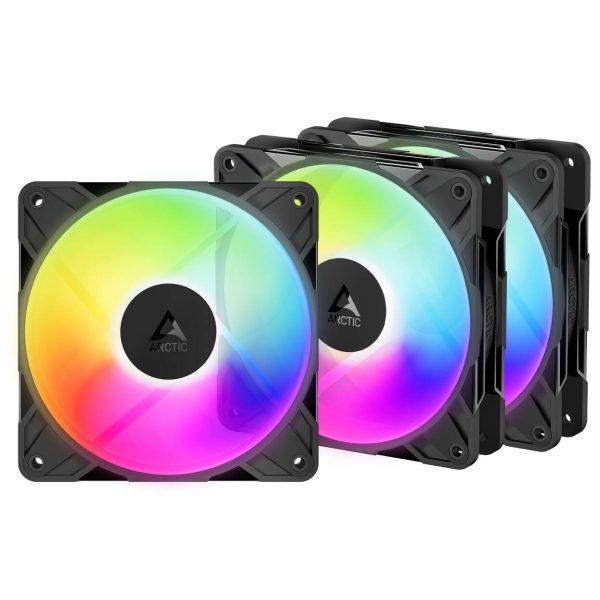
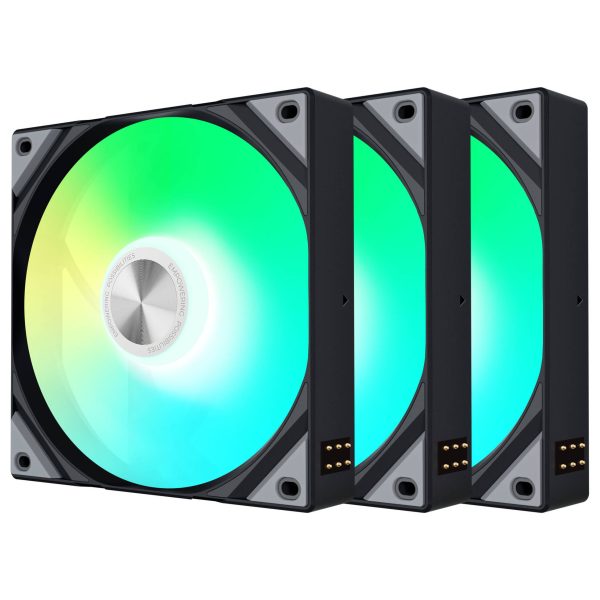
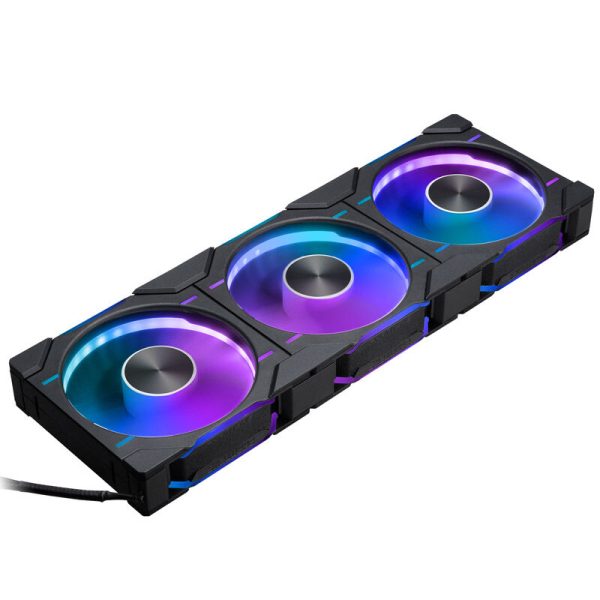
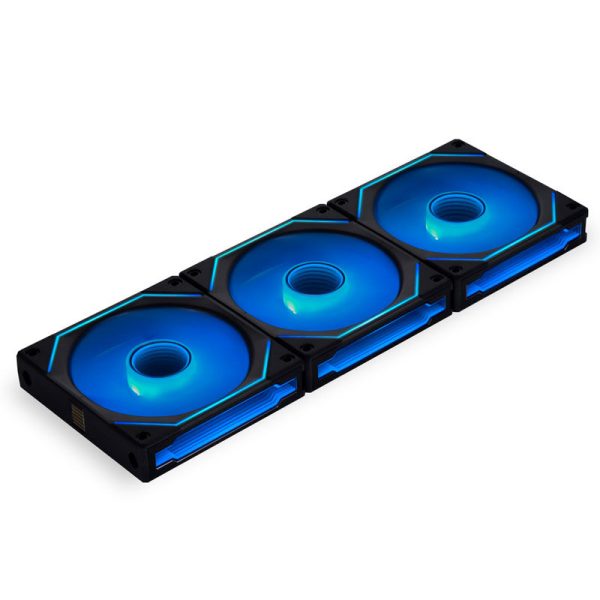
We stock both standard and reverse 120mm and 140mm fans to cover every build configuration. Whether you are setting up a classic front-to-back airflow layout or building a seaview rig where every fan needs to look its best, there are options to suit.
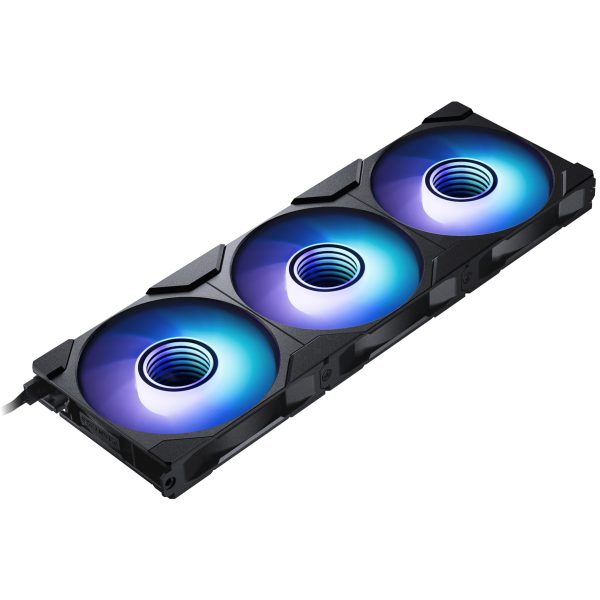
If budget is the priority, the Phanteks D30 triple packs are a solid starting point. They are available in both regular and reverse airflow versions at the same price, so you can pair them up without spending more on one type over the other. For a premium build with ARGB lighting, the Lian Li UNI FAN SL-INF range is hard to beat. The standard and reverse blade versions share the same triple-zone infinity mirror design, so the look stays consistent regardless of which positions you are filling.
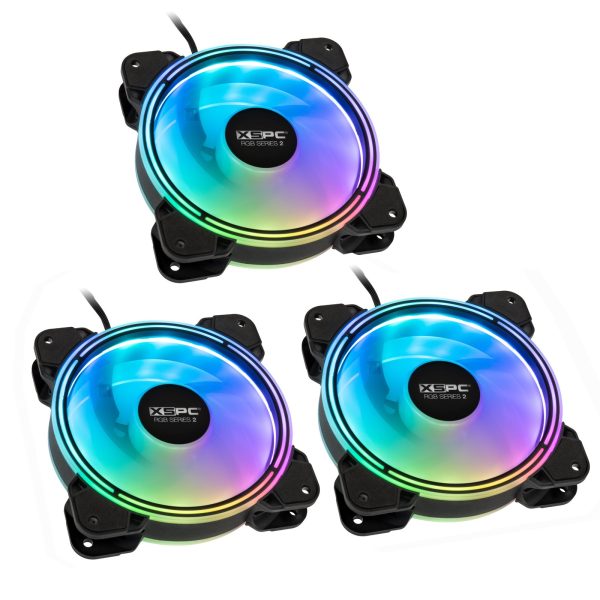
- SKU: XS-FAN-012
- MPN: 5060596651388
- EAN: 5060596651388
- Available for Collection
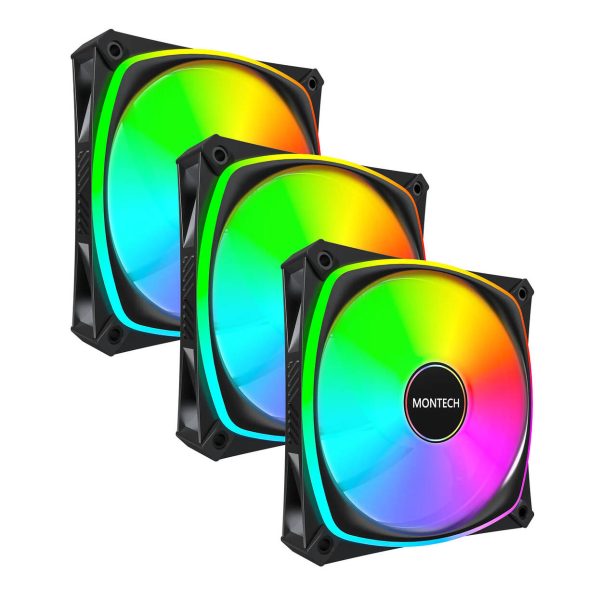
- SKU: LUMT-024
- MPN: AX120 PRO BLACK 3 IN 1
- EAN: 4710562742350
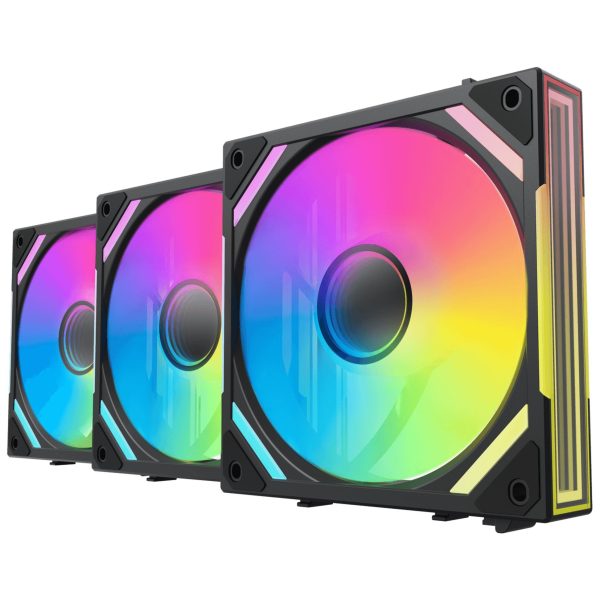
- SKU: LUAL-049
- MPN: 84000000228
- EAN: 4250280367300
- SKU: LUAR-154
- MPN: ACFAN00333A
- EAN: 4895265000720
- SKU: LUTX-009
- MPN: F-R120R-AM3M-G0K
- EAN: 6977029650636
- SKU: LUPH-085
- MPN: PH-F120D30R_DRGB_PWM_BK01_3P
- EAN: 0886523003052
- SKU: LULI-139
- MPN: 12RSLIN3B
- EAN: 4718466017925
- Available for Collection
- SKU: LUPH-103
- MPN: PH-F120M25R_G2_DBK01_3P
- EAN: 0886523003601
Quick Reference: Fan Installation Checklist
Before you close up your case, it is worth running through this checklist to make sure everything is set up correctly:
- Identify the airflow direction of each fan (arrows, blade curve, or sticker)
- Front fans are set to intake (blowing into the case)
- Bottom fans are set to intake (blowing up into the case)
- Rear fans are set to exhaust (blowing out of the case)
- Top fans are set to exhaust (blowing up and out)
- Dust filters are fitted on all intake fan positions
- Reverse fans are used in positions where aesthetics require the front face to be visible from outside
- Cables are routed neatly behind the motherboard tray
Summary
Getting your fan airflow direction right is one of the easiest wins in PC building. By understanding how to read the arrows and blade curves on your fans, and by choosing the correct fan type (normal or reverse) for each position in your case, you can build a system that runs cool and looks great.
For those who are new to all of this, I would say the tissue paper test alone is worth remembering. It is dead easy, costs nothing, and confirms in seconds whether your airflow is going the right way. I do think the distinction between normal and reverse fans is increasingly important, too, given how many modern cases put the interior on full display. It is not just about thermals any more. It is about making the whole build look as good as it performs. If you have any questions about which fans are right for your build, the WCUK team are here to help.